

In business, it is important to disseminate knowledge gained in the course of work within the company so that other employees can check it. In addition, platforms can make it easier to share knowledge, thereby reducing work time and training costs.
However, since there are a wide variety of knowledge sharing platforms, many people may wonder which one is best suited for their company.
In this issue, we will focus on 8 best knowledge sharing platforms and how to choose one for below peopple.
- “I want to consolidate the knowledge held by employees in one place for easier management.”
- “I want to compare knowledge sharing platforms and choose the best one for your company.”
- “I want to know what to look for when selecting a knowledge sharing platform.”
This article will help you find the best platform for your company’s knowledge sharing and relieve your workload.
Contents
- 1 What is a knowledge sharing platform?
- 2 3 merits of implementing a knowledge sharing platform
- 3 5 points for selecting a knowledge sharing platform
- 4 2 famous free knowledge sharing platforms
- 5 <Comparison chart> List of famous free knowledge sharing platforms
- 6 2 Chat-based knowledge sharing platforms
- 7 <Comparison chart> Chat-based knowledge sharing platforms
- 8 2 file management type knowledge sharing platforms
- 9 <Comparison chart> List of file management type knowledge sharing platforms
- 10 2 multifunctional knowledge sharing platforms
- 11 <Comparison chart> List of multifunctional knowledge sharing platforms
- 12 Summary of 8 internal knowledge sharing platforms with comparison
What is a knowledge sharing platform?
A knowledge sharing platform is a platform that allows you to check and share knowledge with your entire team.
In today’s world of increasing human resource mobility, it is important to share knowledge and keep useful information within the company. However, with paper, Word, and Excel, it is easy for knowledge to be managed by a single person, and knowledge must be shared by e-mail.
Therefore, by using a “knowledge sharing platform” that centralizes the accumulation and sharing of knowledge, all team members can immediately check the information they needed. This leads to increased work efficiency.
3 merits of implementing a knowledge sharing platform
Below are 3 merits of knowledge sharing platforms. If you have been using analog methods to share knowledge, this is a must-see.
(1) Prevent the knowledge from becoming a personalized one
First of all, platforms have the merit of making it easier to prevent the knowledge from becoming a personalized one.
With paper and Excel, it is easy for management to become complicated, and a “situation where the desired information is lost” is apt to occur. When knowledge becomes personalized in this way, useful information is lost with transfers and retirements, and it takes time to fill in the gaps in business operations.
However, with a platform, each person’s knowledge can be consolidated in one place. This means that everyone on the team has immediate access to the knowledge.
(2) Reduced work time
The next advantage is the reduction of work time.
For example, in the case of inquiry work, if past inquiries and response histories are compiled in the platform, you will instantly know what needs to be done. This makes teams not to need to ask questions to the person in charge one after another, thus speeding up the work process.
In addition, many platforms are equipped with a “search function” so that you can smoothly find the information you need even if the amount of knowledge you have accumulated increases.
(3) Reduce training costs
Finally, the platform can also reduce training costs in terms of time.
Knowledge contains work procedures and key points, and can be used as a manual or SOP for new employees. This solves the need for supervisors to teach their subordinates all the time.
In particular, if the platform is “a tool that even those who are not familiar with IT can use immediately,” it does not take time to teach its operation, and more effort can be put into other tasks.
5 points for selecting a knowledge sharing platform
Here are 5 points to consider when selecting a knowledge sharing platform. To use the best knowledge sharing platform for your company, keep the following points in mind.
(1) Does it have a template function?
First, as a platform selection point, you should check whether the platform has a template function.
Without templates, even if you use the platform, it will take time to create and modify the knowledge, and the work may be put off until later. In the worst case scenario, knowledge that is not appropriate for practical use may be left behind.
Therefore, choose a platform with a template function not only to reduce the burden of knowledge creation, but also to maintain the quality of the content.
(2) Does it support multiple devices?
Next, check if the platform is multi-device compatible.
If the platform is smartphone-compatible, it is convenient to use while business trip or on the road. Also, since all employees can easily check the knowledge, it will be easier to encourage internal use of the platform.
However, some platforms are difficult to operate on the small screen of a smartphone, and as a result, their use is limited. Therefore, you should use platforms that are optimized for all devices, including PCs, tablets, and smartphones.
(3) Is the security excellent?
Next, make sure that security is excellent.
Knowledge contains a lot of confidential corporate information. If the knowledge is leaked, it could cause serious damage, so the platform that manages the knowledge should pay close attention to security.
As a standard for security, it is recommended to check whether the company has obtained ISO27001, an international security certification. Be sure to check this as it is an indicator of whether or not strict security standards are met.
(4) Can the information you need be found quickly?
Next, it is also important to be able to find the information quickly.
For example, if the platform has a search function, you can access information simply by entering keywords. In addition, if the platform has the ability to sort knowledge by category, there is no need to worry about the information getting mixed up.
Therefore, when selecting a platform, check not only whether it has a search function, but also whether it can organize information in an easy-to-understand manner.
(5) Is it easy for everyone on the team to use?
Finally, the platform should be easy to use for everyone in the team.
A platform with many functions may be difficult to use because it is complicated to operate, and employees may not be able to take advantage of it. Therefore, “platforms that are easy to use even for people who are not good at IT” are required.
Among them, Stock, which is not equipped with an excessive or insufficient functions necessary for knowledge sharing, can be used intuitively even by people in non-IT companies.
2 famous free knowledge sharing platforms
Below are 2 famous, free knowledge sharing platforms.
The most important factor in selecting a knowledge sharing platform is its simplicity. A multifunctional platform may waste money if there are functions that are not used, and may be too complicated for employees to use properly.
Also, a platform that allows information to flow like a chat platform will cause burden because knowledge will not be retained. Therefore, you must choose a platform that has all the functions necessary for knowledge sharing and that allows information to be easily retained.
In conclusion, the best platform for knowledge sharing is Stock, which can stock all kinds of information and can be used immediately by employees of a non-IT company.
By describing knowledge in “Note” of Stock, information can be stored without flowing. In addition, “Message” are tied to the notes to facilitate smooth communication, and “folders” can be used to sort knowledge by category.

The simplest tool to stock information "Stock"
https://www.stock-app.info/en/
Stock is the simplest tool to stock information. Stock solves the problem, "there is no easy way to stock information within the company".
With Stock, anyone can easily store all kinds of information, including text information such as requirements, images, and files, using the Note feature.
In addition, by using the "Task" and "Message" functions, you can communicate with each topic described in the Note, so that information is not dispersed here and there and work can always be carried out in an organized manner.
<Why do we recommend Stock?>
- A tool for companies that are not familiar with ITYou don't need to have any IT expertise to get started.
- Simple and usable by anyoneStock is so simple that anyone can use it without any unnecessary features.
- Amazingly easy information storing and task managementIt is amazingly easy to store information such as shared information within a company, and intuitive task management is also possible.
<Stock's pricing>

- Free plan :Free
- Business plan :$5 / User / Month
- Enterprise plan :$10 / User / Month
*Minimum number of users: 5 users
Microsoft Teams Microsoft365 platform for remote work

<Features of Microsoft Teams>
- Documents can be stored in one place.
- Translation functionality
Files and chat exchanges sent during meetings remain intact, so you can save important knowledge and know-how in one place.
The built-in translation function facilitates knowledge sharing even among teams with members of different nationalities.
<Notes of Microsoft Teams>
- Heavy operation and strange behavior in many cases
Some users say that the screen often gets stuck and they cannot synchronize, or that the operation is slow.
<Price of Microsoft Teams>
- Microsoft Teams Essentials: $4/user/month
- Microsoft 365 Business Basic: $6/user/month
- Microsoft 365 Business Standard: $12.50/user/month
<Comparison chart> List of famous free knowledge sharing platforms
Here is a comparison chart of two simple free knowledge sharing platforms.
| Stock [most recommended] | Microsoft Teams | |
|---|---|---|
| Features | Easiest way to share knowledge | Can be used for remote work |
| Note | No video call feature | Not suitable for non-IT company, but for major company |
| Fees | ・Free of charge ・Even with paid plans, $5/user/month | ・Free of charge ・Paid plans are from $4/user/month |
| Official website | For more information about Stock, click here. |
2 Chat-based knowledge sharing platforms
Below are 2 chat-based knowledge sharing platforms. We recommend these platforms for those who place importance on smooth communication.
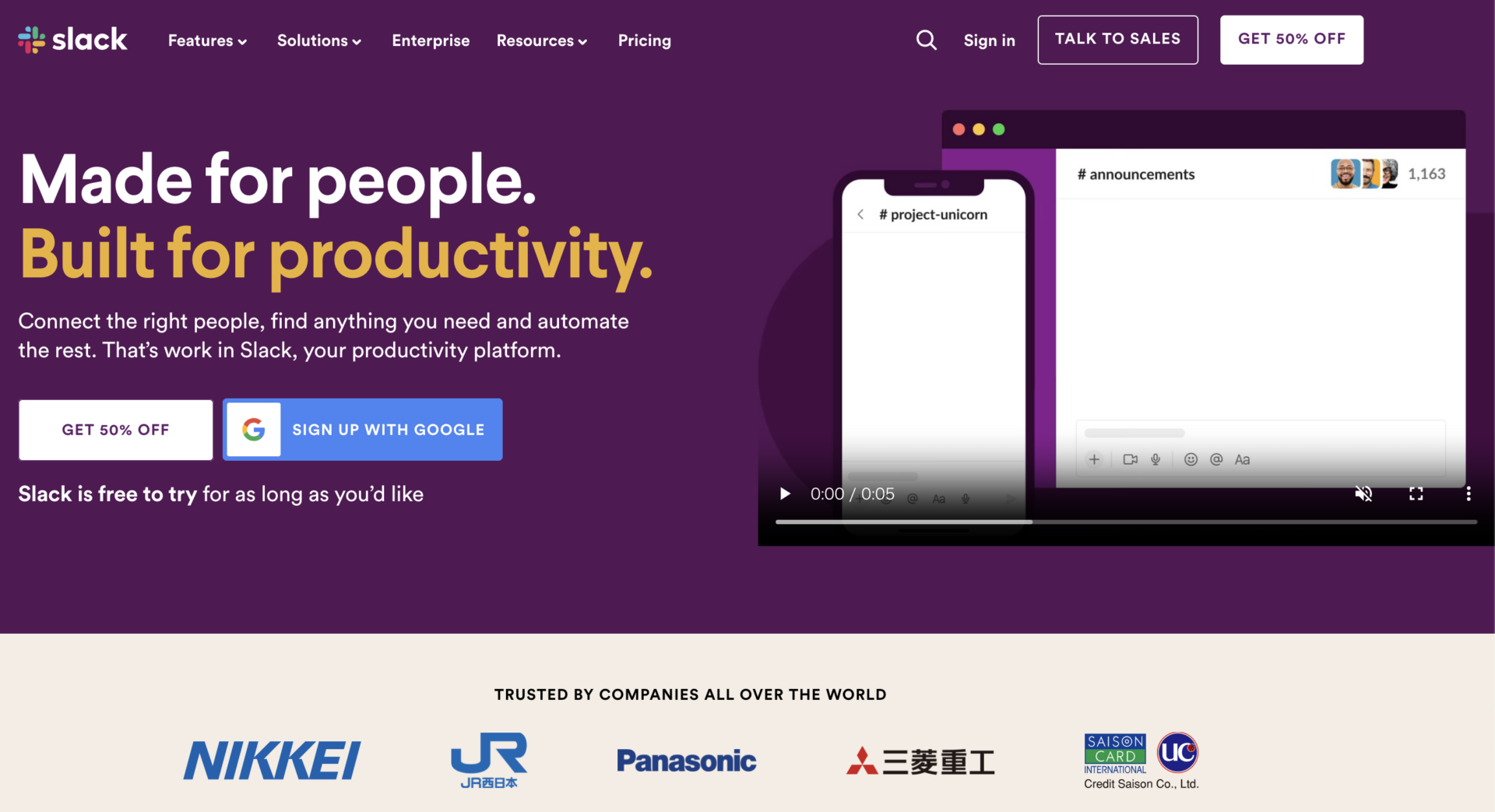
Slack|A platform to organize team communication
<Features of Slack>
- Knowledge can be categorized
- Security features
You can categorize knowledge by setting up channels and members for each department or project using the “Channels” feature.
All data is encrypted, and highly confidential information and knowledge can be restricted by setting a “private channel” for viewing.
<Note of Slack>
- Knowledge can be categorized
By making the Channel and Thread carelessly, you will take time to search information that you need.
<Price of Slack>
- Free: Free of charge
- Pro: $8.75/user/month (monthly payment)
- Business Plus: $15/user/month (monthly payment)
- Enterprise Grid: You need inquiry
WhatsApp|Chat tool that most-used of the world

<Features of WhatsApp>
- Communication with the member you need
- Specialized in simple message
If the person that you want communicate with introduced WhatsApp such as your team member, you can contact from anywhere, anytime easily.
Since the function of WhatsApp is simple that does not have Stamp, Timeline and Pictograph, you can message other people easily.
<Note of WhatsApp>
- Difficult to save the old data as archive
Since WhatsApp is chat tool, it is difficult for team to manage various knowledge on it.
<Price of WhatsApp>
- Free of charge
<Comparison chart> Chat-based knowledge sharing platforms
Here is a comparison chart of 2 chat-type knowledge sharing platforms.
| Slack | ||
|---|---|---|
| Features | Enables smooth communication | Specialized in simple message function |
| Note | Too many channels can be troublesome to manage | The knowledge will be buried by other message |
| Fees | ・Free of charge ・Paid plans are available from $8.75/user/month (monthly payment) | ・Free of charge |
| Official website |
2 file management type knowledge sharing platforms
Below are two file management type knowledge sharing platforms. These platforms are recommended for those who want to access the desired file immediately.
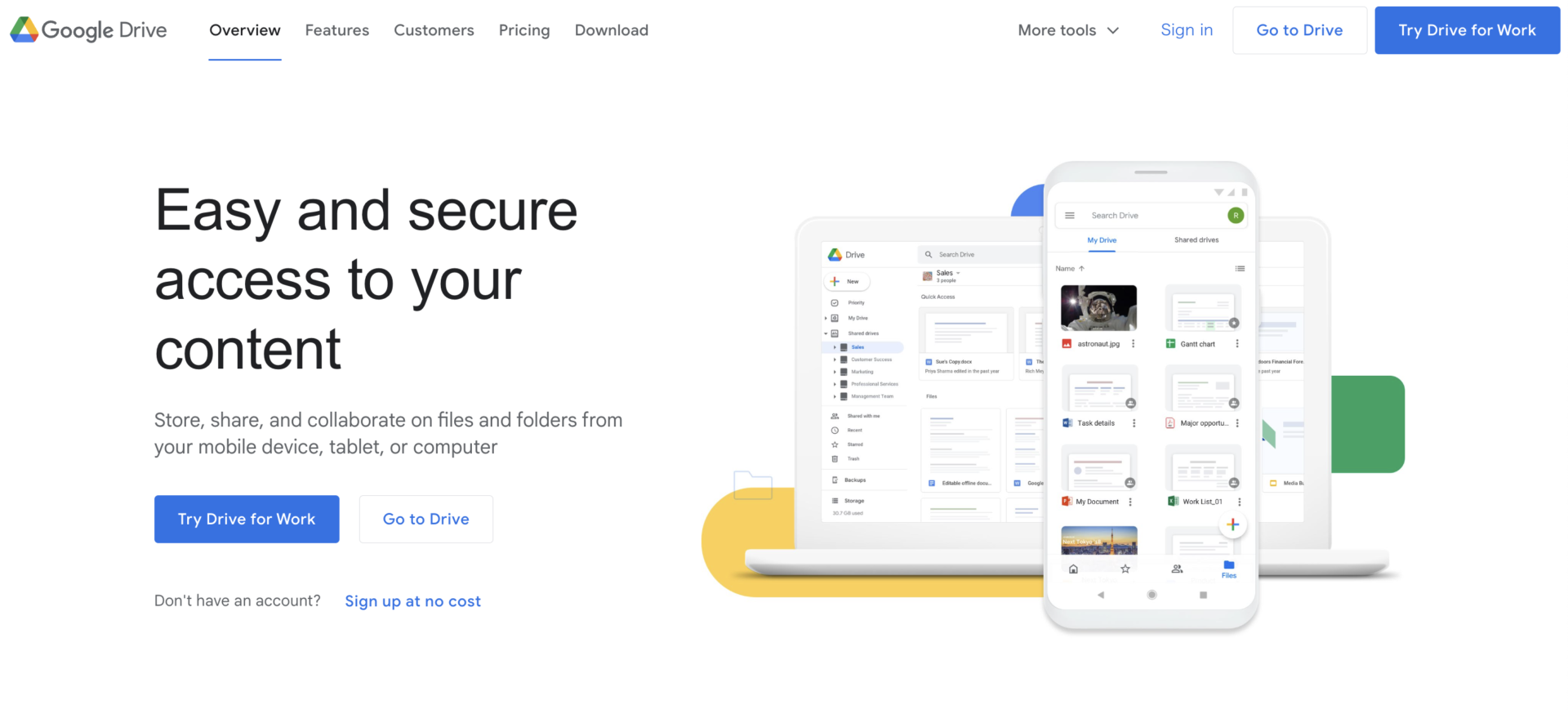
Google Drive|A platform to consolidate various files
<Features of Google Drive>
- Able to consolidate knowledge files
- Supports multiple devices
You can consolidate and manage various files such as PDF files, document files, and video files.
Google Drive is compatible with multiple devices, making it easy to search for knowledge while on the move or at a sales location.
<Note of Google Drive>
- The free version cannot store a large number of files
Some users say that it is too expensive to store a large number of files at once for free use.
<Price of Google Drive>
- For Personal: Free of charge
- Business Standard: $12/user/month
Below is the fee structure of “Google One,” a subscription plan that allows users to purchase additional storage space on Google Drive.
- Basic: $1.99/user/month
- Standard: $2.99/user/month
- Premium: $9.99/user/month
Dropbox|A file sharing platform that can be used by individuals

<Features of Dropbox>
- You can see the status of file updates
- Folder permissions can be managed
The date, time, and editor of online files are recorded.
You can grant either edit permissions or read-only permissions to the people with whom you share folders, so you can feel secure in terms of security.
<Note of Dropbox>
- Cannot download files by folder
Some users find it inconvenient because they have to select files one by one to download them.
<Dropbox fee structure (business plan)>
- Free plan: Free of charge
- Professioal: $19.99/user/month (monthly payment)
- Standard: $18/user/month (monthly payment)
- Advanced: $30/user/month (monthly payment)
- Enterprise: You need inquiry
<Comparison chart> List of file management type knowledge sharing platforms
Here is a comparison table of two file management type knowledge sharing platforms.
| Google Drive | Dropbox | |
|---|---|---|
| Features | Files in various formats can be saved. | Can store a large number of files even with a personal plan. |
| Notes | To store a large amount of information, you need to subscribe to a paid plan. | Cannot download files in batches. |
| Price | ・Free of charge ・Paid plans are available from $12/user/month/user/month | ・Free of charge ・Paid plan is from $18/user/month (monthly payment) |
| Official website |
2 multifunctional knowledge sharing platforms
Below are 2 versatile knowledge sharing platforms, recommended for IT-savvy teams.
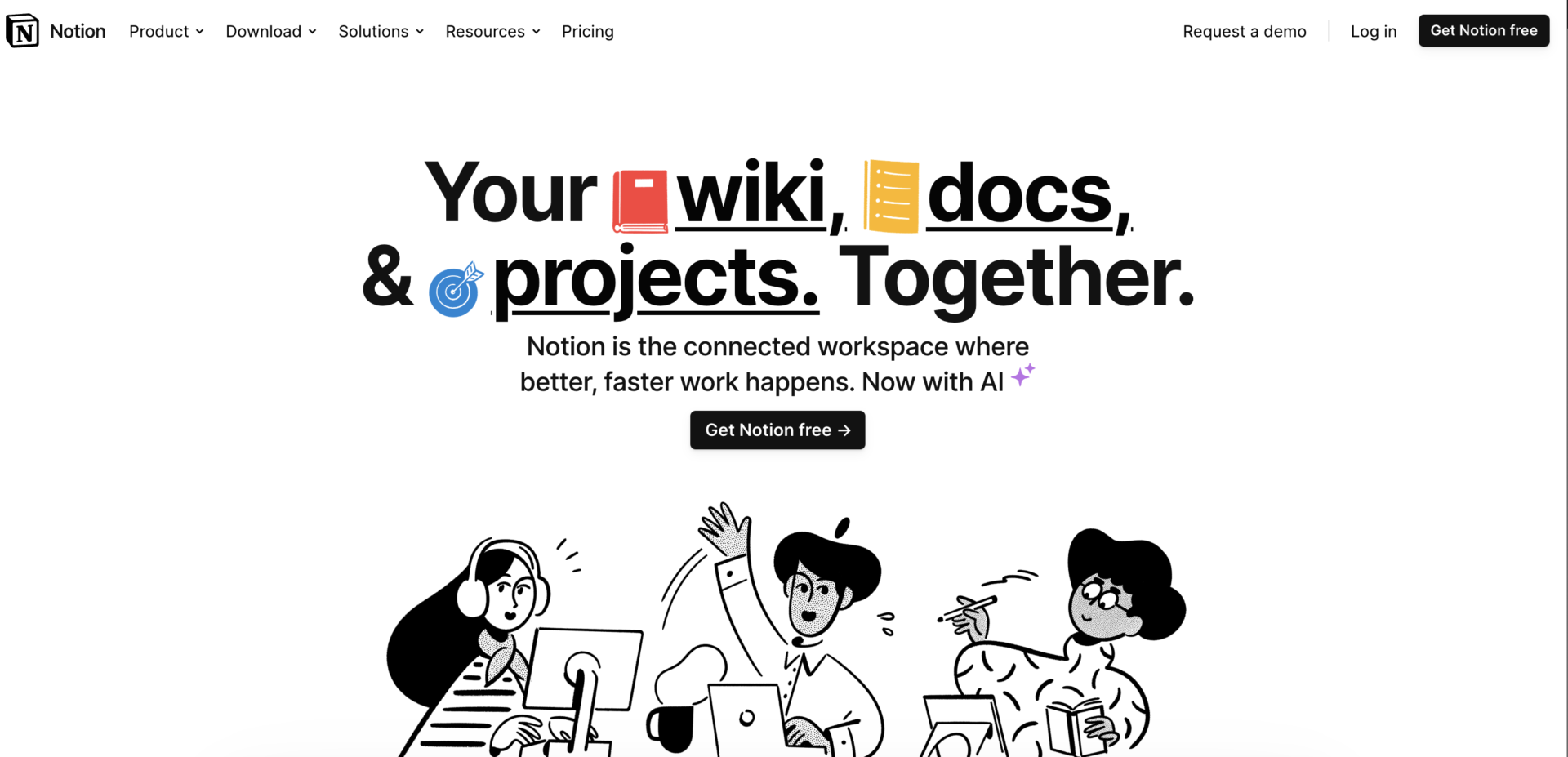
Notion|Highly functional platform to store information
<Features of Notion>
- Various Functions
- Can share information to internal and external
Notion has a wide variety of functions, so it can be used for all kinds of purposes, including task management, project management, and internal wikis.
Knowledge stored in Notion can be shared with internal and external parties by issuing a shared link.
<Notes on Notion>
- Difficult to master due to its multiple functions
- Be careful about handling share link
Due to its multiple functions, it may be difficult to use if you are not an IT expert.
Pages can be easily shared externally by issuing a share link, but in order to prevent information leakage, non-administrators should be trained not to create share links.
<Price of Notion>
- Free: Free of charge
- Plus: $10/user/month (paid monthly)
- Business: $18/user/month (paid monthly)
- Enterprise: You need inquiry
Confluence|A platform that is Atlassian released

<Features of Confluence>
- Major 3 functions for efficiency
- Integration with other major tools
The functions that are “Page”, “Whiteboard”, “Space”, make you to manage information in knowledge base easily made by internal and external member.
Confluence can integrate with other major tool such as Slack, Dropbox, Google Drive to organize information.
<Notes on Confluence>
- Privilege settings are for paid plans only
Although you can use Confluence for free, some functions is limited at free plan such as privilege, archive, Analytics of user engagement and so on.
<Price of Confluence>
- Free: Free of charge
- Standard: $5.75/user/month (paid monthly)
- Premium: $11/user/month (paid monthly)
- Enterprise: You need inquiry
<Comparison chart> List of multifunctional knowledge sharing platforms
Here is a comparison chart of two multifunctional knowledge sharing pratforms. (Scroll left and right)
| Notion | Confluence | |
|---|---|---|
| Features | Quickly find the knowledge you are looking for | Integrate with other tools for managing knowledge |
| Notes | Tends to become heavy when videos are uploaded | The functions such as privilege setting that you have to use to prevent the information leak is limited by free plan |
| Fees | ・Free of charge ・From 10/month | ・Free of charge ・$5.75/user/month |
| Official site |
Summary of 8 internal knowledge sharing platforms with comparison
We have focused on 8 best internal knowledge sharing platforms and how to choose one.
When selecting a knowledge sharing platform, you must determine not only how easy it is to find information and how strictly secure it is, but also whether it is “easy for all team members to use”.
If the platform is simple and intuitive, knowledge can be shared smoothly without the need to teach how to use it. Another criterion should be “whether or not all knowledge can be left behind” because the desired information will be buried in a chat tool.
In conclusion, “Stock” is the best choice because it can reliably store knowledge in a “Note” and even those unfamiliar with IT can use it immediately.
Free registration takes only 1 minute, so using Stock to create an environment where you can easily accumulate and share knowledge.
