

There are disadvantages to sharing information via e-mail, such as not being able to check the contents with everyone at the same time and important information being buried in the received folder. To prevent such a situation, an “Email management software” is useful for smoothly sharing Emails to the entire team.
However, there are many people who are considering the introduction of a new softwarre but are unsure of the advantages and services that match their company’s needs.
In this issue, we will focus on 5 recommended softwares for centralized e-mail management for below people.
- “I am having trouble with important information buried in a large volume of Emails.”
- “Confused by multiple management methods other than Email, such as chat and notes.”
- “I want to know how people who are good at managing Emails do it.”
If you are in charge of email management, this article will help you find the best email sharing system for your company and get rid of troublesome email management.
Contents
3 points to consider when selecting a Email management software
Here are 3 points to consider when selecting an “Email sharing software” to centralize Email addresses and information. To avoid mismatches after the software is introduced, ensure that the following 3 points are taken into account.
(1) Is the operability simple?
The most important point is Is the operability simple?
If the operation method is difficult, employees who are not familiar with IT will not be able to use it, which may adversely affect their work efficiency. In addition, training costs will also be incurred after the introduction of the software.
Therefore, to ensure that everyone can operate the software without burden and to avoid unnecessary training costs, choose a simple software that can be used intuitively.
(2) Can it be accessed regardless of device?
The second point is that the system should be accessible from any device.
If the software can be used from various devices such as tablets and smartphones as well as PCs, employees who are on the move or out of the office can check their Email freely. This makes it difficult for a time lag to occur in information sharing.
In this way, choose a software that supports a variety of devices in order to manage Email and information in real time, both inside and outside the company.
(3) Can the information be managed without buried?
The third point is the ability to manage information without information buried.
If important Emails are buried under unnecessary Emails, the risk of missing confirmations increases. As a result, the project may be delayed, or the same e-mail may have to be shared again.
Therefore, it is important to select a software that can ensure that important information is not lost. For example, a system like Stock, which can automatically forward Emails and manage them by sorting them into folders for each project, will ensure that important information is not buried.
5 best softwares for centralized Email management
Below are 5 recommended softwares for centralized email management.
When sharing information via Email, it takes time and effort to open Emails and files to check the contents received. In addition, since it is impossible to know “who read it and when”, it cannot be said that the information is being shared with the entire team in real time. Although Emails will be tamper-proof and can be used as evidence which is not tampered, it is not good for communication promptly.
Furthermore, if the software is difficult to operate, employees who are not familiar with IT will not be able to catch up with the understanding of it, causing them to omit checking Emails. As a result, the system may become “a software that only gathers information”.
Therefore, it is advisable to introduce “a software that anyone can use regardless of IT literacy” as alternative Email. In conclusion, for easy centralized management of Email information, Stock is the best choice, as it can automatically forward and manage Emails, and even non-IT company employees can use it on the same day.
Stock’s “Notes” feature includes “automatic email forwarding”, where emails and other information about inquiries are stored in Stock. In addition, notes are shared in real time with employees who have permission to access them, and there is also a “Message” link for keeping in touch with each other.
Stock| The most efficient way to centralize your email

The simplest tool to stock information "Stock"
https://www.stock-app.info/en/
Stock is the simplest tool to stock information. Stock solves the problem, "there is no easy way to stock information within the company".
With Stock, anyone can easily store all kinds of information, including text information such as requirements, images, and files, using the Note feature.
In addition, by using the "Task" and "Message" functions, you can communicate with each topic described in the Note, so that information is not dispersed here and there and work can always be carried out in an organized manner.
<Why do we recommend Stock?>
- A tool for companies that are not familiar with ITYou don't need to have any IT expertise to get started.
- Simple and usable by anyoneStock is so simple that anyone can use it without any unnecessary features.
- Amazingly easy information storing and task managementIt is amazingly easy to store information such as shared information within a company, and intuitive task management is also possible.
<Stock's pricing>

- Free plan :Free
- Business plan :$5 / User / Month
- Enterprise plan :$10 / User / Month
*Minimum number of users: 5 users
Sanebox| You can send all your Emails at once
Features of Sanebox
- GPT-3 of Sanebox
- Save the time to log in
Sanebox equips the GPT-3 (AI) that picks up the mail you need automatically, also you can use it for optimization of mail box.
You can save the time to log in from one by one account many times by the feature of Sanebox.
Actual image of Sanebox
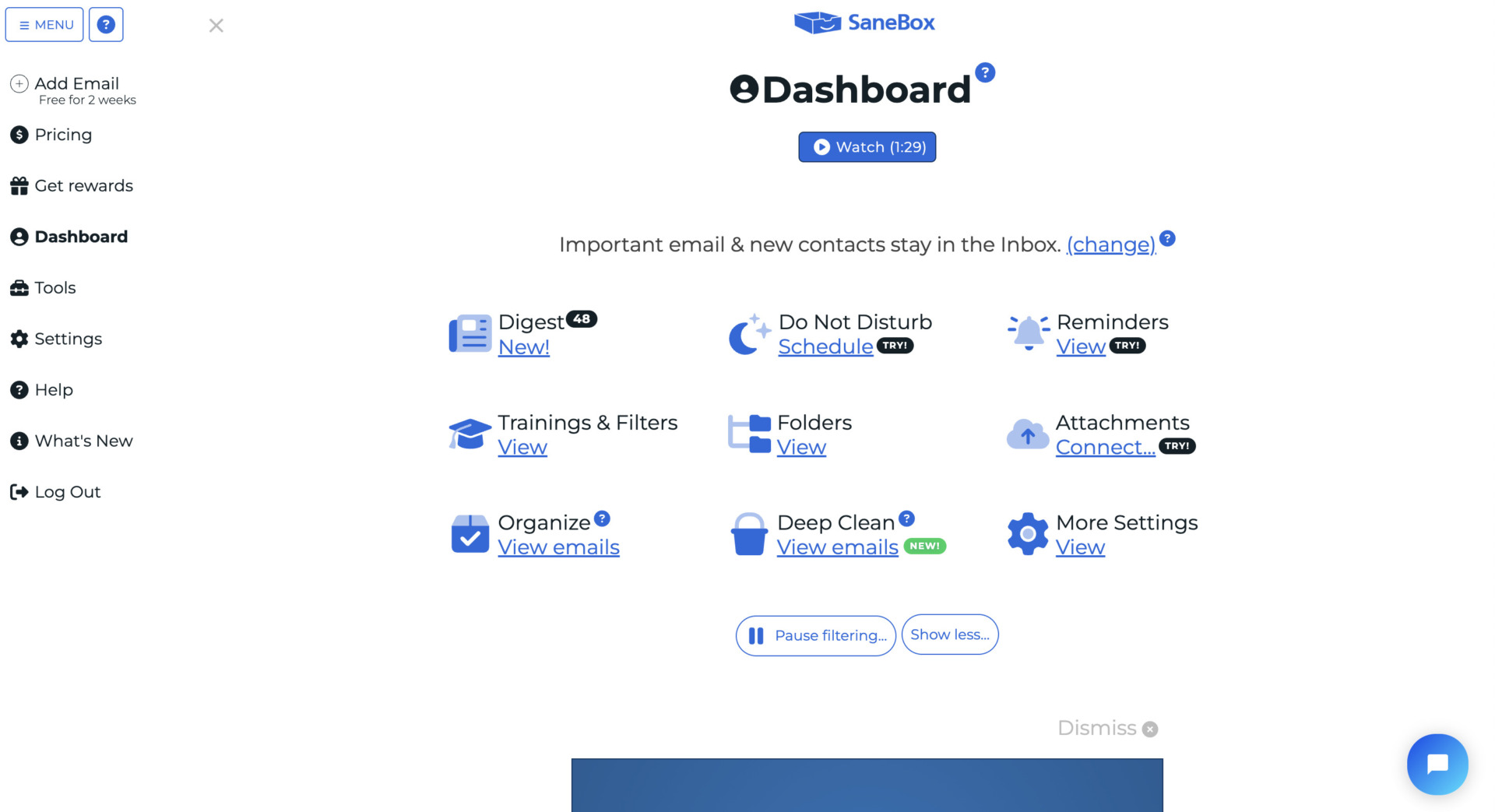
- Having various settings for Email productivity
Sanebox offers a variety of filters and reminders to increase email productivity.
Note of Sanebox
- Free trial is 14 days only
The periods of free trial of Sanebox is only 14 days, so you have to decide whether you use or not in short periods.
Pricing of Sanebox
- Snack: $7/month/(up to 2 accounts)
- Lunch: $12/month(up to 2 accounts)
- Dinner: $36/month(up to 2 accounts)
Mailbird| Tailoring your workspace for productivity
Features of Mailbird
- Integrate various third party apps
- Easy to access information you need
Mailbird can integrate various apps for easy to use. Also, The design is reminiscent of Sparrow, a popular mail app in the Mac OS X environment.
Mailbird provides the accessibility to access to starred, drafted, sent, and labeled emails easily.
Actual image of Mailbird
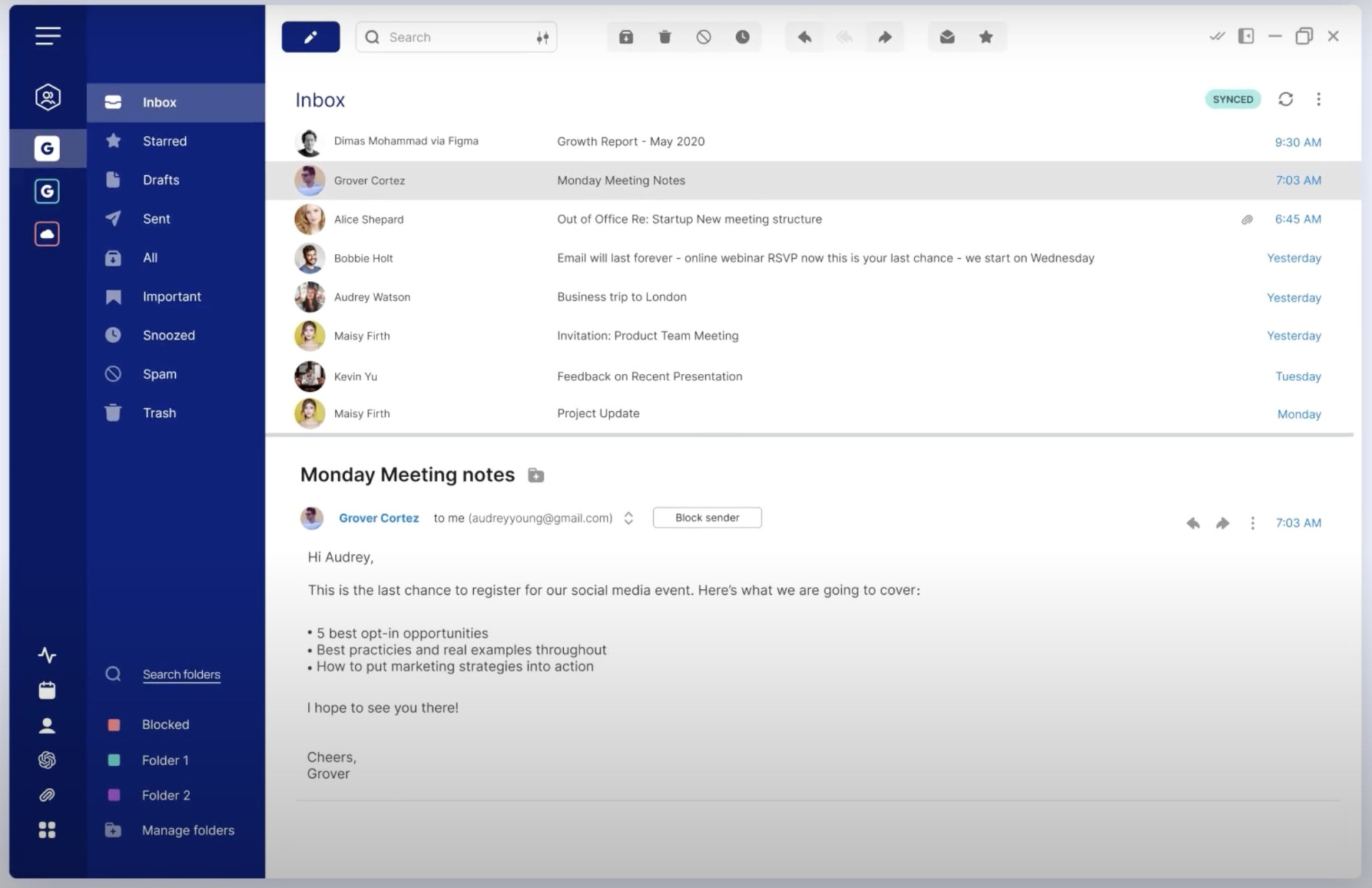
- Mailbox optimization
Horizontal view of Mailbird allows you to organize your various mail boxes.
Note of Mailbird
- Full functions are offered by only Premium plan
Even if Standard plan of Mailbird is limited some functions such as ChatGPT integration, Custom app and so on.
Pricing of Mailbird
You can purchase Mailbird for using lifetime by each plan if you need.
- Free: Free of charge
- Standard: $2.28/user/month
- Premium: $4.03/user/month
Spark| A tool for mailbox making simply
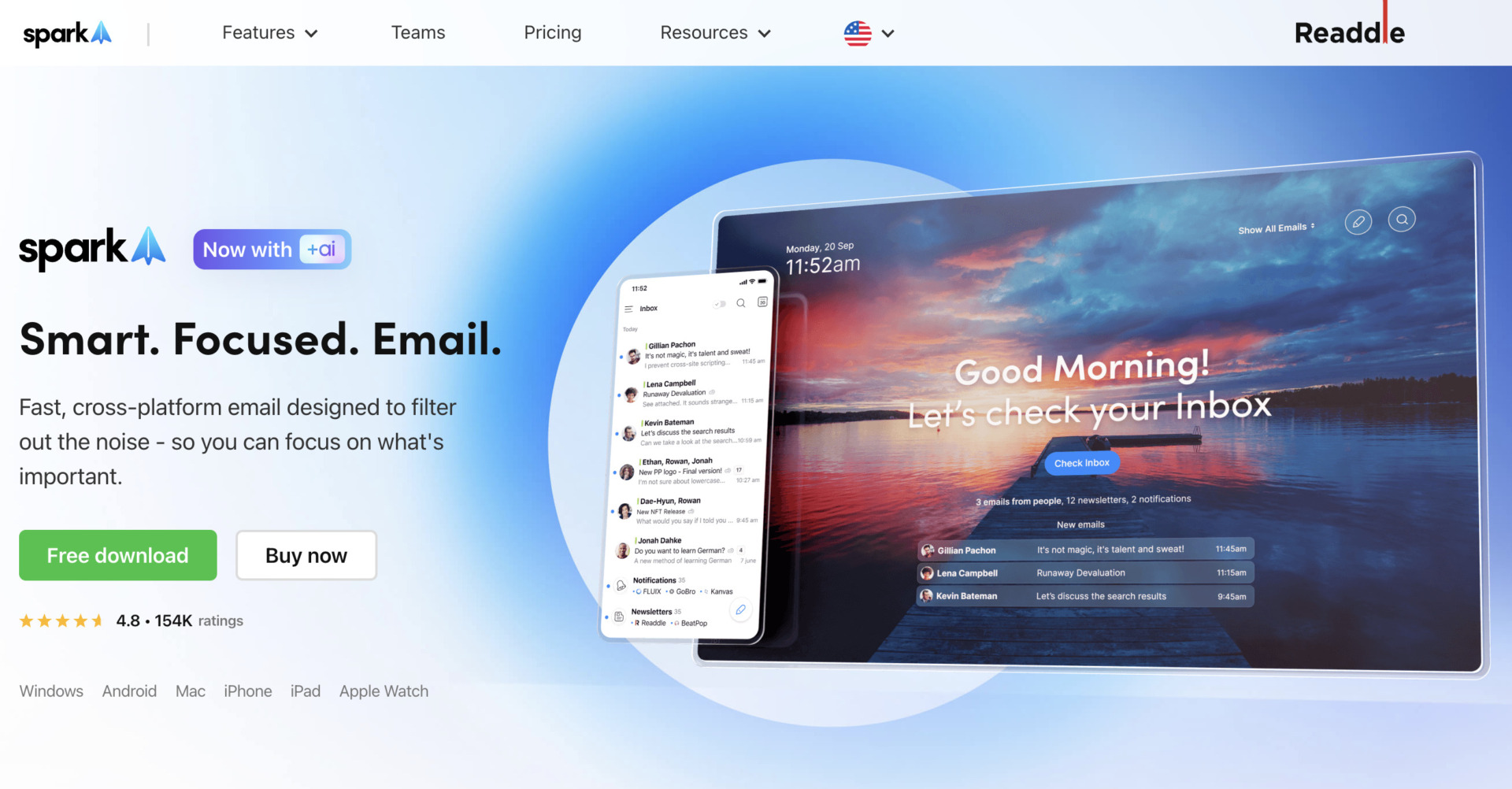
Features of Spark
- You can pick up the Email immediately
- Prioritize your mailbox accurately
The setting of functions that are Pin and Priority etc, allows you to manage information at mail box easier.
Pin and highlight functions allow you to manage priority of mails accurately.
Actual image of Spark
- Quickly find the information you need
As the speed of searching information like Email is fast, there is no burden regarding looking back the past documents you want to search such as above image.
Note of Spark
- Subscribe paid plan to use convenient functions
If you want to use features such as Priority of Emails and outputting summary by AI etc., you need to subscribe Premium plan.
Pricing of Spark
- Free Access: Free of charge
- Premium Individual: $4.99/user (monthly payment)
- Premium Team: $6.99/user (monthly payment)
Zendesk| Manage multiple channels and sales history of customers at once
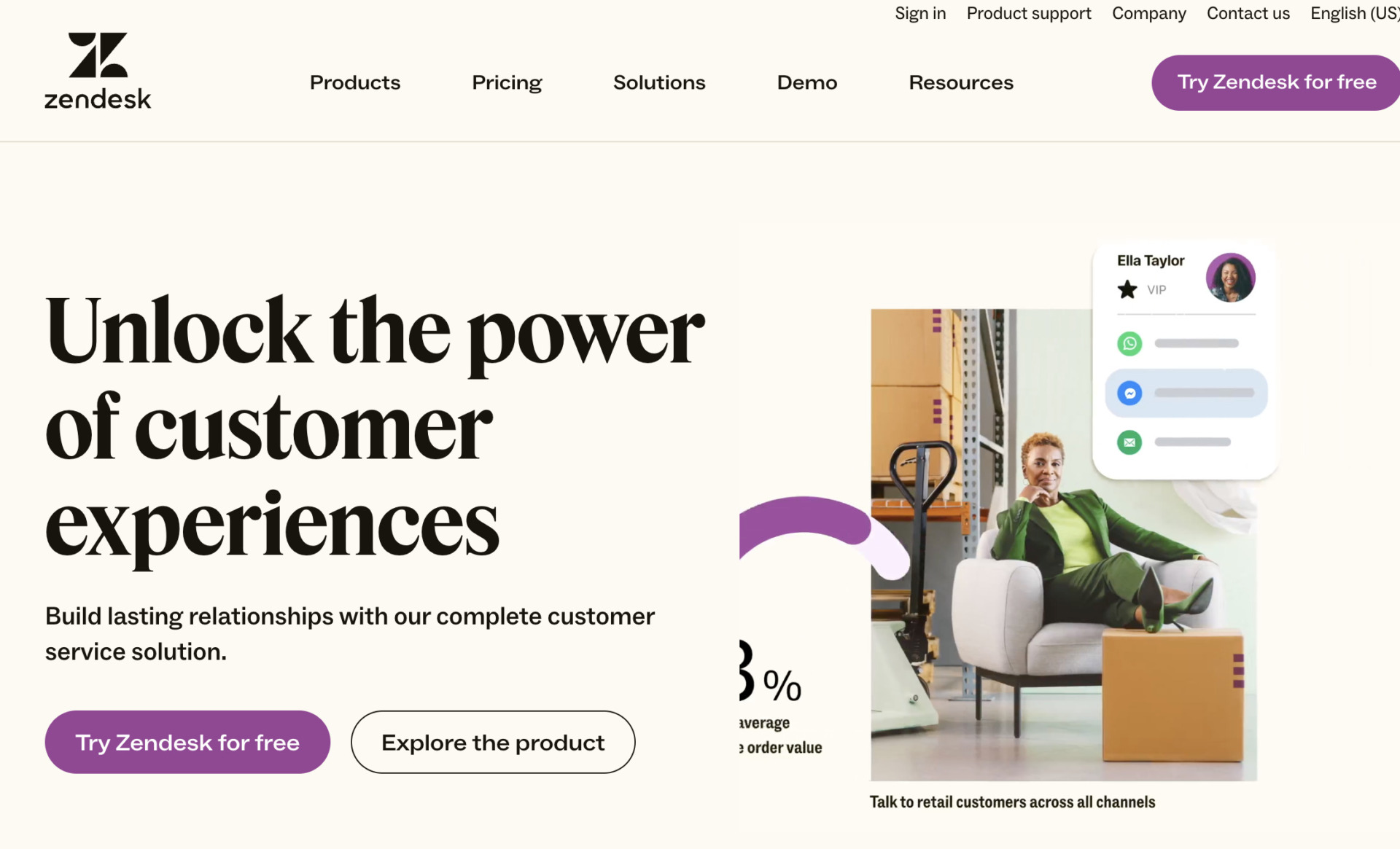
Features of Zendesk
- Multiple channels can be managed at once
- Inquiry contents can be converted into data and analyzed.
Zendesk’s ability to centrally manage multiple channels enables smooth response to inquiries via email, website, and telephone.
Data can be collected from inquiries, and the extracted data can be analyzed to provide effective support.
Actual image of Zendesk
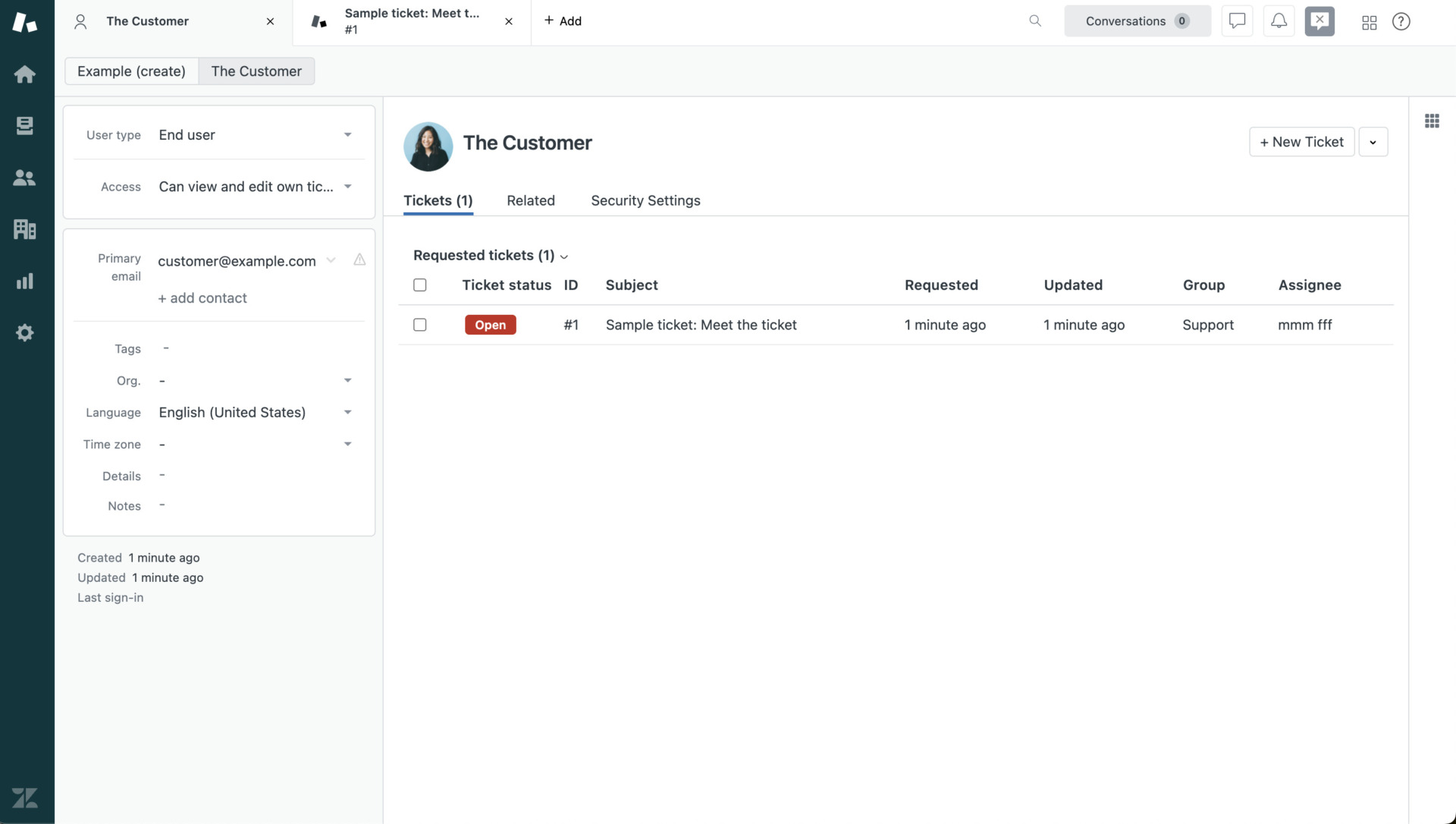
- Can manage customer information
Zendesk can not only manage the Emails by each customer, but also customer information like sales history.
Points to note about Zendesk
- You need to be an IT expert to use Zendesk
Because Zendesk is equipped with a wealth of advanced functions, it can be difficult for employees who are not familiar with IT to master its use.
Pricing of Zendesk
- Basic support only
- Zendesk Suite (Basic)
- Zendesk Suite(Enterprise)
・Support Team: $19/user/month
・Support Professional: $55/user/month
・Support Enterprise: $115/user/month
・Suite Team:$55/user/month
・Suite Growth:$89/user/month
・Suite Professional:$115/user/month
・Suite Enterprise: Inquiry required.
Comparison table of 5 Email management softwares
This section introduces the table that we recommended softwares of above section. (The table can be scrolled left or right.)
| Stock | Sanebox | Mailbird | Spark | Zendesk | |
|---|---|---|---|---|---|
| Features | The most efficient way to centralize your email | You can send all your Emails at once | Tailoring your workspace for productivity | A tool for mailbox making simply | Manage multiple channels and sales history of customers at once |
| Notes | As the simplest tool for information management on Emails, the function is limited. | The periods of free trial of Sanebox is only 14 days, so you have to decide whether you use or not in short periods. | Even if Standard plan of Mailbird is limited some functions such as ChatGPT integration, Custom app and so on. | If you want to use features such as Priority of Emails and outputting summary by AI etc., you need to subscribe Premium plan. | Zendesk is equipped with a wealth of advanced functions, it can be difficult for employees who are not familiar with IT to master its use. |
| Pricing | ・Free plan :Free ・Business plan :$5 / User / Month ・Enterprise plan :$10 / User / Month | ・Snack: $7/month/(up to 2 accounts) ・Lunch: $12/month(up to 2 accounts) ・Dinner: $36/month(up to 2 accounts) | ・Free: Free of charge ・Standard: $2.28/user/month ・Premium: $4.03/user/month | ・Free Access: Free of charge ・Premium Individual: $4.99/user (monthly payment) ・Premium Team: $6.99/user (monthly payment) | Various the range of iopjoipby each plan |
| Website | For detail of Stock(click here). |
3 advantages of centralized Emails by software
Below are 3 advantages of centralized email management. If you want to manage your e-mail easier but are concerned about IT tools, here are the advantages.
(1) Speedy response
The first is the ability to respond quickly to inquiries.
For example, if you use a Email management software with “templates,” you don’t have to start from scratch. This also prevents inconsistencies in the way each employee responds to customers.
In addition, using “task management”, it is easy to see at a glance who has completed which tasks, and delays can be handled smoothly. In this way, the centralized management of e-mails allows for smooth communication with customers and prevents work delays.
(2) Preventing omissions and double correspondence
Second, it prevents unanswered e-mails and duplicate responses.
The Email management software allows all employees to check the progress status of emails that have not been responded to, are being responded to, or have been responded to. This prevents mistakes such as omissions and duplicate responses.
On the other hand, if you do not use an Email management software, you may end up in a situation where an important inquiry is buried in the mailbox and missed. Therefore, it can be said that an Email management software should be used to ensure that inquiries are responded to.
The third advantage is the ability to share know-how and knowledge within the team.
Sharing know-how and knowledge on how to respond to inquiries can help new employees become accustomed to their work and can be used as handover materials to their successors. As a result, the time and effort required for training and creating handover materials can be reduced.
The best way to share know-how and knowledge about handling inquiries is to use software such as Stock, which allows you to share information about the business in “Note” as well as in Emails.
Summary of 5 recommended Email management softwares
We have focused on 5 systems for centralized email management and sharing.
By using an Email management software, you can prevent omissions and double correspondence. Furthermore, since past correspondence is consolidated in one place, there is no need to worry about necessary information being buried.
However, IT literacy among employees varies widely, and training employees on how to use the system while they are busy with their daily work can be tedious, so choose a system that “anyone can use”.
For example, Stock introduced here can be easily used by non-IT employees to manage their e-mail, and has been introduced in more than 250,000 companies, mainly non-IT companies, because of its simple operation.
Free registration takes only 1 minute, so using Stock and solve the hassle and burden of managing your email.
