

When you mail a document or item to a business partner, you should include a business letter. Although a business letter is not legally required, it is good business etiquette to include a letter of transmittal so that the recipient can easily understand the source of the mail and its contents, and it is an important document that determines the impression the recipient makes.
However, many people may have trouble understanding the correct way to write a business letter.
In this issue, we will focus on the correct way to write a business letter and 5 free templates with letterhead that will help you create one for below people.
- “I want to know how to create a business letter template that makes a good impression.”
- “I want a business letter template that I can use right away.”
- “I am looking for a tool that makes it easy to create a business letter.”
If so, this article will help you find the right template for your situation and help you write a letter that will leave a good impression on your clients.
Contents
Why is a business letter necessary?
Here we will explain the two purposes for which a business needs a business letter. When creating it, consider the following objectives.
To serve as a greeting
The business letter serves as a greeting document for the mailing.
It is important that the business letter not only describes the contents of the mailing, but also provides a polite greeting to the recipient to build trust. It is a polite way of expressing respect for the recipient.
In addition, since the business letter clearly states the business matter and purpose, it is difficult to create a communication gap with the recipient. Therefore, using an outgoing letter as a greeting can leave a good impression while building trust.
To prevent problems
Enclosing a letter of transmittal can also help prevent business problems.
When a business letter is prepared, the recipient, time, contents, and number of items sent are clearly identified, which helps prevent omissions.
Furthermore, since the name and address of the sender and recipient are included in the business letter, it can be used as evidence in the event of lost or misdirected mail. Thus, enclosing a business letter can prevent business errors and problems.
What is the proper way to write a business letter?
This section explains the correct way to write a business letter. In order to create a good impression on the recipient, the following points must be properly addressed, and the following items are required in a business letter.
- (1) Company name and address
- (2) Date sent
- (3) Recipient information
- (4) Subject
- (5) Main contents
- (6) Sender information
- (7) Enclosure
Write company name and address of sender, be careful not to forget telephone number.
Enter the date (date and time) when the item was sent.
Enter the exact name of the company and individual to whom the item is being sent.
The subject of the letter should be written in a concise manner so that the purpose of the letter can be immediately understood.
Generally, “Dear,” is used at the beginning of the body of the letter, and “Sincerely yours” is used at the conclusion.
Insert your information after the last sentence of main contents.
Write the attachment without omission.
When creating a business letter, you should create a simple, easy-to-read document rather than an elaborate design in order to properly convey information to the recipient. The business letter should also be attached to the first page of the document so that the recipient can easily check it when he or she open the package.
If you trace above flow of creating business letter, its like below.
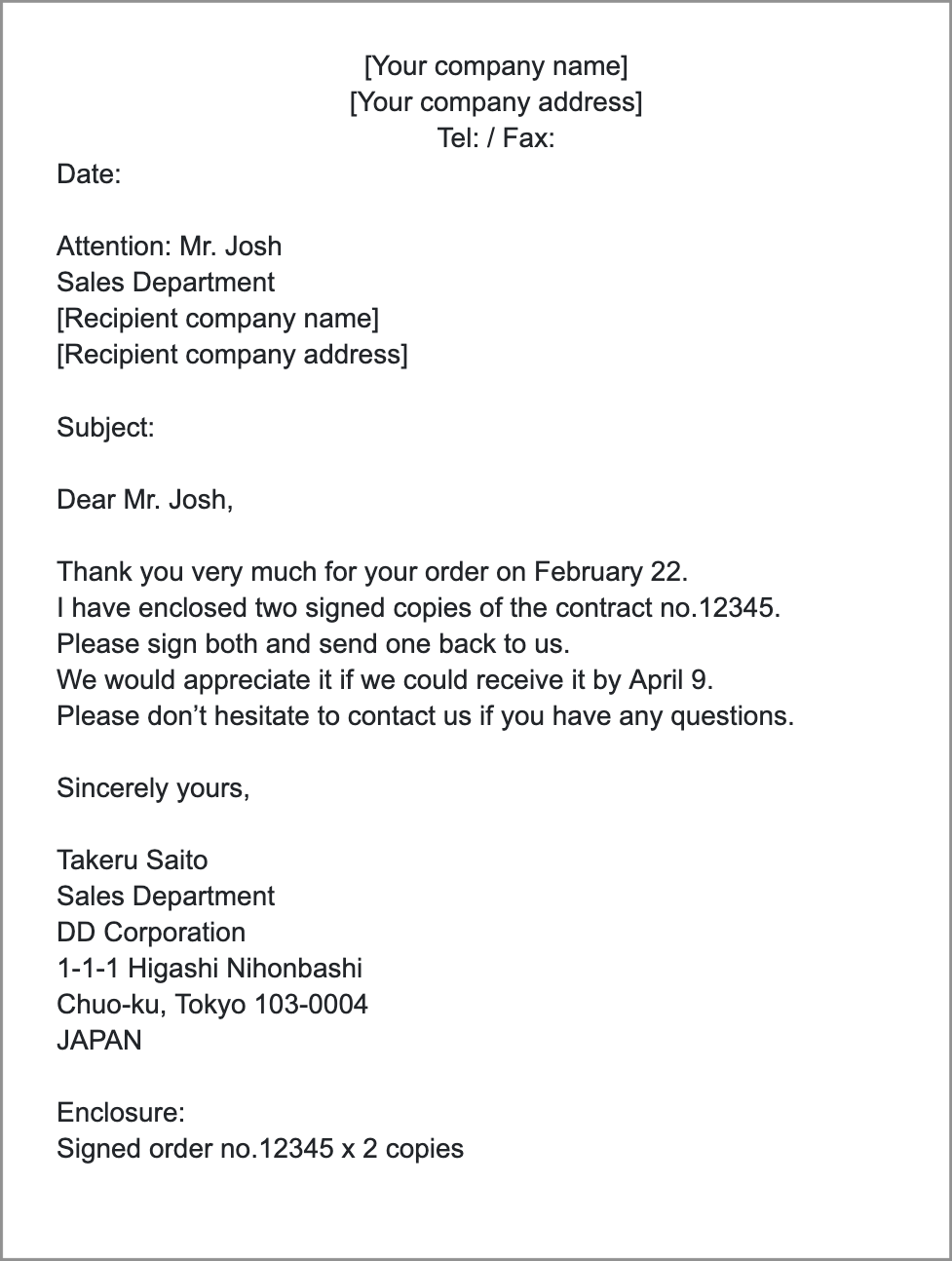
The body of the letter should not be “too long or too short” and should simply state that you have enclosed a letter. To write the greeting and body quickly, it is also effective to create and use template in advance in a note taking tool such as Stock.
5 best templates for business letter with letterhead
Here are 5 free templates we recommend for your business letter with letterhead. Select the appropriate template for the occasion in which you will use it.
(1) Business letter template by Microsoft
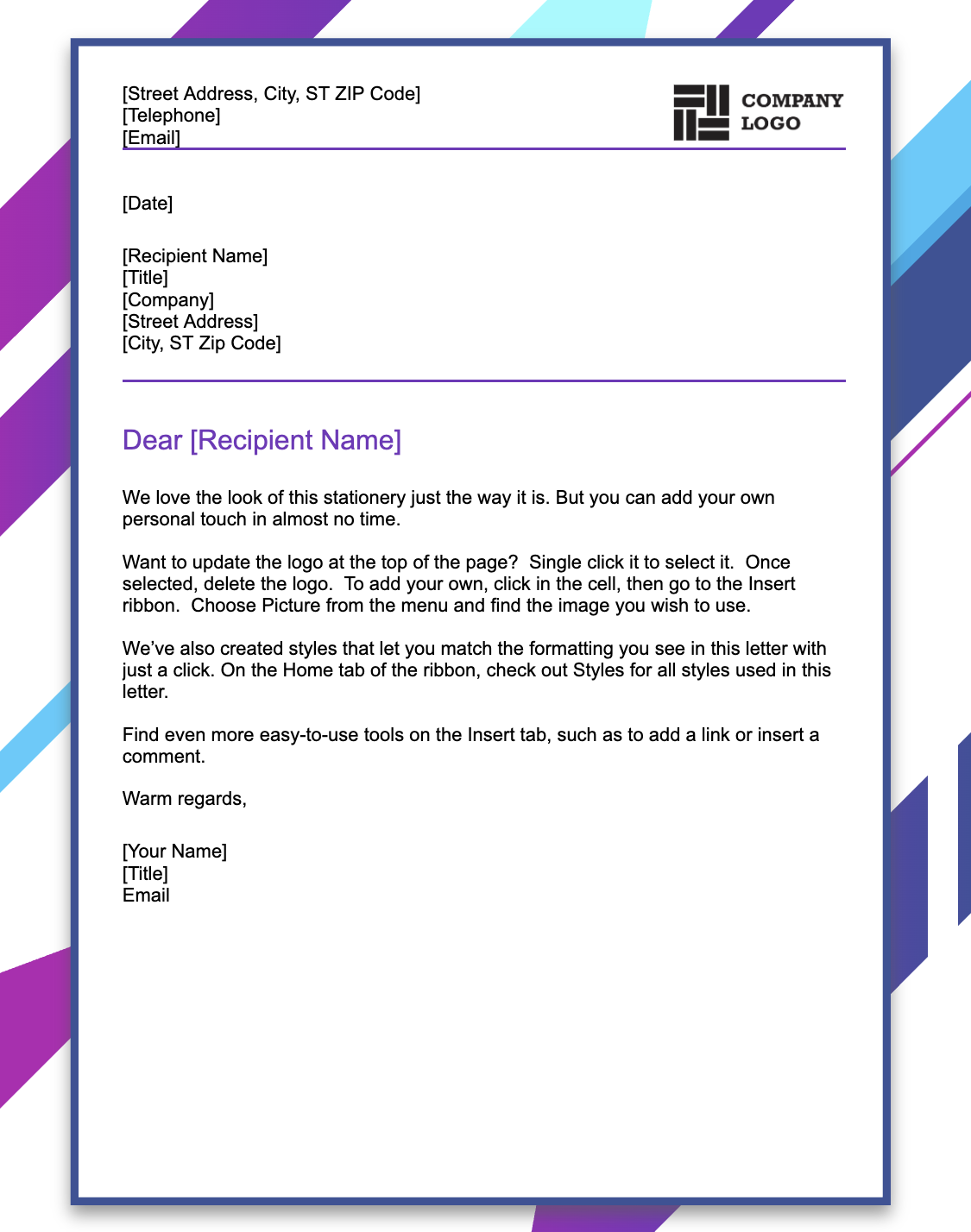
This is a modern template of business letter template by Microsoft.
The modern design of this business letter template allows you to use it in any situation. You can insert company logo upper right corner freely.
(2) Business letter template by Vertex42

This is a business letter template with letterhead provided by Vertex42.
This template also has a simple design and is highly versatile. It can also be handled by Word and Google Document.
(3) Business letter template by Visual paradigm
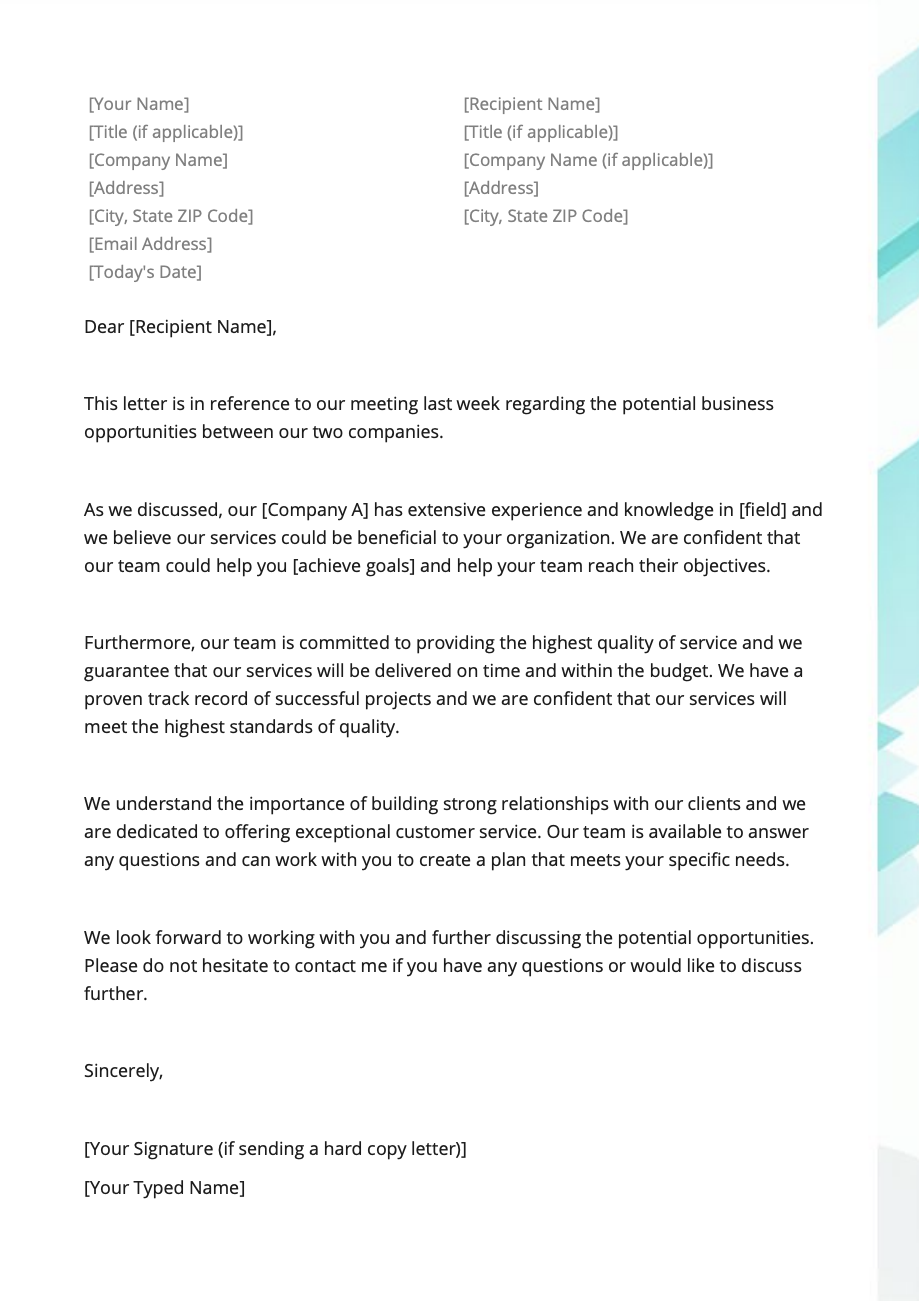
This is a simple business letter template provided by Visual paradigm
As [Your Name] and [Recipient Name] is along side, be careful that taking mistake regarding the place of writing.
(4) Business letter template by Template Archive
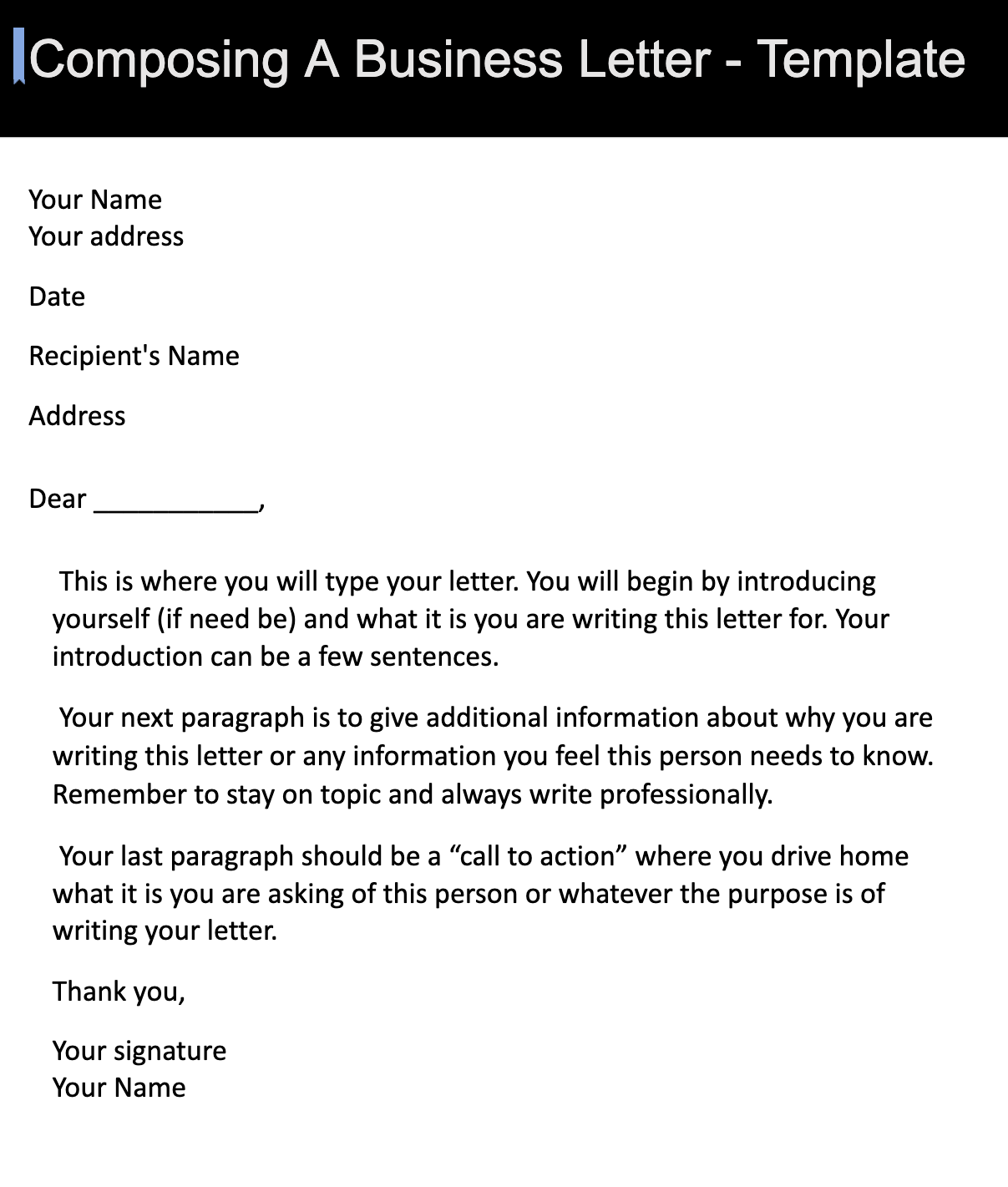
This is a simple business letter template provided by Template Archive.
Although the style of template is similar to other templates, it is good that this template has directions how to write it for the person who create it for the first time.
(5) Business letter template by Zervant
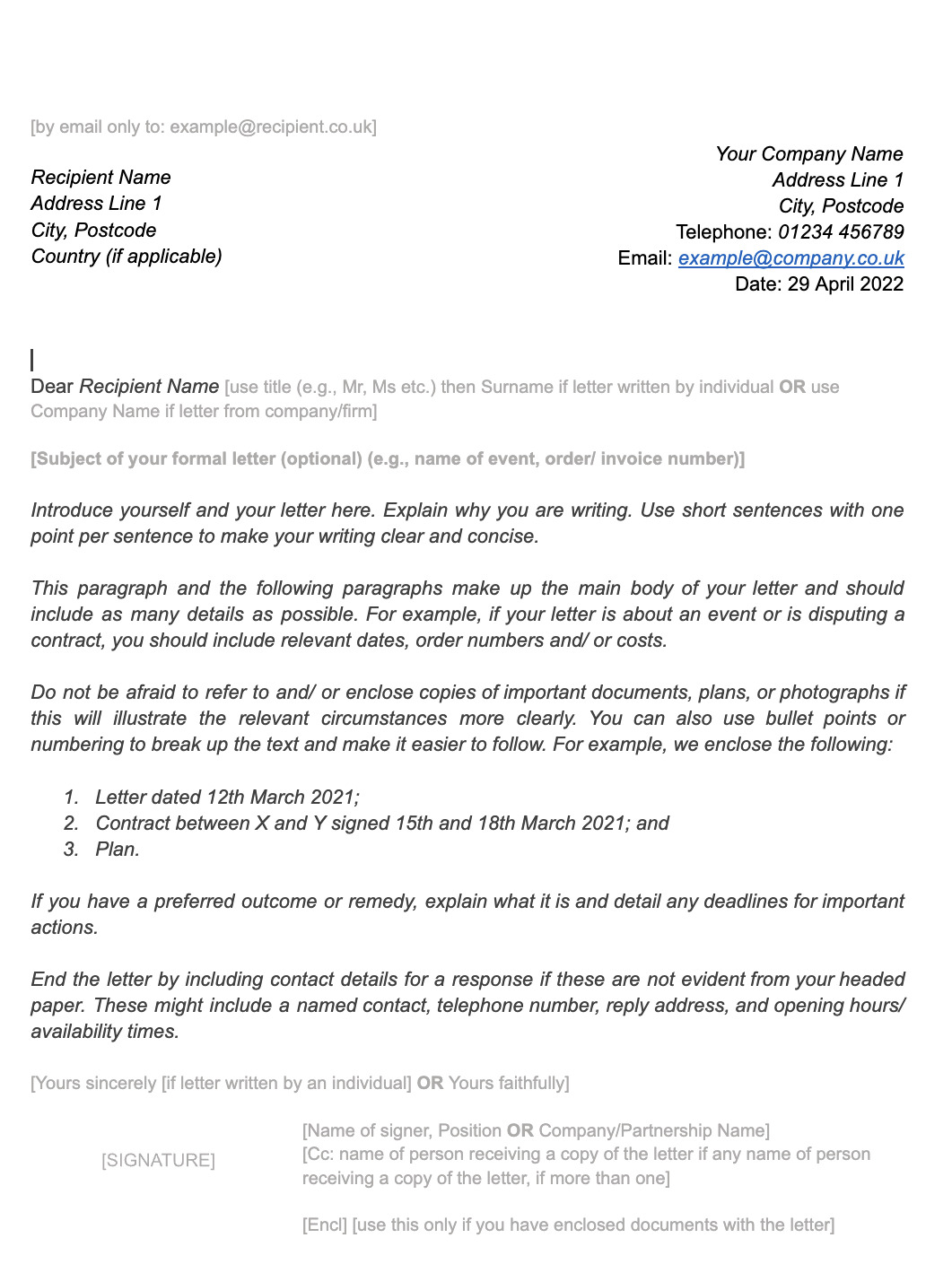
This is a simple business letter template provided by Zervant.
Zervant is the Invoicing Software that has invoicing generator and templates for invoice. Since it issues various documents, it is also, for company that plans increasing productivity regarding creating them.
Best tool for creating and managing information
Business letter must be prepared each time a document or item is mailed, and it is time-consuming to create them.
It is also necessary to use different formats depending on whether the business letter is intended for a corporation or an individual, and on the situation in which it is to be used.
However, paper manuals cannot be viewed by more than one person at the same time, which can slow down operations, so IT tools should be used. However, high-performance tool can be left unused by members with low IT literacy.
Therefore, in order to streamline the creation and sharing of business letter in a team, an information sharing tool: Stock is the only one that can easily manage business letters and other document templates.
You can share it with any member of your team while keeping the templates and manuals of the waybills in a “Note” in Stock. In addition, by utilizing “Task” and “Message” linked to the “Note”, you can manage the progress of creating and mailing the waybill and communicate with your business partners without mixing them up.
Stock| A easiest tool for management and sharing of all kinds of information

The simplest tool to stock information "Stock"
https://www.stock-app.info/en/
Stock is the simplest tool to stock information. Stock solves the problem, "there is no easy way to stock information within the company".
With Stock, anyone can easily store all kinds of information, including text information such as requirements, images, and files, using the Note feature.
In addition, by using the "Task" and "Message" functions, you can communicate with each topic described in the Note, so that information is not dispersed here and there and work can always be carried out in an organized manner.
<Why do we recommend Stock?>
- A tool for companies that are not familiar with ITYou don't need to have any IT expertise to get started.
- Simple and usable by anyoneStock is so simple that anyone can use it without any unnecessary features.
- Amazingly easy information storing and task managementIt is amazingly easy to store information such as shared information within a company, and intuitive task management is also possible.
<Stock's pricing>

- Free plan :Free
- Business plan :$5 / User / Month
- Enterprise plan :$10 / User / Month
*Minimum number of users: 5 users
Summary of 5 templates for business letter and how to write it
We have focused on the proper way to write a business letter and 5 free templates that we recommend.
Enclosing a business letter can help prevent problems while gaining the recipient’s trust, but it is important to keep the necessary items in mind and to write the greeting and text appropriately. In addition, when using a template, you must use one that is appropriate for the recipient and the situation in which it will be used.
Therefore, IT tools should be used to share standardized templates and manuals for business letters to streamline their creation. However, since it requires adequate IT literacy to master multifunctional tools with rich information categorization capabilities, it is advisable to introduce tool with functions that are not excessive or insufficient for creating and sharing waybills.
In conclusion, a simple information sharing tool with not excess or insufficiency of “Note”, “Task”, and “Message”: Stock is a must.
Free registration takes only 1 minute, so using Stock to ensure smooth operation for business letters.
