

Generally, Excel is used to manage the progress of projects and matters, but it has operational demerits such as the time and effort required to share information. For this reason, more and more companies are adopting “project management tools” as an alternative to Excel.
In particular, cloud type project management tools are attracting attention regardless of industry or sector because they can be used regardless of time or location. On the other hand, there are many types of project management tools, and many people may have trouble finding the best one for their company.
In this issue, we will focus on 14 best project management tools that can be used for free for below people.
- “We want to know which project management tools are free enough to use in our work.”
- “I have tried project management tools in the past, but found them difficult to use and operate.”
- “I want to know which tool is easy to use because I cannot master advanced functions.”
This article will help you select the right project management tool for your company.
Contents
4 comparison points for selecting a free project management tool
There are many different types of project management tools, so you must carefully examine them to choose the best one for your business. In particular, keep in mind the following 4 points of comparison.
(1) Can anyone use it easily?
First, make sure that the tool is simple enough for anyone to use.
Many project management tools have multiple functions that have been introduced mainly by IT companies. However, if the tool is full of functions that your company does not need, it will not only be difficult to master, but also require training costs.
Identify the necessary functions in advance and introduce a project management tool that anyone can use intuitively.
(2) What are the limitations?
Second, when selecting a tool, you should check how far you can use with a free plan.
Many free project management tools are offered on the premise that you will subscribe to a paid plan, which limits the number of people on your team and limits the functionality of the tool. Some tools are only available with a paid plan and do nothing for free.
Before installing a free tool, it is essential to check how far the functionality is limited.
(3) Is it cloud type?
Third, check whether the tool is a cloud-based project management tool when selecting it.
Since the cloud type uses services via the Internet, there is basically no initial cost, and the merit is that it can be operated immediately. On-premise type, on the other hand, is a system that prepares and operates its own servers and is characterized by low security risk.
Currently, the cloud type is more popular than the on-premise type, which has higher initial and maintenance costs, but lower operating costs. Also there is no need to worry about security, because some cloud type project management tools meet international security standards.
(4) Is the paid plan low cost?
Finally, choose a project management tool that can be operated at low cost even with a paid plan.
As the amount of data to be managed increases, a paid plan will become necessary.
Therefore, even if you are planning to use a free plan, you should check the price in advance, assuming that you will eventually move to a paid plan.
14 best free project management tools
Below are 14 best project management tools for free.
Since project management tools are intended to stock information over the medium to long term, repeated migration in a short period of time will not achieve operational efficiency. Before introducing a tool, it is necessary to consider it carefully within the company based on comparative points such as cost and operability.
Furthermore, SMEs tend to have the problem of “employees IT literacy differs”. For example, when a multifunctional project management tool is introduced, there is no end to cases where members who are not familiar with IT are unable to use it and unused by anyone.
Therefore, non-IT companies should choose “simple tools that anyone can use easily”. Stock, which is not excess or insufficiency with necessary functions and can be used the member in a non-IT company without explanation, is the best choice.
Stock allows you to keep track of project man-hours and other information in “Note”. In addition, “Message” are tied to the Note, you can communicate with members of the team on a project-by-project basis and check work progress on a job-by-job basis.
Stock (Most recommended)

The simplest tool to stock information "Stock"
https://www.stock-app.info/en/
Stock is the simplest tool to stock information. Stock solves the problem, "there is no easy way to stock information within the company".
With Stock, anyone can easily store all kinds of information, including text information such as requirements, images, and files, using the Note feature.
In addition, by using the "Task" and "Message" functions, you can communicate with each topic described in the Note, so that information is not dispersed here and there and work can always be carried out in an organized manner.
<Why do we recommend Stock?>
- A tool for companies that are not familiar with ITYou don't need to have any IT expertise to get started.
- Simple and usable by anyoneStock is so simple that anyone can use it without any unnecessary features.
- Amazingly easy information storing and task managementIt is amazingly easy to store information such as shared information within a company, and intuitive task management is also possible.
<Stock's pricing>

- Free plan :Free
- Business plan :$5 / User / Month
- Enterprise plan :$10 / User / Month
*Minimum number of users: 5 users
Asana
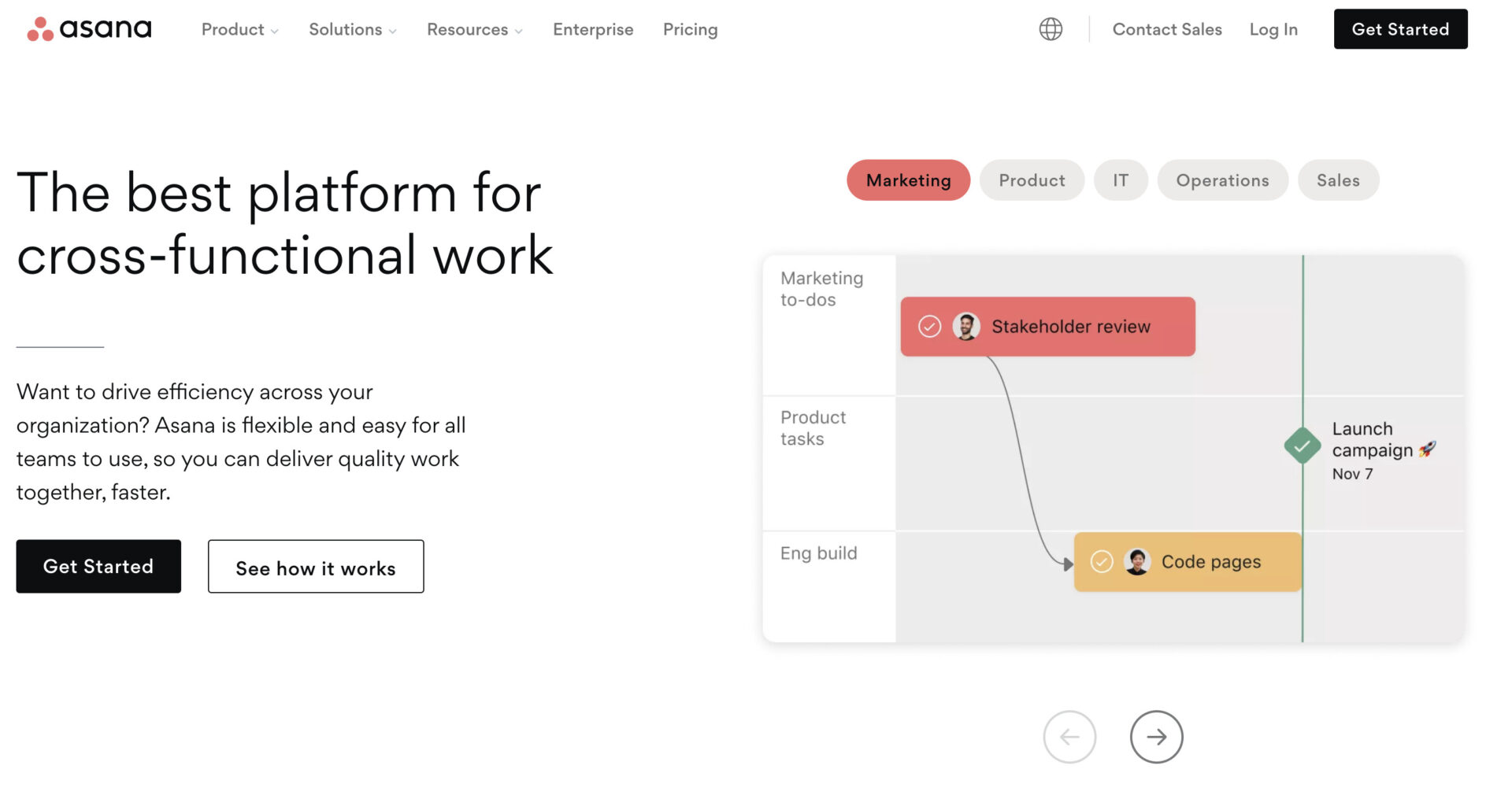
<Features of Asana>
- Rich integration with tools for engineering
- Up to 15 people in the free version
This tool is suitable for engineers working in IT companies, as it can be integrated with tools such as Slack and GitHub.
The free version can be used as a team with up to 15 members, but it does not have an administrator function. The free version is recommended for projects with a small number of people.
<Actual screen of Asana>
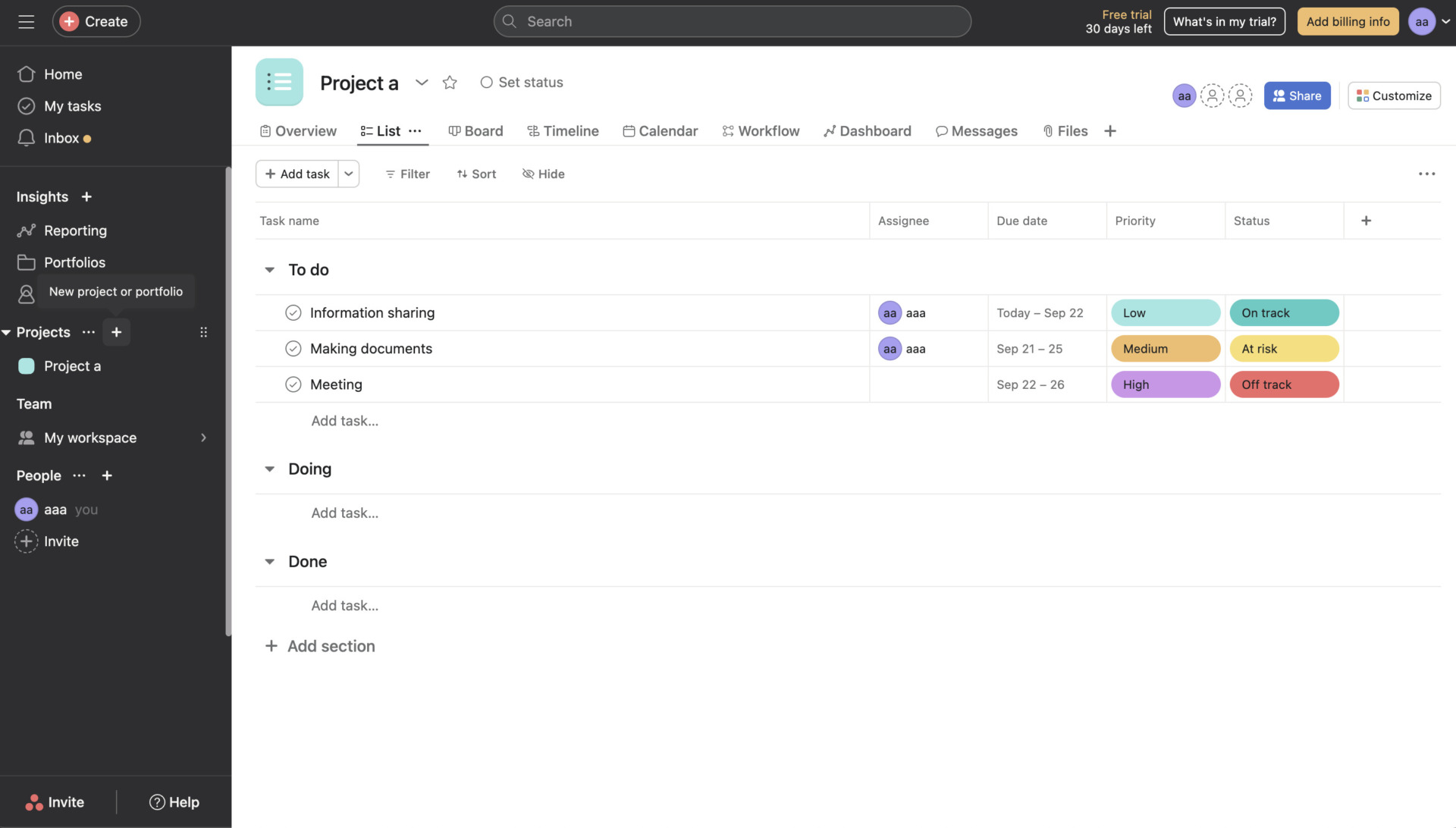
- Manage tasks in detail by each project
Asana’s dashboard can organize all of tasks by each project correctly, it is convenient for the member on site to prevent omission.
<Note of Asana>
- Difficult to operate due to its many functions
Although Asana is attractive and has a lot of functions, it may take time to get used to its operation for non-IT members.
<Price of Asana>
- Basic: Free of charge
- Premium: $13.49/user/month (monthly payment)
- Business: $30.49/user/month (monthly payment)
- Enterprise: You need inquiry.
Wrike
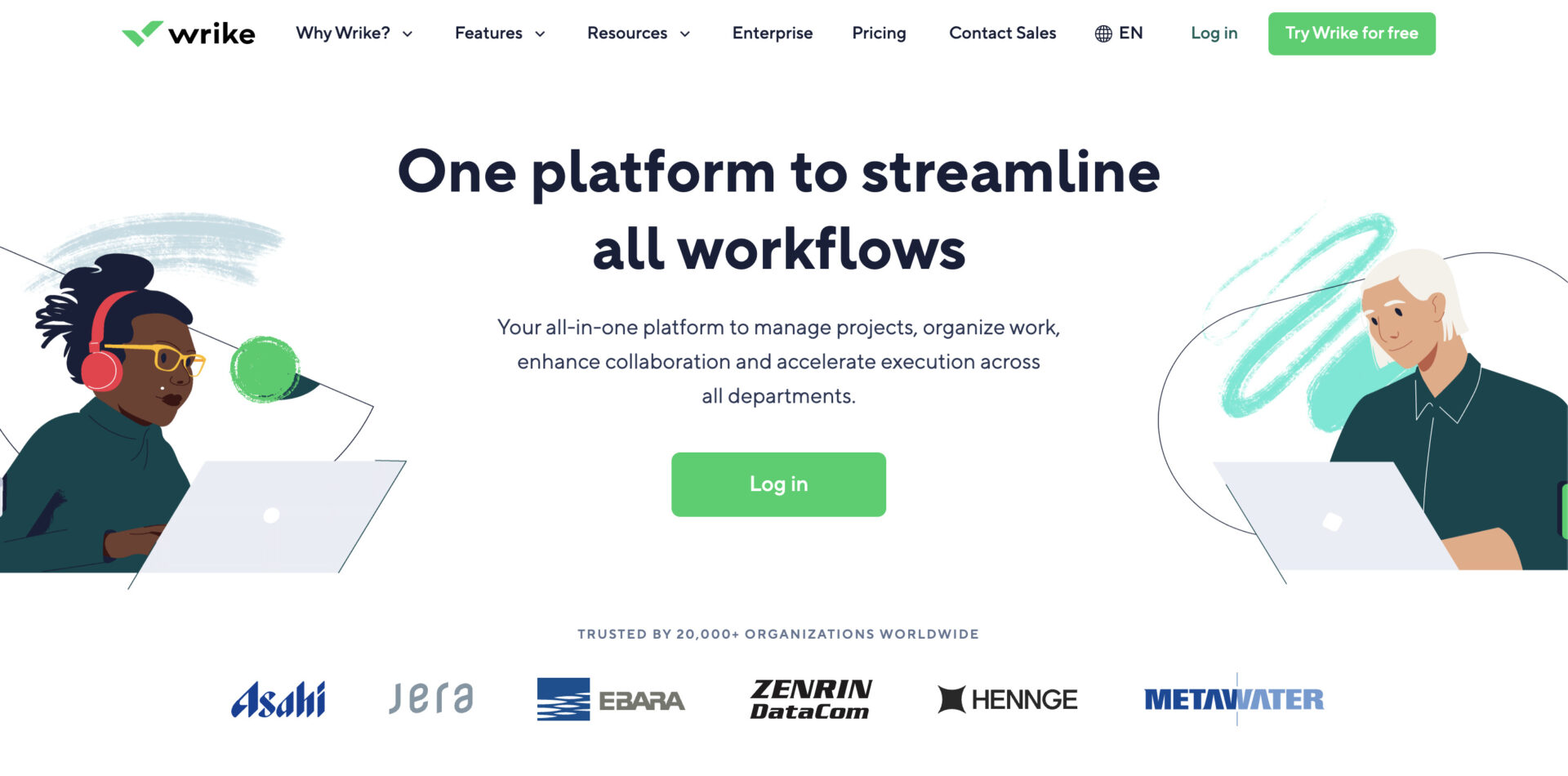
<Features of Wrike>
- Many major companies have implemented Wrike
- Free version can be used with unlimited number of users
Wrike has been introduced in many large companies such as Google and airbnb, and is deployed in all industries and business sectors.
Wrike can be used on PCs, smartphones, tablets, etc. with no limit on the number of users.
<Actual screen of Wrike>
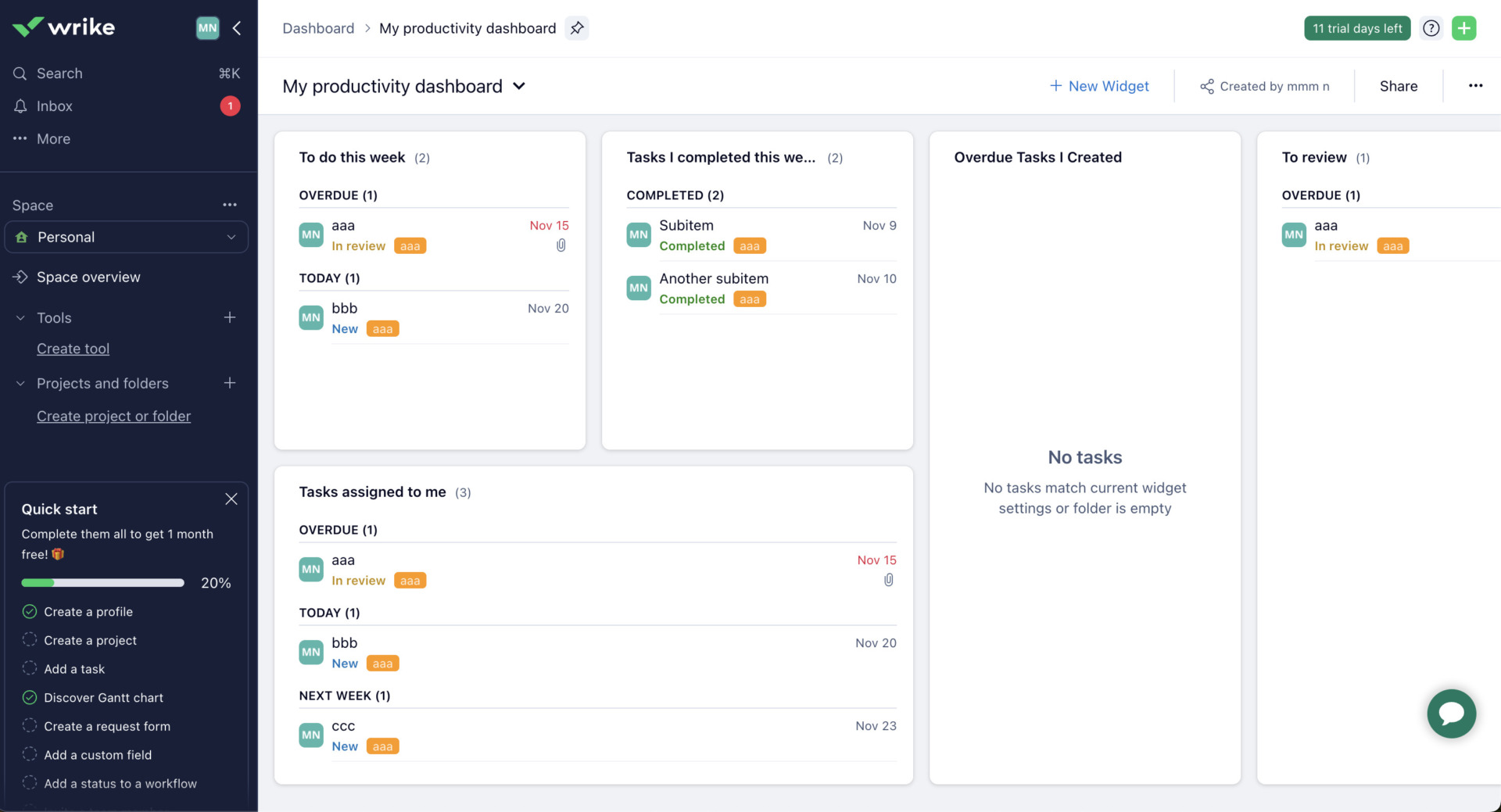
- Customize the dashboard to your need
As the dashboard of Wrike is customizable, you can add widgets you need and share it for other members.
<Note of Wrike>
- Difficult to operate
Wrike is equipped with a wealth of advanced functions, so it may take some time to master if you are not familiar with IT.
<Price of Wrike>
- Free: $0
- Professional: $9.80/user/month
- Business: $24.80/user/month
- Enterprize: contact us
- Pinnacle: Please inquire.
kissflow
<Feature of kissflow>
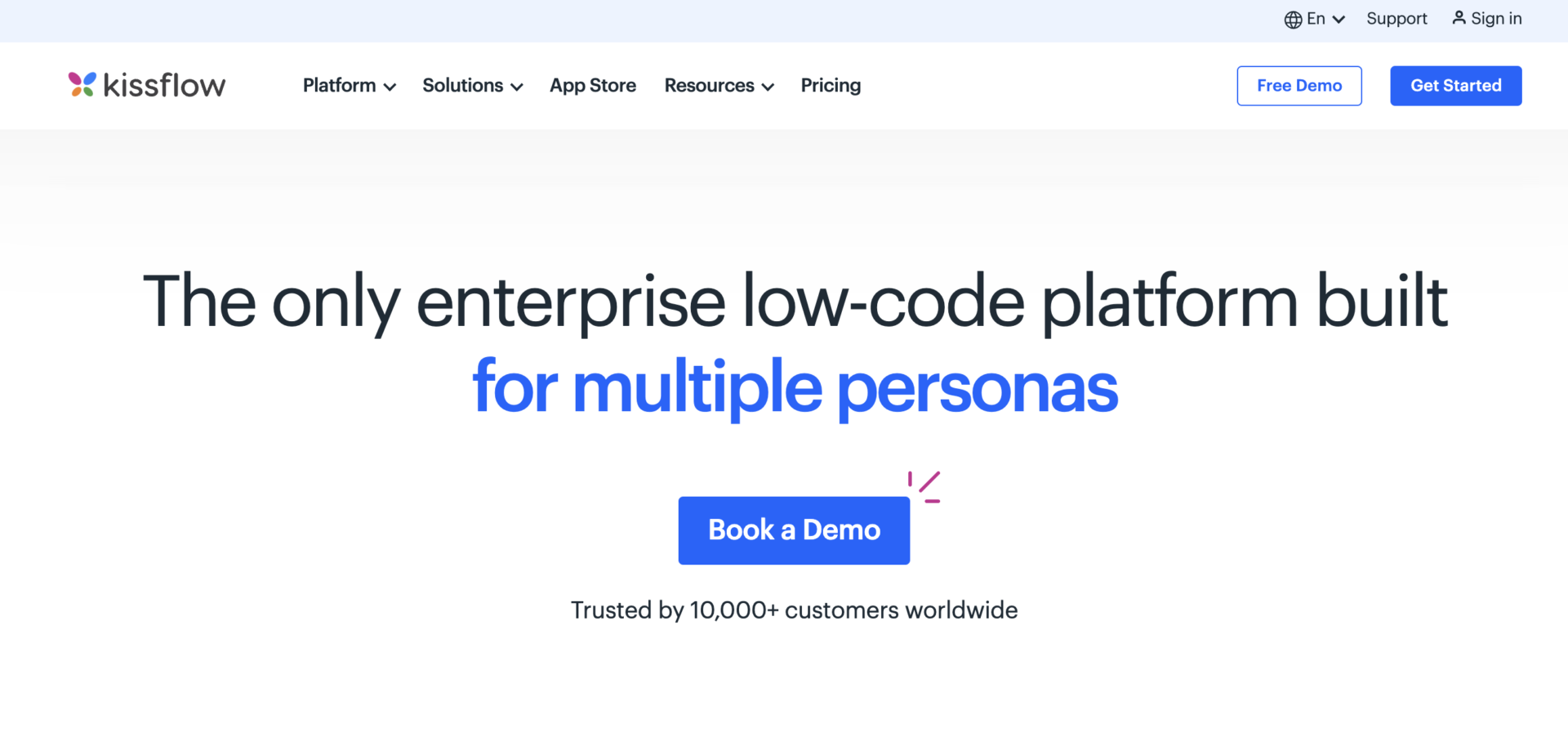
- kissflow has plenty of functions for project management
- 10,000 users of all of the world use kissflow
kissflow is multifunctional tool for project management. For example, it has multiple ways to visualize, setting due dates, creating custom reports, and function to assign members corrctly and so on.
Since 10,000 users that over 121 country use kissflow, if the companies that install kissflow and has blanch office at abroad, they can contact each other of project member anytime, anywhere.
<Note of kissflow>
- It is not match for non-IT member
Since kissflow has function and UI for members who has knowldge of IT, non-IT members will not be able to use it.
<Price of kissflow>
- Basic: $1,500/month〜
- Enterprise: You need inquiry
Jira Software
<Features of Jira Software>
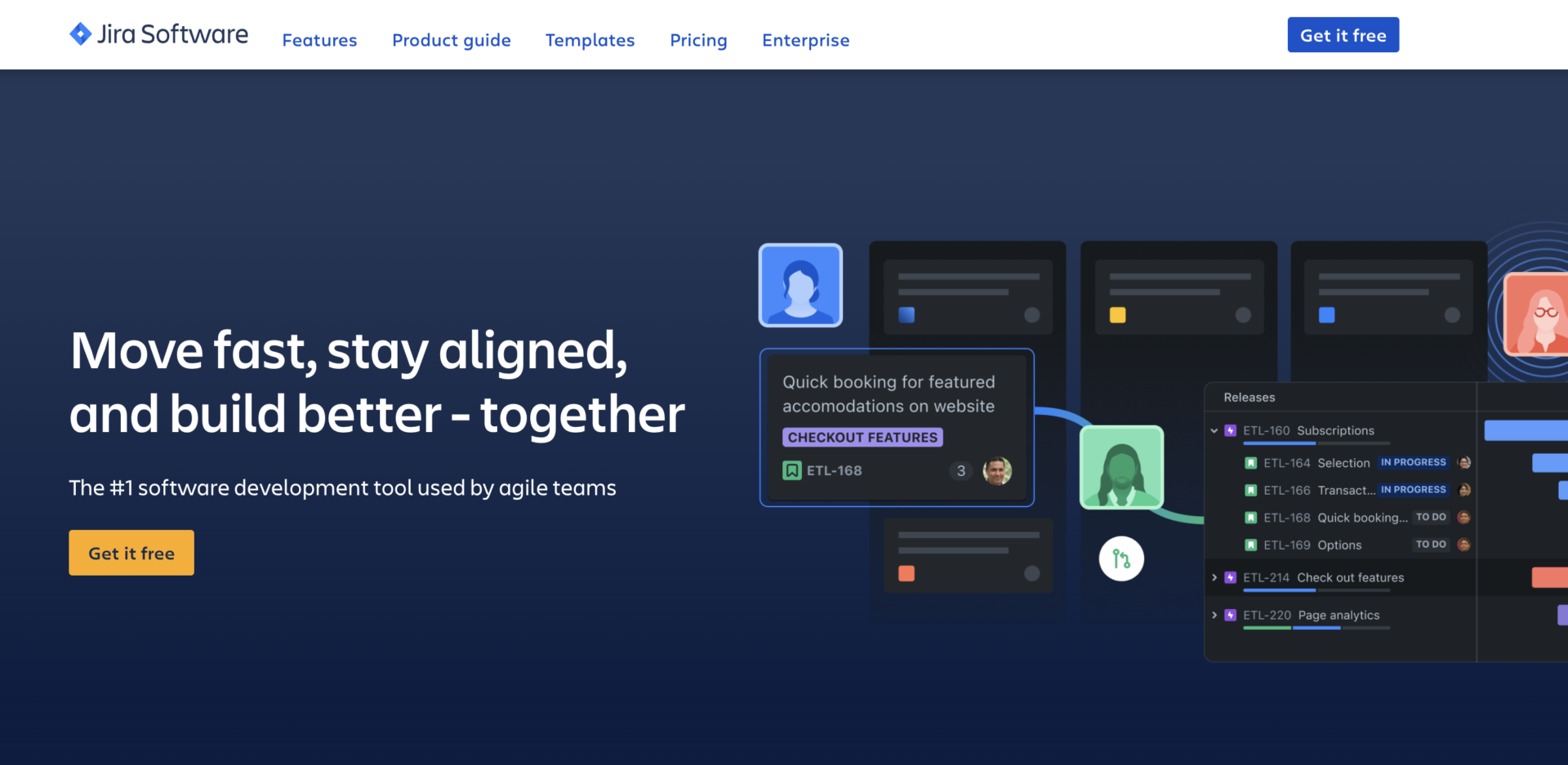
- Plenty of functions for engineer
- Visualize productivity of development team
It offers a wide range of features for engineers, including “development workflows” and “functions for software development”.
It has function that can visualize productivity, and performance report of member.
<Actual screen of Jira Software>
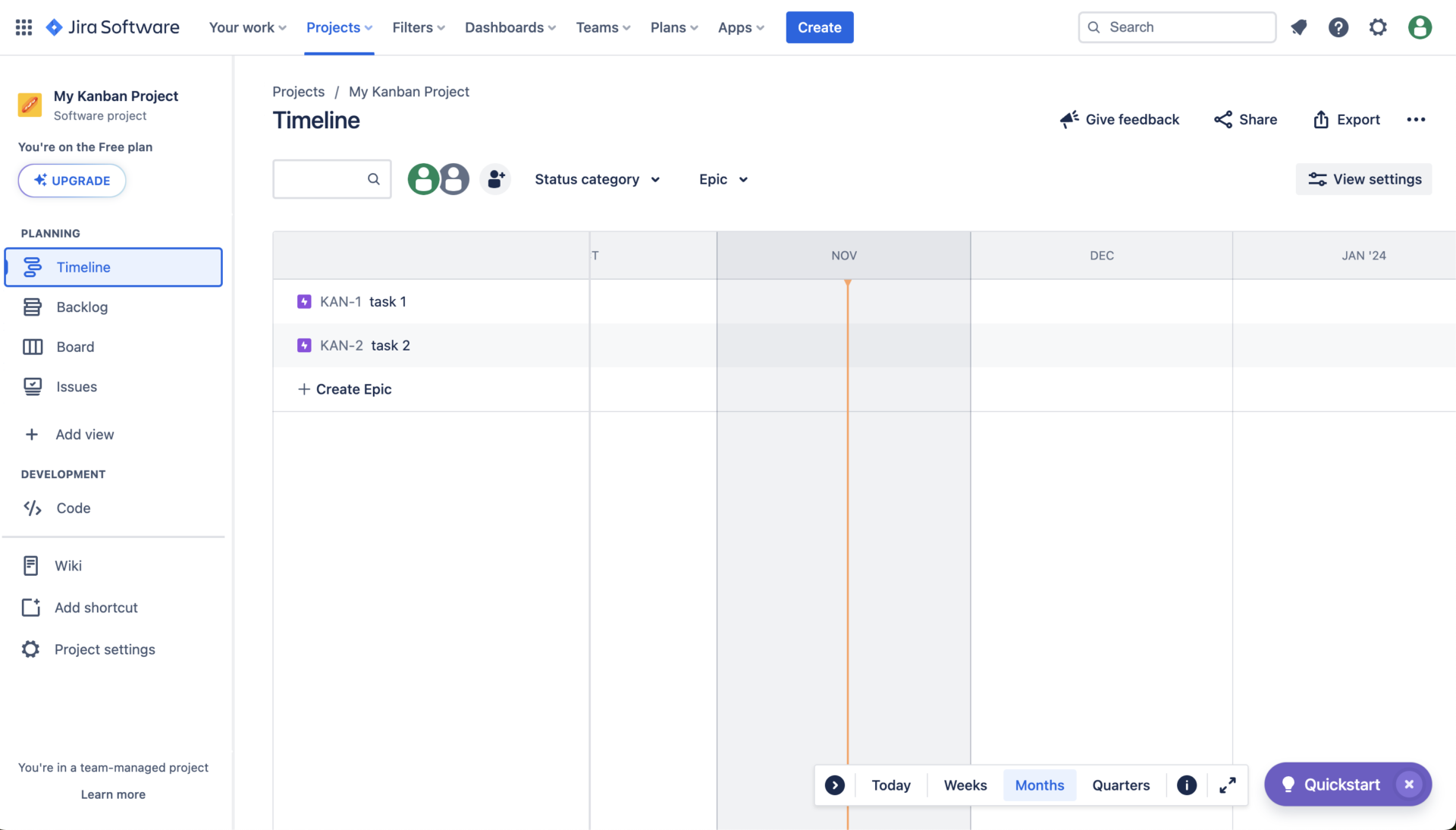
- Choose the task view from 4 types
The tasks of each project are displayed at dashboard which you can choose the view from 4 types: Timeline, Backlog, Board, Issues.
<Note of Jira Software>
- There is possibility that non-IT member cannot use it correctly
Since Jira Software has features and UI geared toward engineers, if you are not familiar with IT, you may not be able to use it.
<Price of Jira Software>
- Free:Free of charge(up to 10 users)
- Standard:920 JPY/user/month
- Premium:1,810JPY/user/month
- Enterprise:You need inquiry
Redmine
<Features of Redmine>
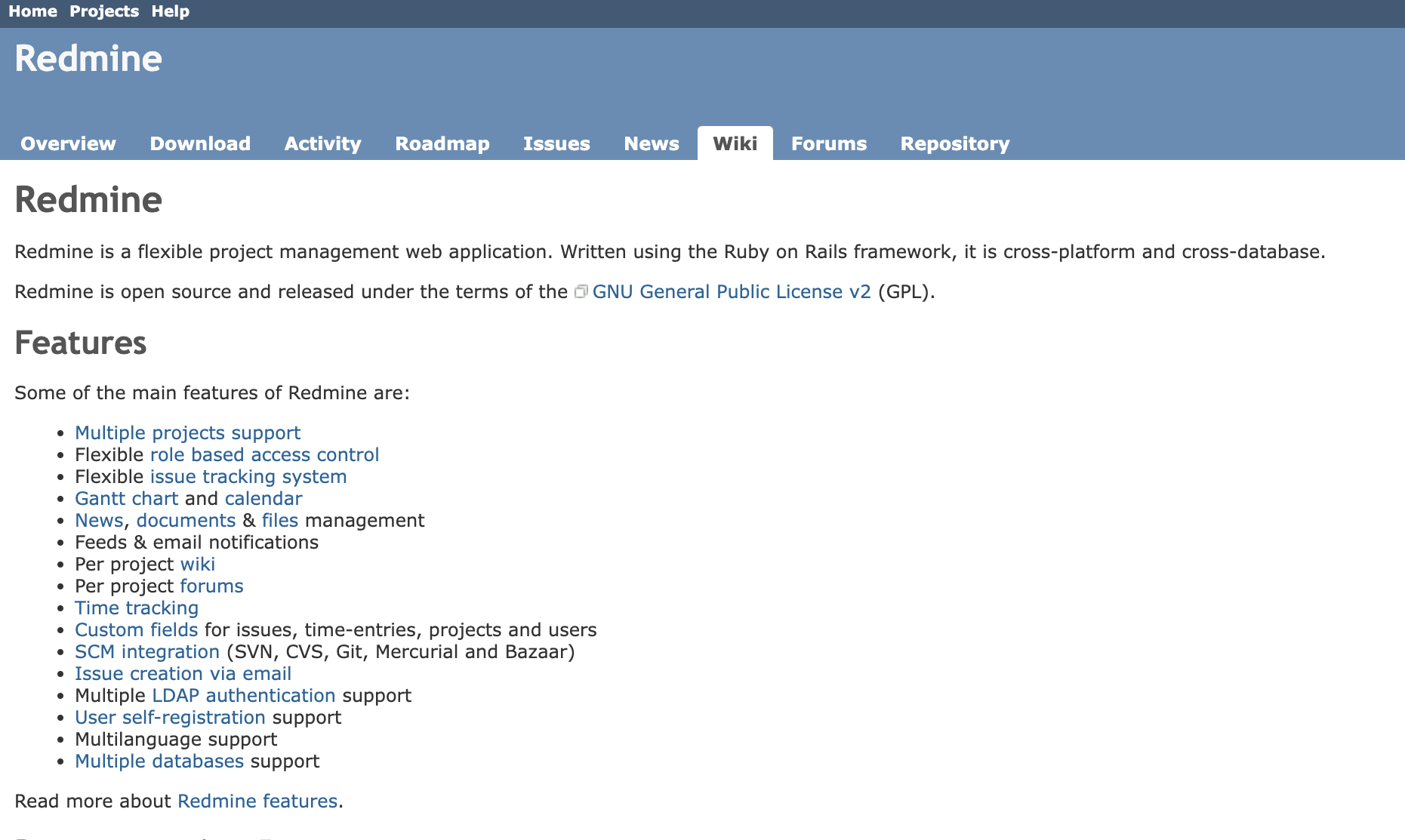
- Open source software
- Redmine for engineers
Redmine is an open source software, so anyone can use it for free.
Redmine is open source software, so you can freely rewrite and customize the code to create your own project management system.
<Note of Redmine>
- Difficult to operate in non-IT companies
- Be careful of name of “ticket”
While Redmine is highly customizable, it is difficult to use for those with low IT literacy.
In redmine, tasks are managed by calling them “tickets”, so be careful not to confuse them.
<Price of Redmine>
- Since it is open source, it is completely free to use.
Planio
<Features of Planio>
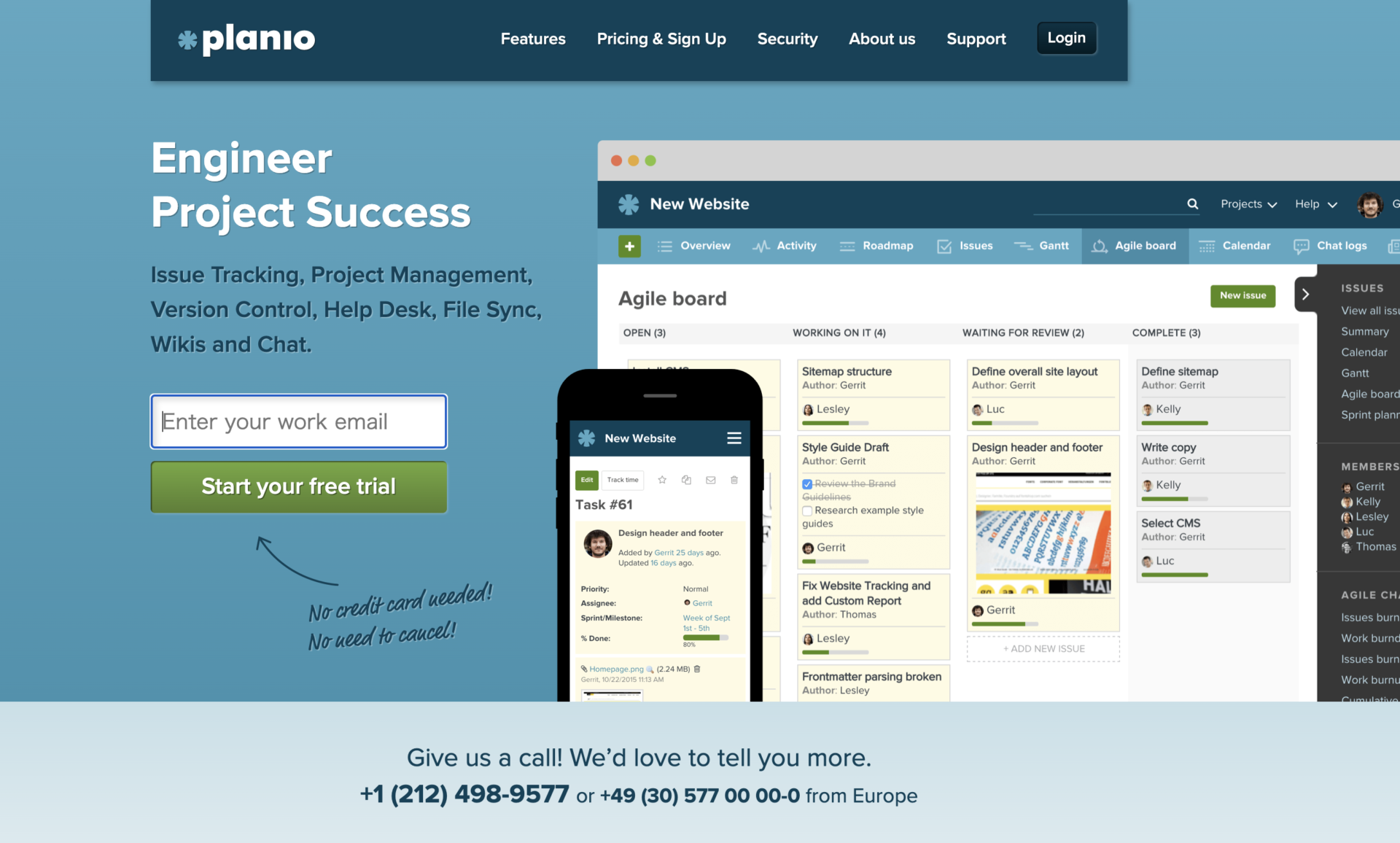
- Based on Redmine
- Free to use for 30 days
Recommended for Redmine users who want to migrate from the installation type to the cloud type.
You can try Planio for free for 30 days without credit card registration or cancellation.
<Actual screen of Planio>
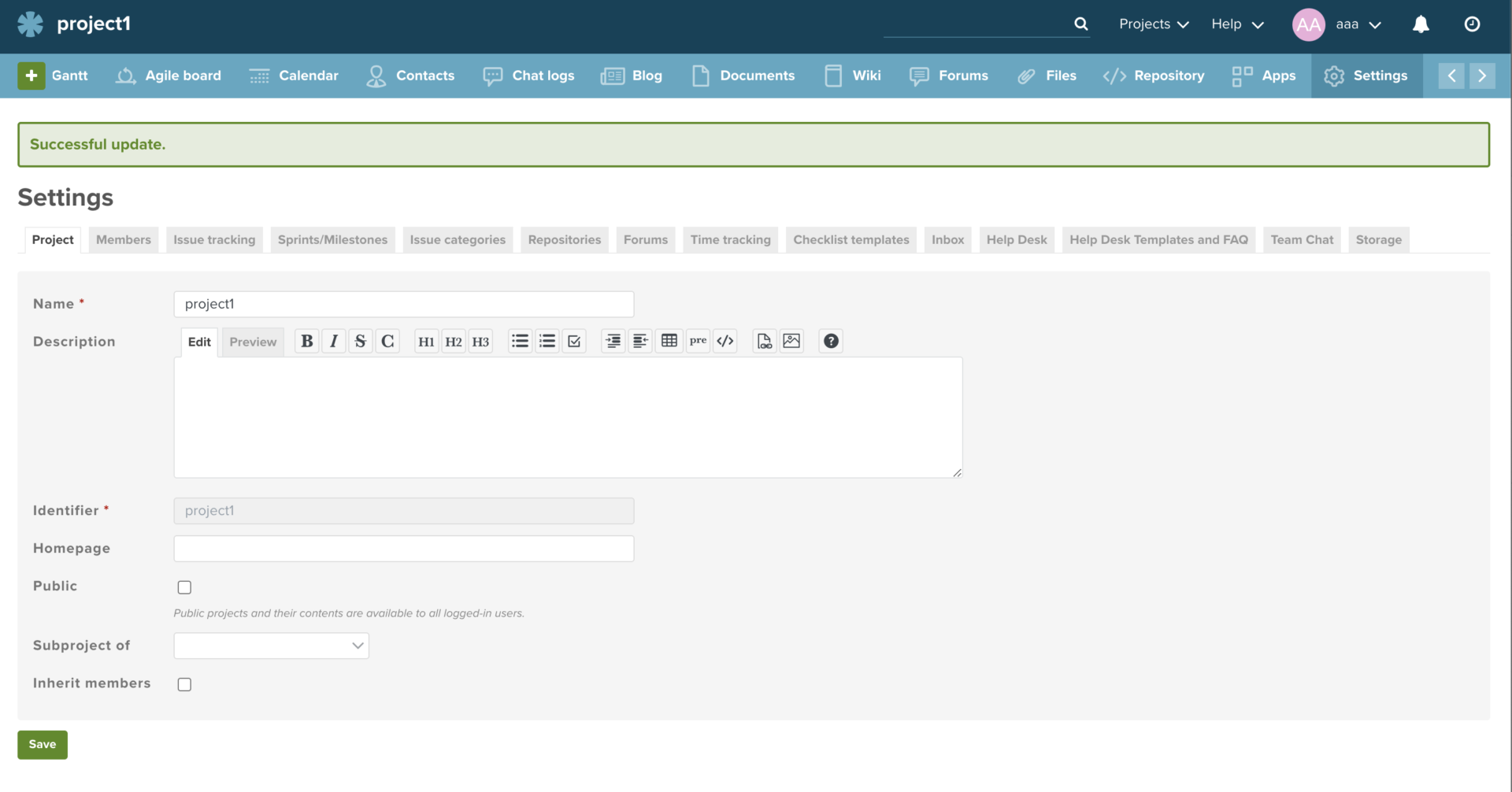
- Can set the projects in detail
As above image, although you can set the items such as Milestone, Members and Issue tracking, be careful what the project management is complicated because of setting items too much.
<Notes of Planio>
- You cannot continue to use it for free.
There is a free trial period, but there is no free plan, and you must pay to continue using the service.
<Price of Planio>
- Silver: 2,500 JPY/month
- Gold: 5,000 JPY/month
- Diamond: 9,000 JPY/month
- Platinum: 19,000 JPY/month
- Enterprise: 39,000 JPY/month and up
Todoist
<Features of Todoist>
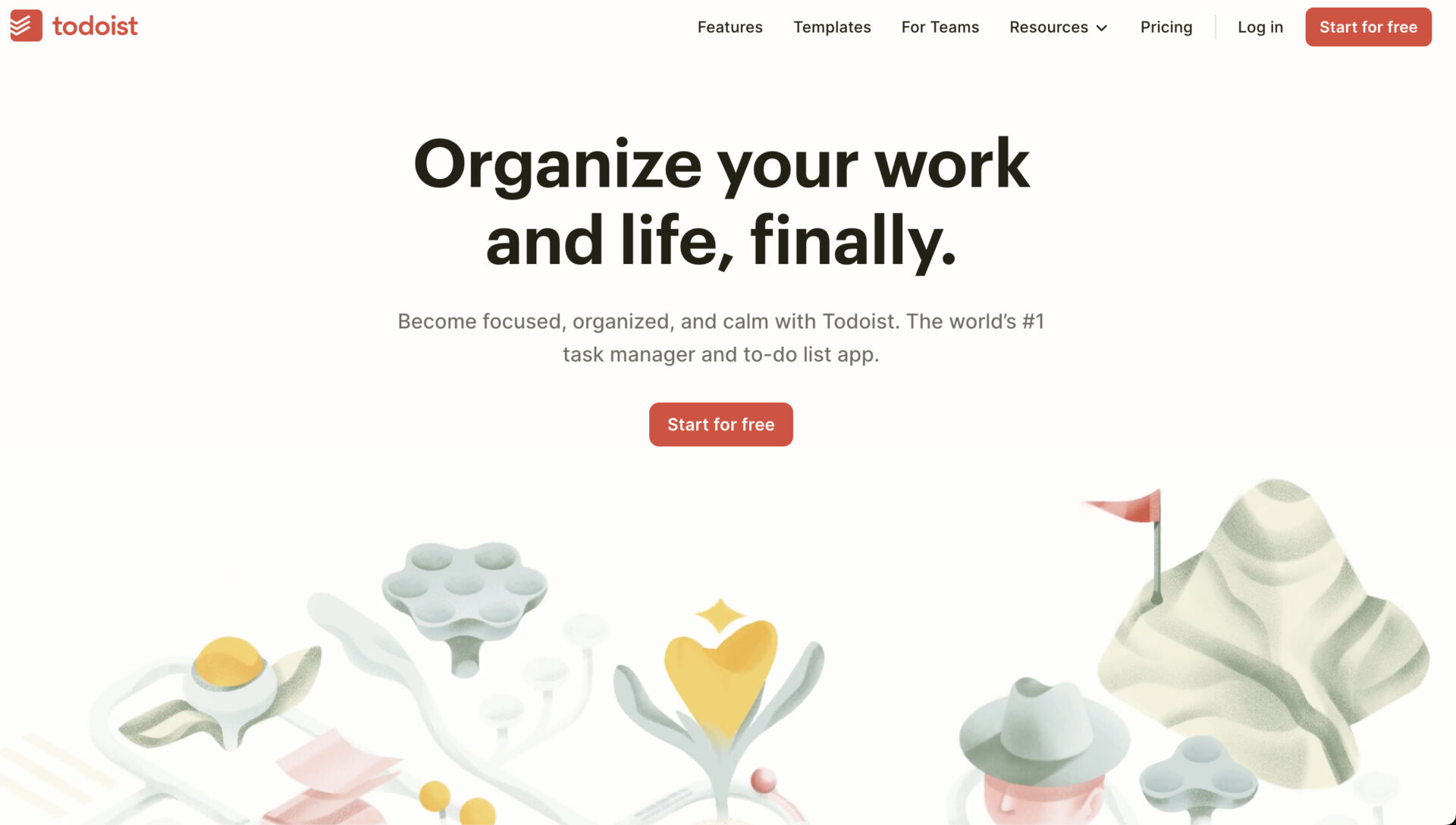
- Tasks can be visualized
- Up to 5 users can use it for free
You can set up subtasks for main tasks, so you can visualize what needs to be done and prevent omissions from your work.
Up to 5 users can share and use the minimum required functions. However, there are many functional limitations, and migration to the paid version is required.
<Actual screen of Todoist>
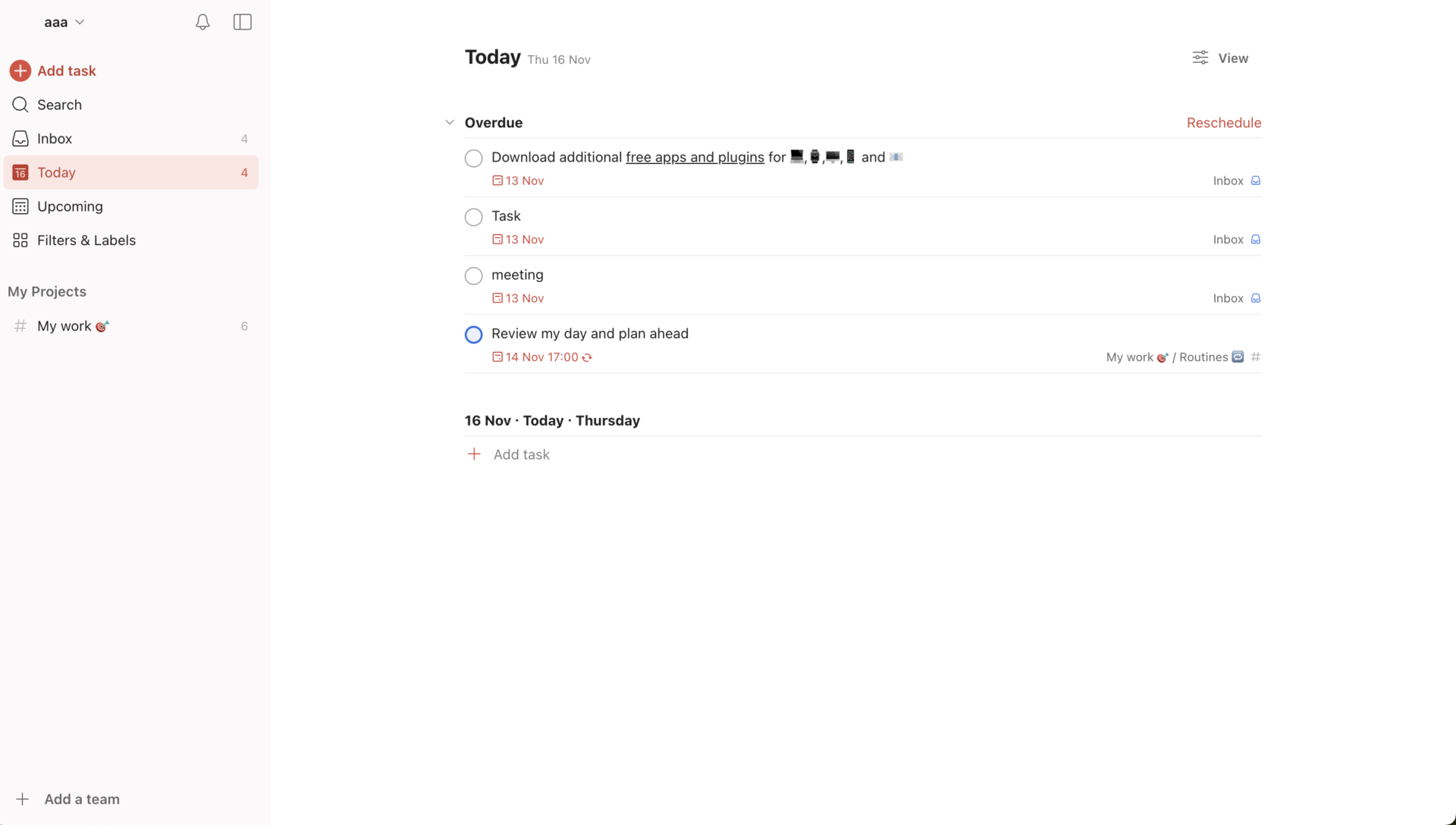
- The task of each project are displayed by list
Todoist can organize the tasks by list type, and you will be able to leave comment to each task.
<Note of Todoist>
- Difficult to master due to its many functions
Todoist has a wealth of useful features, but if you are not an IT expert, you may have a hard time using it.
<Todoist Fee Structure>
- Beginner plan(for individual): Free of charge
- Pro plan(for individual): $4/month
- Starter plan(for team): Free of charge
- Business plan(for team): $6/month
Trello

<Features of Trello>
- Intuitive project management
- No limit on the number of users
Drag and drop tasks to move them around like cards(Kanban style). Tasks can be swapped according to priority, allowing you to visually monitor progress.
There is no limit to the number of users in the free version. There is a storage limit, but most of the features can be used for free.
<Actual screen of Trello>
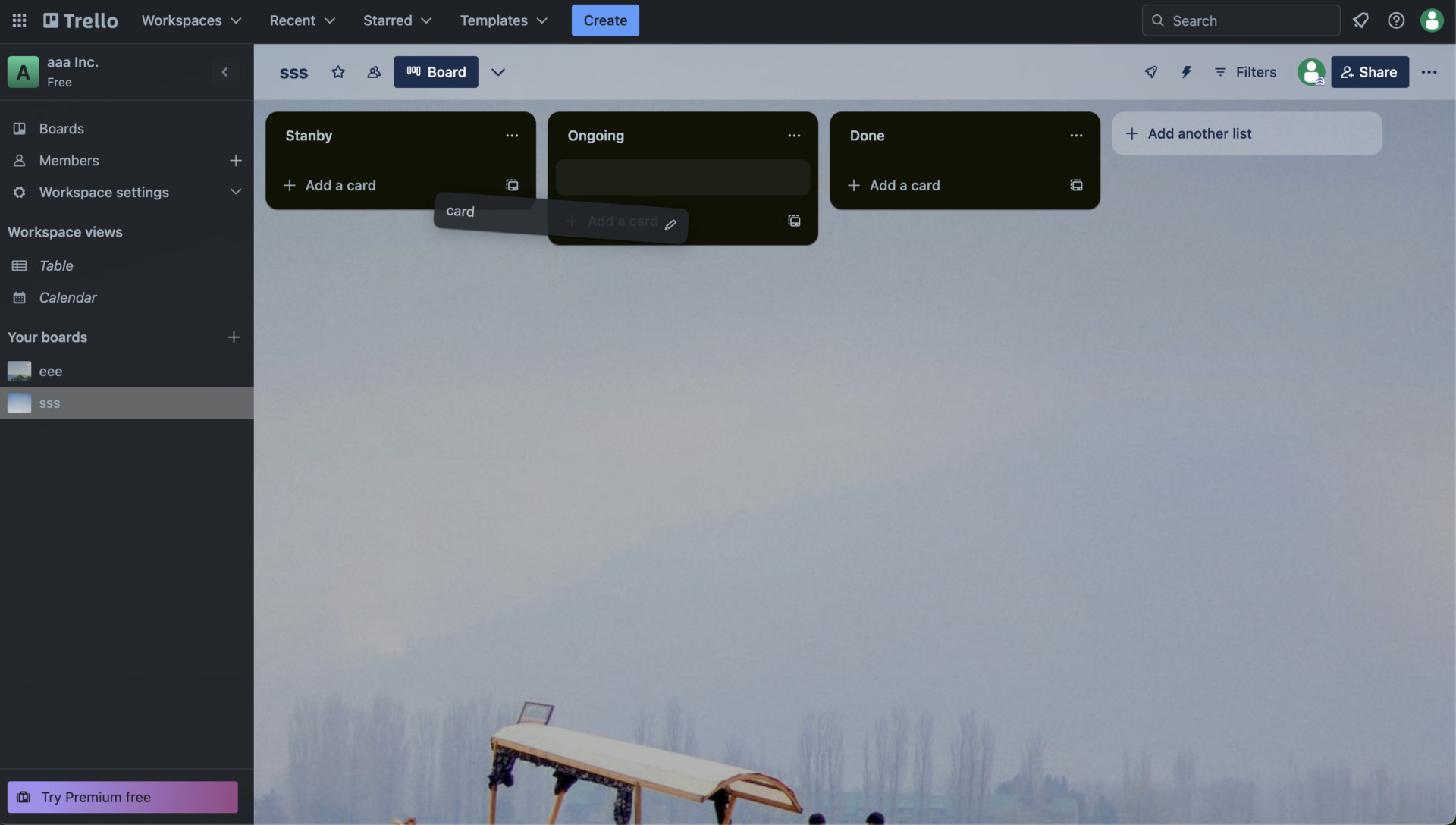
- Kanban board helps your task management
If you create the columns that display the status of tasks (List) and manage them, you will be able to grasp the progress of tasks at a glance.
<Note of Trello>
- Communication is not smooth
Chat functionality is not included, so you have to use other tools for communication to others.
<Price of Trello>
- Free: $0
- Standard: $6 USD/user/month (monthly payment)
- Premium: $12.50 USD/user/month (monthly payment)
- Enterprise: $17.50 USD or less per user per month (annually payment)
Airtable
Features of Airtable
- Can integrate with many other tools
- Enable to manage workflow
Airtable can integrate with over 30 tools that thrid party made such as Slack, Google Drive, Youtube.
Airtable can manage not only project, but also enable to streamline workflow by automation function.
<Actual screen of Airtable>
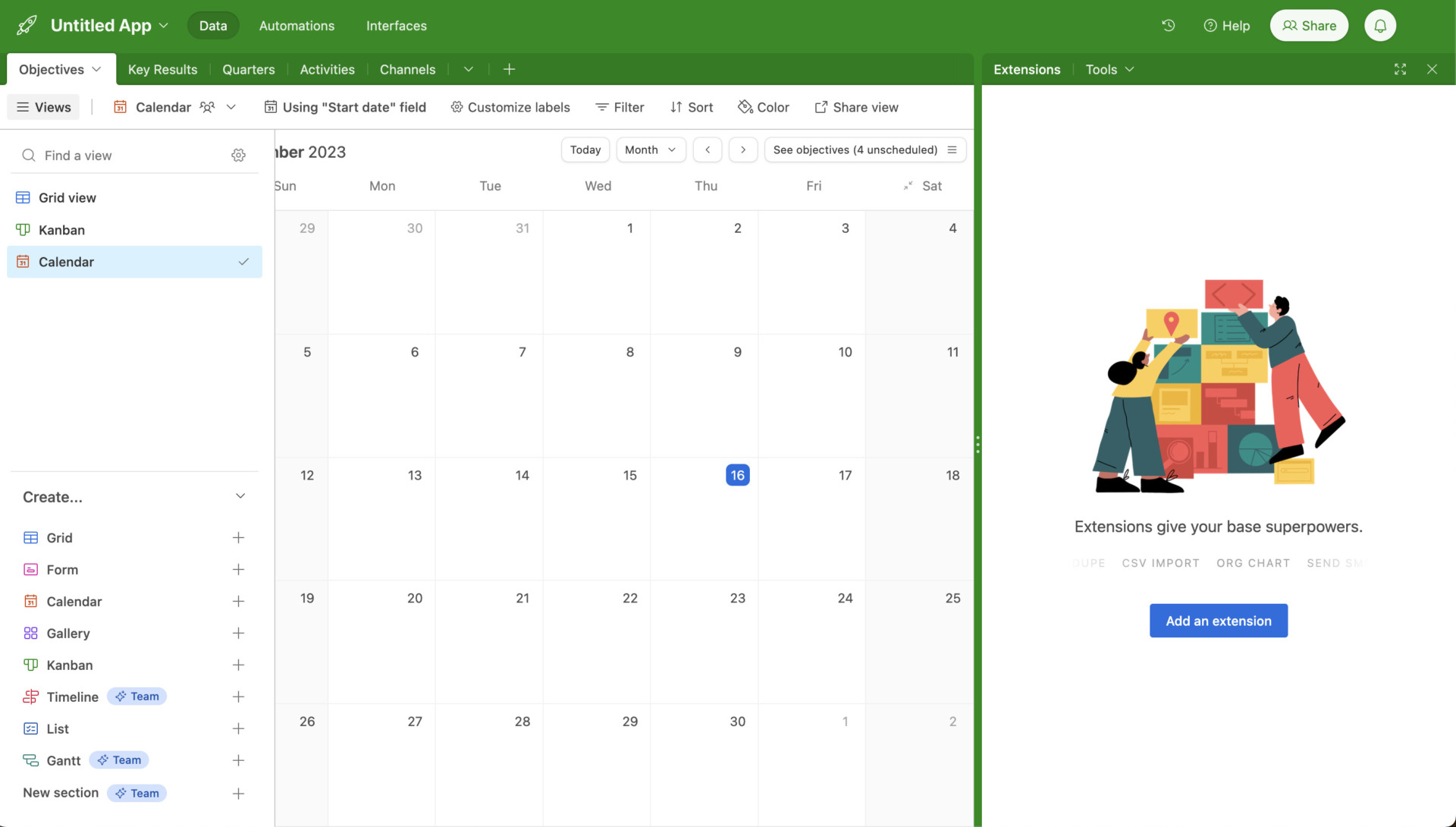
- Various project views and extensions
As above image, choosing the view of your and team member’s tasks, and extensions such as Summary table, integration with other apps help your managing process more efficiently.
<Note of Airtable>
- Management screen is complex because of it is multifunctionality
You can make efficient by using Airtable well, but non-IT users may not use well because UI is a little complex.
<Price of Airtable>
- Free: free of charge
- Plus: $12 /user/month (monthly payment)
- Pro: $24 /user/month (monthly payment)
- Enterprise: You need inquiry
Slack
<Features of Slack>
- Integrate with other tools
- Smooth communication
Slack can be integrated with external tools, making it possible to unify notifications related to projects.
Because it is a chat-type tool for project management, information sharing regarding projects becomes smooth.
<Actual screen of Slack>
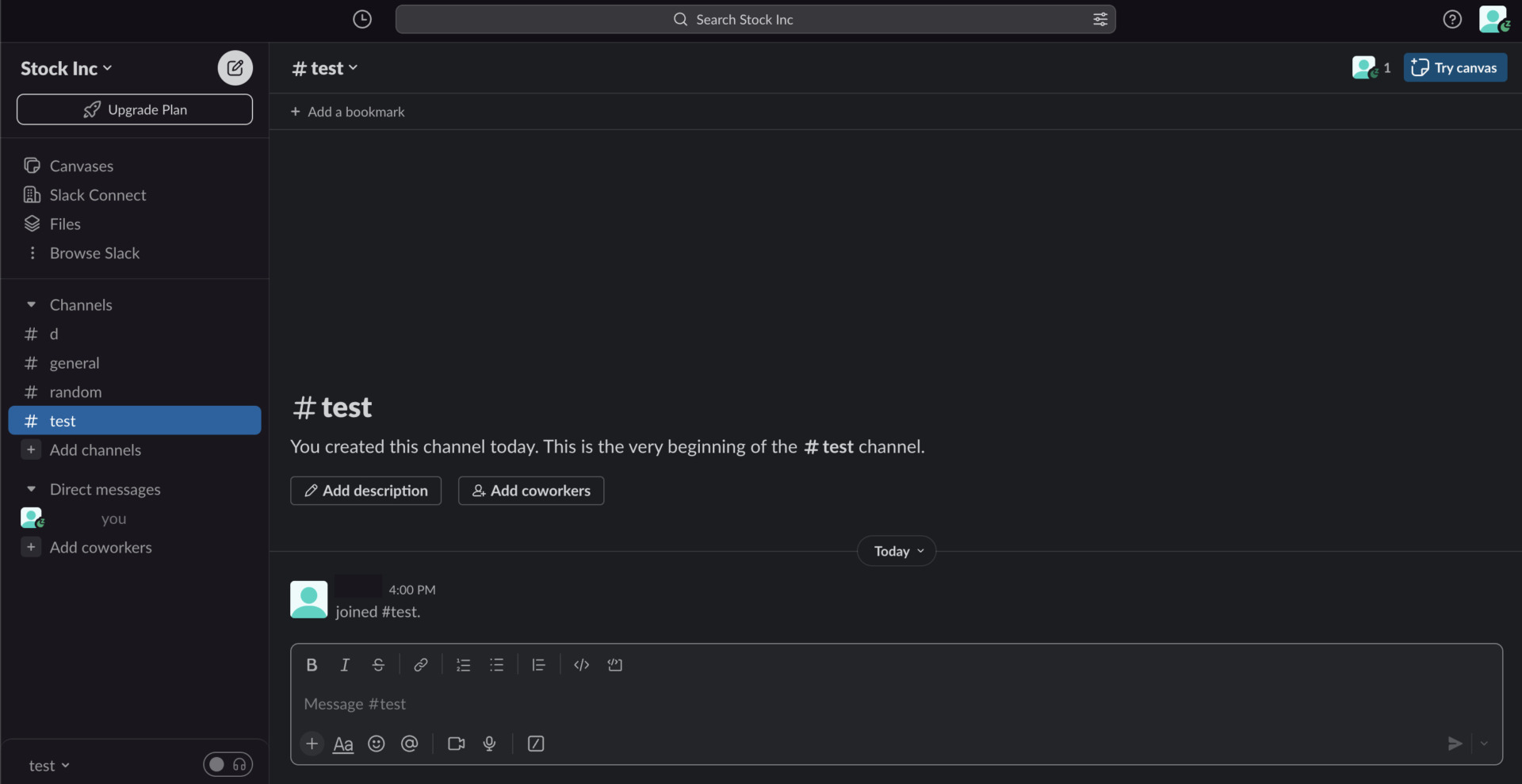
- Create the Channel by each project
Although Slack is not project management software, but chat tool that communicate with other member smoothly. Therefore, if you divided channel, you can prevent what the topics mix up.
<Note of Slack>
- Information will be flowed
Since new information may flow one after another by new message, making it time-consuming to check the process.
<Price of Slack>
- Free: Free of charge
- Pro: $8.75/user/month (monthly payment)
- Business Plus: $15/user/month (monthly payment)
- Enterprise Grid: You need inquiry
Zenkit Projects
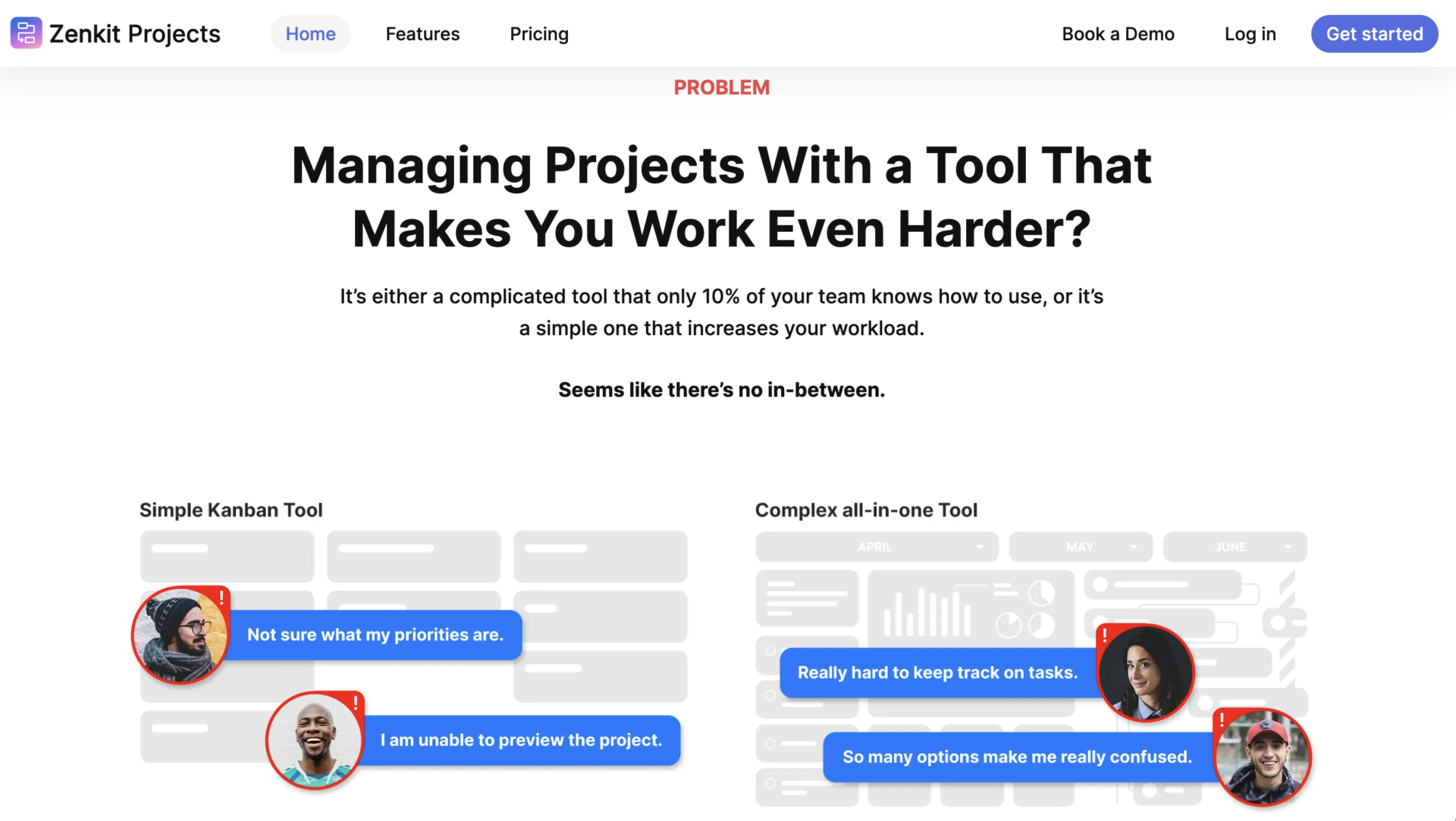
<Features of Zenkit Projects>
- Can Reports of Zenkit Projects is output
- Migration is easy
Zenkit projects can output the multiple reports that are chose from over 720 combinations data.
You can integrate with other tools easily like Trello, Asana and so on by 1-click.
<Actual screen of Zenkit Projects>
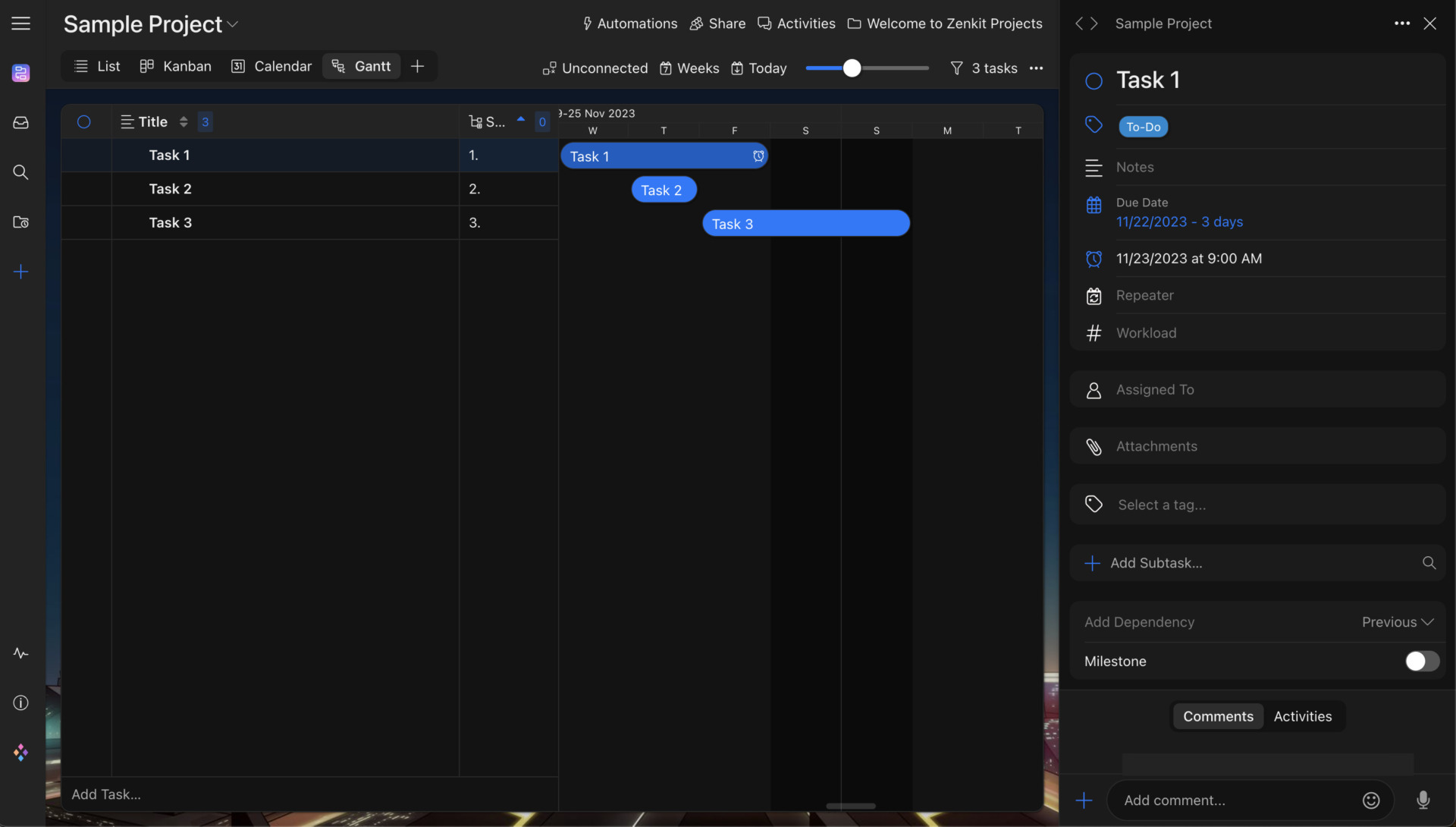
- 9 styles project views
Zenkit Projects has 9 project views, they help you to grasp the tasks detail and process correctly without omission.
<Note of Zenkit Projects>
- Storage space for attached file is low Personal and Plus plan
Since Total storage space is low that 1GB for Personal, and 6GB for Plus plan, and you cannot send file over the total storage.
<Price of Zenkit Projects>
- Personal: Free of charge
- Plus: 9€/user/month (monthly payment)
- Business: 25€/user/month (monthly payment)
- Enterprise: You need inquiry
Figma
<Features of Figma>
- Specialized in designer or developer
Figma can manage project for design companies and other IT companies. For example, it has various functions like creating wireframe, leaving ideas and information for Web design.
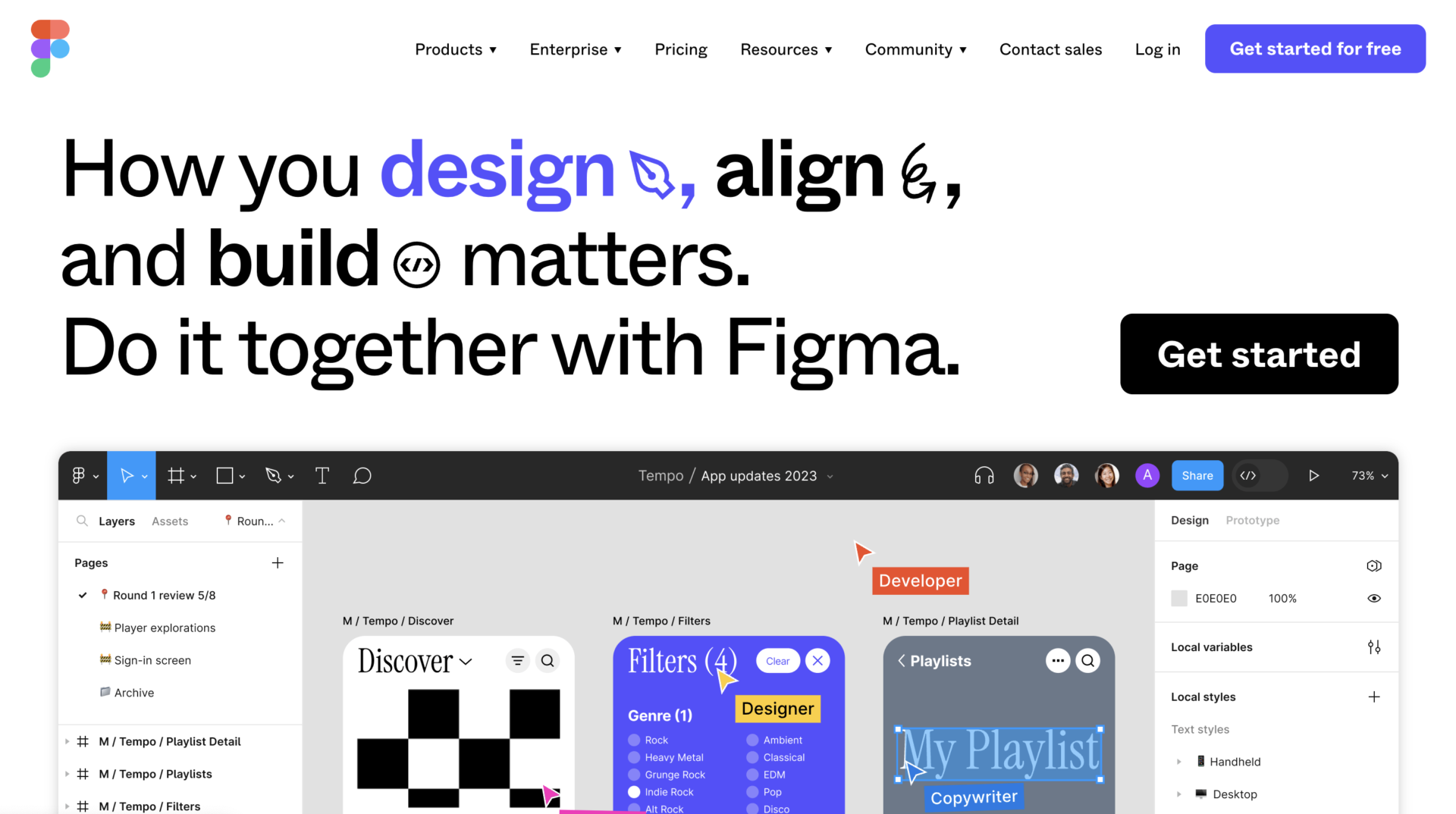
<Actual screen of Figma>
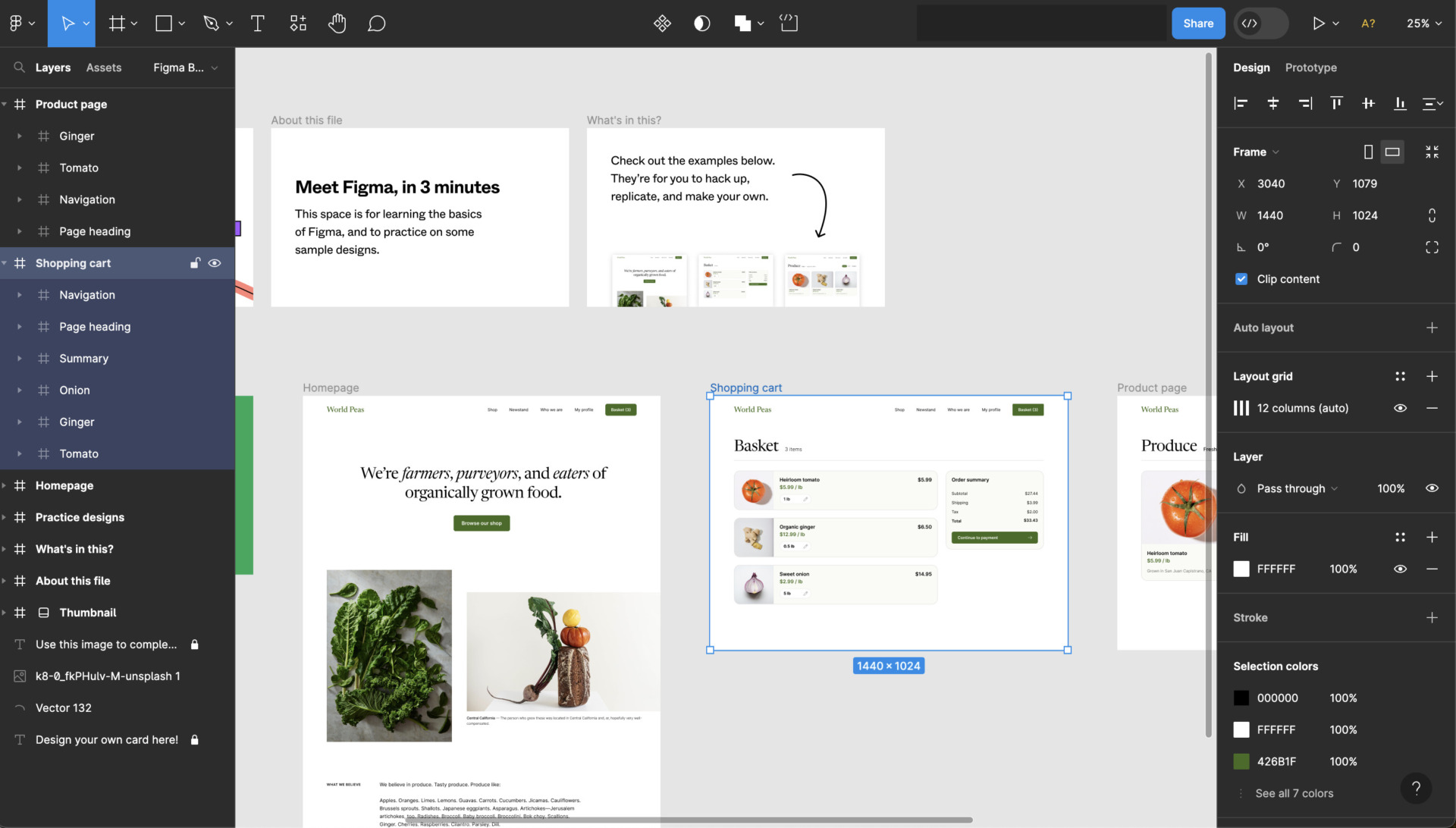
- Extensive functions
As above image, you can create any design. However, non-designers may find it difficult because of the high level of skill required to use.
<Note of Figma>
- Version history is stored only 30-days
In Starter plan, as the version history is applied only 30-days, the project that period is long cannot be check past information over 30-days.
<Price of Figma>
- Starter: Free of charge
- Figma Professional: $12/user/month (monthly payment)
- Figma Organization: $45/user/month (monthly payment)
- Figma Enterprise: $75/user/month (monthly payment)
Quire

<Features of Quire>
- Intuitive functions for project management
As the website of Quire mentioned, it is not only intuitive operation, but also various functions for project management help your team to proceed business.
<Actual screen of Quire>
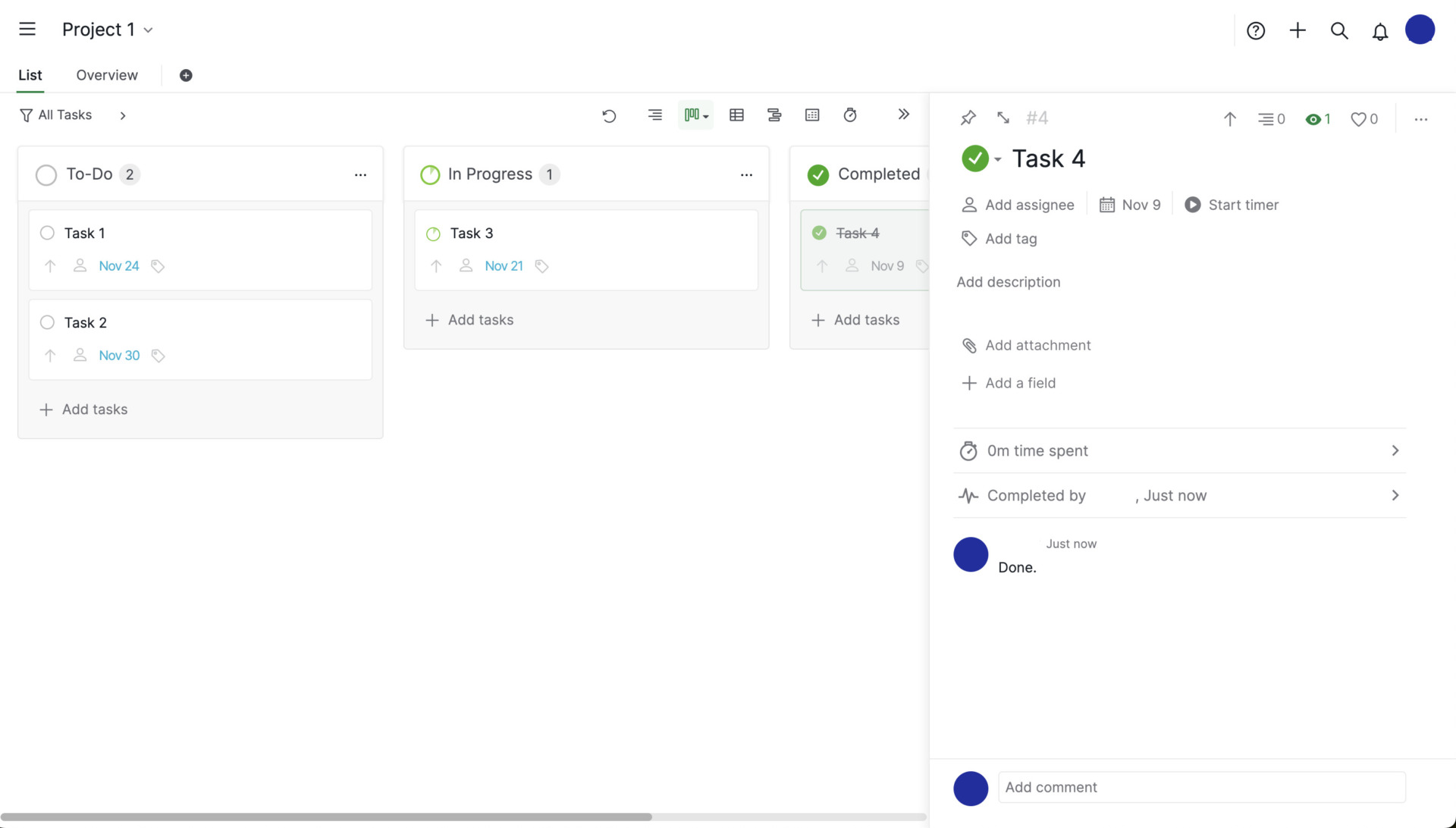
- Simple view to organize tasks
It does not need the complicated operation to manage tasks, and output the reports that Progress stats and Weekly summary automatically.
<Note of Quire>
- Free plan can display Kanban view
Since dashboard view of Quire free plan has only Kanban style to display your tasks, if you want to use another view such as Timeline, Calendar and so on, you should subscribe paid plan.
<Price of Quire>
- Free: Free of charge
- Professional: $10.95
- Premium: $18.95/user/month
- Enterprise: $Free of charge
Questions about project management tools
There are many project management tools available, but you need to select one that meets your company’s objectives. Therefore, you need to understand what a project management tool can do for you from below.
What is a project management tool?
A project management tool is a tool for managing a project efficiently and easily.
In a project, you have to manage the progress of tasks, processes, and schedules in parallel, which requires a great deal of man-hours.
Therefore, a project management tool will enable you to manage the project with less effort. Also, when two or more projects are being carried out in parallel, you will be able to handle them without omitting any work.
What are the merits of a project management tool?
There are 3 main benefits to implementing a project management tool
- Efficient management of projects.
- Easy to share
- Visualization of project information
In project management, you have to record each task and person in charge one by one, which is time-consuming. However, with a project management tool, you can reduce the time spent on management by using features such as templates.
Sharing information becomes easy because all team members can see the same information. In addition, if the tool supports collaborative editing, there is no need to feel cumbersome because tool allows you to edit a file if another team member has it.
With a project management tool, you can visualize information related to the project. In the past, projects were managed in Excel, so information was scattered across multiple files, and it was time-consuming to open the file every time you wanted to check the information.
As described above, the introduction of a project management tool solves the stressful and inefficient aspects of projects. Especially for managers, who have a lot of work to do, a project management tool is essential to reduce waste in their work.
What are the functions of a project management tool?
A project management tool has the following main functions.
- Progress sharing
- Task Management
- Message
This function allows you to enter the progress of your work and share it with your team members. This allows you to be aware of any problems immediately so that you can take prompt action.
This function is used to manage tasks for the entire team. Tasks are visualized to prevent omissions and ensure that they are handled on time.
This is a function that allows you to specify members of the team to communicate with. Since communication can be linked to tasks, topics can be exchanged smoothly without confusion.
- Man-hour management
- Wiki function
- Gantt chart function
This function is used to grasp the amount of tasks that each member is carrying. When assigning additional tasks, you can see at a glance which members have spare time.
This function is used to share information that all members should understand, such as project guidelines. When there are many members involved in a project, sharing basic knowledge about the project helps the entire team to have a common understanding of the project.
This function allows you to easily create a Gantt chart to visualize the progress of tasks. It is also merit in that it can be easily updated by simply adding data, keeping it up-to-date at all times.
Even if you use the term “project management tool,” the functions available vary from tool to tool. It is necessary to determine the “functions necessary for your company’s project management” and select a tool that has no excess or deficiency of functions.
For example, the “Gantt chart function” may look convenient, but it has the demerit that “it can only be used by those with a high level of IT literacy” due to its complicated usage.
Which companies are best suited for project management tools?
Free project management tools can solve any company’s problems.
For example, companies that need advanced analytical capabilities and issue management are best served by a multifunctional project management tool. On the other hand, if a company is not IT-savvy, a tool with 3 functions: “information sharing”, “task management”, and “message”, is appropriate.
For example, Stock, which can store project information by “Note” and link “Task” to “Message”, is simple enough that a non-IT company can quickly use it because it is not overloaded with necessary functions.
3 Typical Types of Project Management Tools
Below are 3 typical types of project management tools. Compare the types of tools and implement the one that is best suited for your company.
(1) Case management type
The project management type enables “smooth information sharing” necessary to proceed with a project, such as confirming processes and milestones.
In addition, since minutes and other information can be managed and shared, project management can be completed with a single tool.
If you feel that you want to avoid omission of work related to a project, a tool specialized for project management is recommended.
(2) Task Management Type
The task management type allows you to visualize the work to be done on a project by displaying tasks in a board format.
If you only want to manage the progress of tasks, it is best to choose the Task Management type.
It is also recommended if you have many tasks per project, as you can easily change the status of tasks and manage schedules.
(3) Man-hour management type
The man-hour management type allows you to grasp the schedule of the entire project and the relationship between tasks.
Tasks are displayed in a Gantt chart format, which is ideal for users who want to grasp only the overall picture of the project.
Furthermore, this type is recommended for large-scale project operation scenes, as it allows you to manage the entire project from a bird’s eye view.
Summary of 14 best free tools for project management
We have focused on the selection criteria for project management tools and recommended project management tools so far. The items to check when selecting a tool are as follows
- Can anyone use it easily?
- What are the limitations?
- Is it cloud type?
- Is the paid plan low cost?
It is not a good idea to test and compare multiple tools while you are busy with the project. In addition, since you need to get the system up and running immediately, and need to keep training and implementation costs to a minimum.
Considering the above, it is essential to introduce a “simple tool that anyone can use”. “Stock” is so simple that even those who is not familiar with IT can use it from day one, and more than 240,000 non-IT companies mainly, have adopted it.
It only takes 1 minute to sign up for free, so we urge you to use Stock to structure your project management and make your work more efficient.
