

File sharing, which is essential for business, has been dominated by methods such as e-mail and USB. In recent years, more and more companies are successfully using cloud tools to improve the efficiency of file sharing with high security.
However, many people may be wondering, “I don’t know what to choose among the many cloud tools available”.
In this article, we will focus on 9 best secure tools for sharing big file. This article is for below people.
- “I don’t know how to choose a secure tool for file sharing”.
- “Information exchange is slow with e-mail and USB, so if there is a good solution, I would like to introduce it”.
- “I am looking for a service that allows me to share information quickly as I implement remote work”.
If you are in charge of such a situation, this article will help you choose the best sharing big file tool for your company and improve the efficiency of file sharing.
Contents
- 1 4 points to consider when selecting a cloud storage site for file sharing
- 2 9 best file sharing tools which has high security
- 2.1 [Stock] Even non-IT employees can easily use file sharing tool
- 2.2 [Google Drive] File management tool provided by Google
- 2.3 [Dropbox] A site for sharing large files
- 2.4 [Box] A tool that has been adopted by more than 10,000 companies
- 2.5 [OneDrive] Microsoft’s cloud storage service.
- 2.6 [iCloud+] the famous site for iPhone file management
- 2.7 [ShareFile] Facilitates file sharing
- 2.8 [MediaFire] Sharing file in your team will be smooth
- 2.9 [Files.com] Cloud storage that major company used
- 3 Comparison chart of recommended cloud storage
- 4 4 file sharing methods
- 5 What File sharing tools can do for you
- 6 3 reasons to use file sharing tools for information sharing
- 7 Summary of 9 best file sharing tools
4 points to consider when selecting a cloud storage site for file sharing
Below are 4 points to consider when selecting a file sharing tool. Make sure to check for any omissions in order to choose the best storage service for your company.
(1) Is the capacity excessive or insufficient?
First, make sure you know how much space you have available for the data you want to store on the tool.
After sorting out the “types of files you want to share,” such as PDFs and photos, consider the specific amount of space you need.
Be aware, however, that some services set a limit not only on the overall capacity but also on the amount of data that can be uploaded or downloaded at one time.
(2) Are the price too high?
Check the following 3 points regarding price.
- Is there a “free plan” that allows you to try out the service before installing it?
- Is there an initial fee?
- How much is the “monthly usage fee”?
Since many services add fees depending on the capacity used and the number of users, consider whether the fees can be continued after the introduction of the service in accordance with the company’s budget.
(3) Is the security strong?
When using file sharing tools for business, choose a tool with strong security. The following 3 features should be focused on to reduce the risk of information leaks.
- Ability to set access privileges
- Ability to restrict available IP addresses
- Ability to encrypt communications/information
In addition to the above, you can also use the international security certification “ISO27001 (ISMS)” as an indicator to further narrow down the list of file sharing tool with high security.
(4) Can anyone use it easily?
“Ease of use” of file sharing tool is also an important point.
If the tool has many functions and is complicated to operate, employees who are not familiar with IT tools may not be able to use it, and it may not spread within the company.
On the other hand, if the tool is compatible with all devices like smartphones and tablets in addition to PCs, each member can use it on a device they are familiar with, lowering the hurdle to adoption.
In particular, since file sharing tool is introduced on the premise that it will be operated by many members, it must be a tool that can be used by anyone, as in Stock.
9 best file sharing tools which has high security
Below is a list of 9 best file sharing tools and sites together.
The most important point to keep in mind when sharing files is “information leakage” due to human error. The many of case that information leaks are caused by “lost and misplaced,” “mishandling,” and “unauthorized access”.
In other words, information leaks are caused by “loss due to analog information management” and “management with complicated tools that may lead to mishandling”. Therefore, file sharing tool should be selected as a tool that offers both security and ease of use.
In conclusion, for information management in non-IT companies, you should choose Stock, a file sharing tool with strong security and simple enough that even employees in non-IT company.
You can attach any files to the “Notebook,” of Stock which stores all kinds of information, and share them without mixing topics. It also has an international security certification, you can use it in business situations and with peace of mind.
[Stock] Even non-IT employees can easily use file sharing tool

The simplest tool to stock information "Stock"
https://www.stock-app.info/en/
Stock is the simplest tool to stock information. Stock solves the problem, "there is no easy way to stock information within the company".
With Stock, anyone can easily store all kinds of information, including text information such as requirements, images, and files, using the Note feature.
In addition, by using the "Task" and "Message" functions, you can communicate with each topic described in the Note, so that information is not dispersed here and there and work can always be carried out in an organized manner.
<Why do we recommend Stock?>
- A tool for companies that are not familiar with ITYou don't need to have any IT expertise to get started.
- Simple and usable by anyoneStock is so simple that anyone can use it without any unnecessary features.
- Amazingly easy information storing and task managementIt is amazingly easy to store information such as shared information within a company, and intuitive task management is also possible.
<Stock's pricing>

- Free plan :Free
- Business plan :$5 / User / Month
- Enterprise plan :$10 / User / Month
*Minimum number of users: 5 users
[Google Drive] File management tool provided by Google
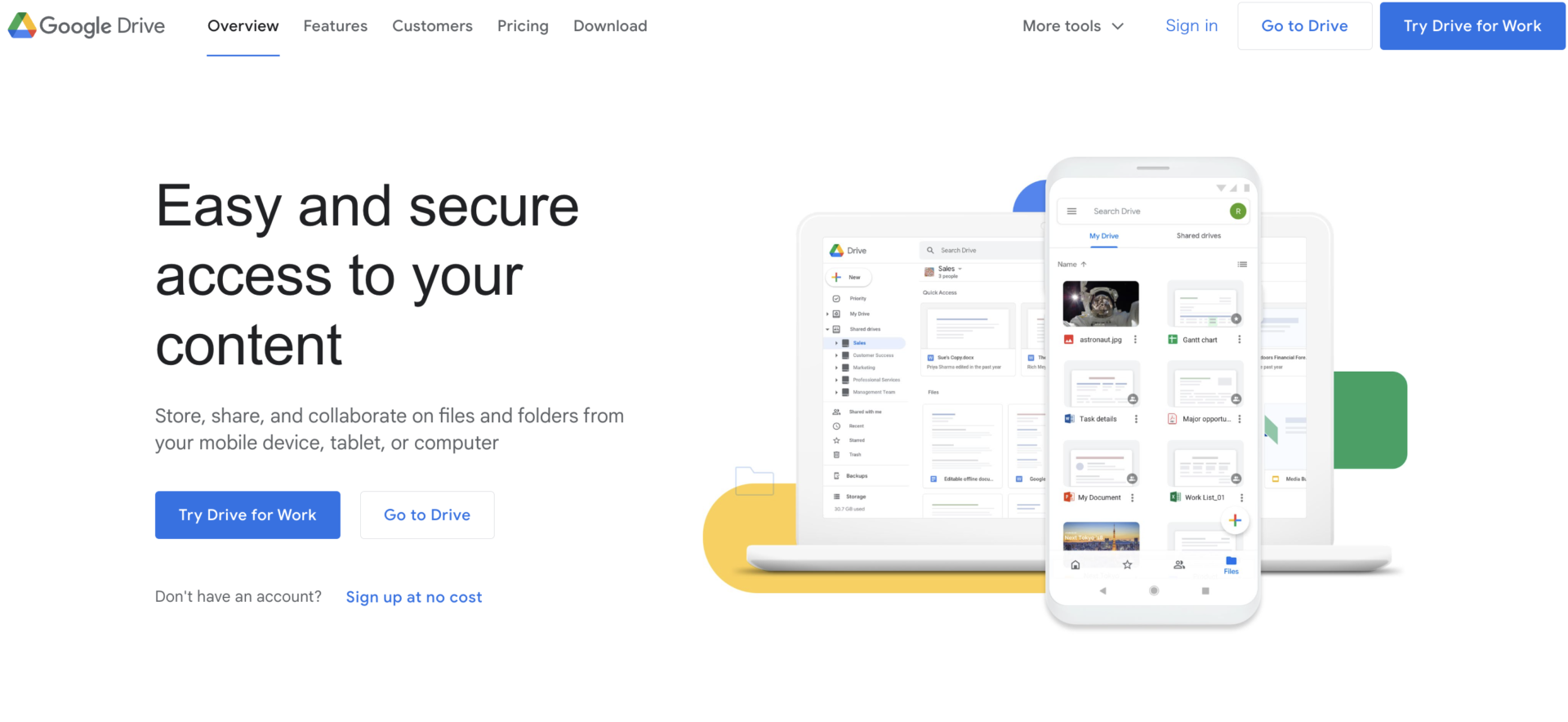
<Features of Google Drive>
- Can be linked to Google services
- Free up to 15GB
It is useful for sharing files created with “Google Docs” and “Google Sheets”.
You can use up to 15 GB for free, and paid plans are also available for business users.
<Note of Google Drive>
- Organizing folders is difficult.
Google Drive is a hierarchical folder management system, so the more information you store, the longer it takes to organize the folders.
<Price of Google Drive>
Basically, Google Drive is free to use as long as you have a Google Account, but the storage capacity is limited to 15 GB per person. If you want to use more space than that for your business, you need to subscribe to Google Workspace.
Google Workspace Pricing
- Business Starter: $6/user/month
- Business Standard: $12/user/month
- Business Plus: $18/user/month
- Enterprise: You need inquiry.
[Dropbox] A site for sharing large files

<Features of Dropbox>
- Easy sharing of large files
- Support for multiple devices
By simply sending a link to the person you want to share a file with, you can exchange large files without having to compress them.
Dropbox supports not only web browsers and desktop apps for Windows and Mac, but also mobile apps for iOS and Android.
<Note of Dropbox>
- The free plan only allows up to 2GB.
Since the capacity available with the free plan is 2 GB, you may need to subscribe to a paid plan for business use.
<Price of Dropbox>
- Free plan: Free of charge
- Professioal: $19.99/user/month (monthly payment)
- Standard: $18/user/month (monthly payment)
- Advanced: $30/user/month (monthly payment)
- Enterprise: You need inquiry
[Box] A tool that has been adopted by more than 10,000 companies
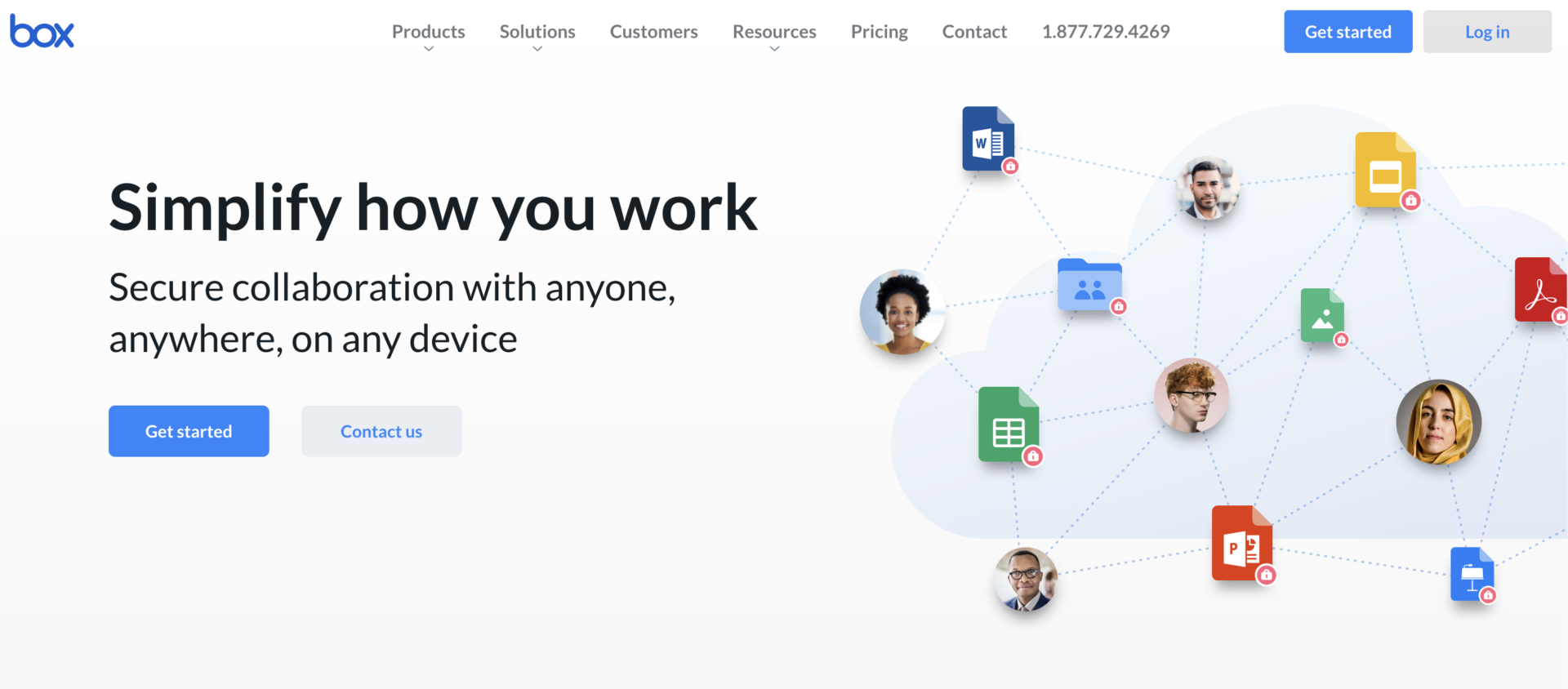
<Features of Box>
- Connectivity with more than 1,500 apps
- Support for mobile apps
Box can be integrated with more than 1,500 apps, so if your company’s IT literacy is high, you can use it in combination with existing tools for advanced operations.
Box is compatible with mobile apps, so you can share files even when you are on the move or at a work site where you cannot open your PC.
<Note of Box>
- Cost-effectiveness may be low.
Plans for business users are relatively expensive, starting at 1,800 yen per user, so there are cases where cost-effectiveness is low if you do not fully utilize all of the features.
<Price of Box>
- Individual or Team
- Business plan
Individual: Free
Personal Pro: 1,320 JPY/month (monthly payment)
Business starter: 605 JPY/user/month
Business: 1,980 JPY/user/month (monthly payment)
Business Plus: 3,300 JPY/user/month (monthly payment)
Enterprise: 4,620 JPY/user/month (monthly payment)
Enterprise Plus: You need inquiry
[OneDrive] Microsoft’s cloud storage service.
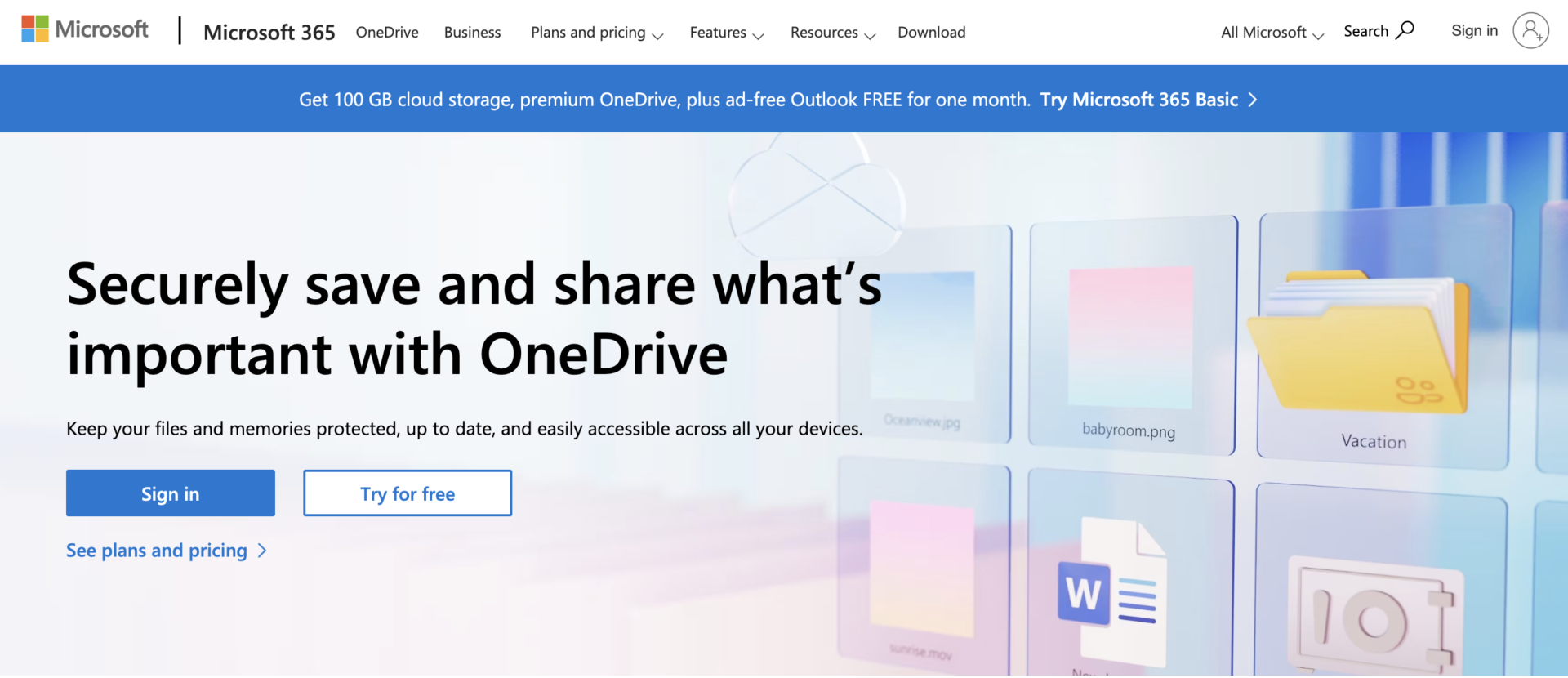
<Features of OneDrive>
- You can set an expiration date for access to your files.
- Scanning function
You can set an expiration date for access to files, reducing the risk of information leaks.
OneDrive on smartphones and tablets has a scanning function, which is useful for sharing documents scanned with a camera or converting them to PDF.
<Note of OneDrive>
- Only a limited number of plans can be integrated with Office.
Only Microsoft 365 Business Basic or Microsoft 365 Business Standard can be integrated with the web versions of Outlook, Word, Excel, PowerPoint, and OneNote.
<Price of OneDrive(for company)
- OneDrive for Business (Plan 1): $5/user/month
- OneDrive for Business Basic: $6/user/month
- Microsoft 365 Business Standard: $12.50/user/month (monthly payment)
[iCloud+] the famous site for iPhone file management
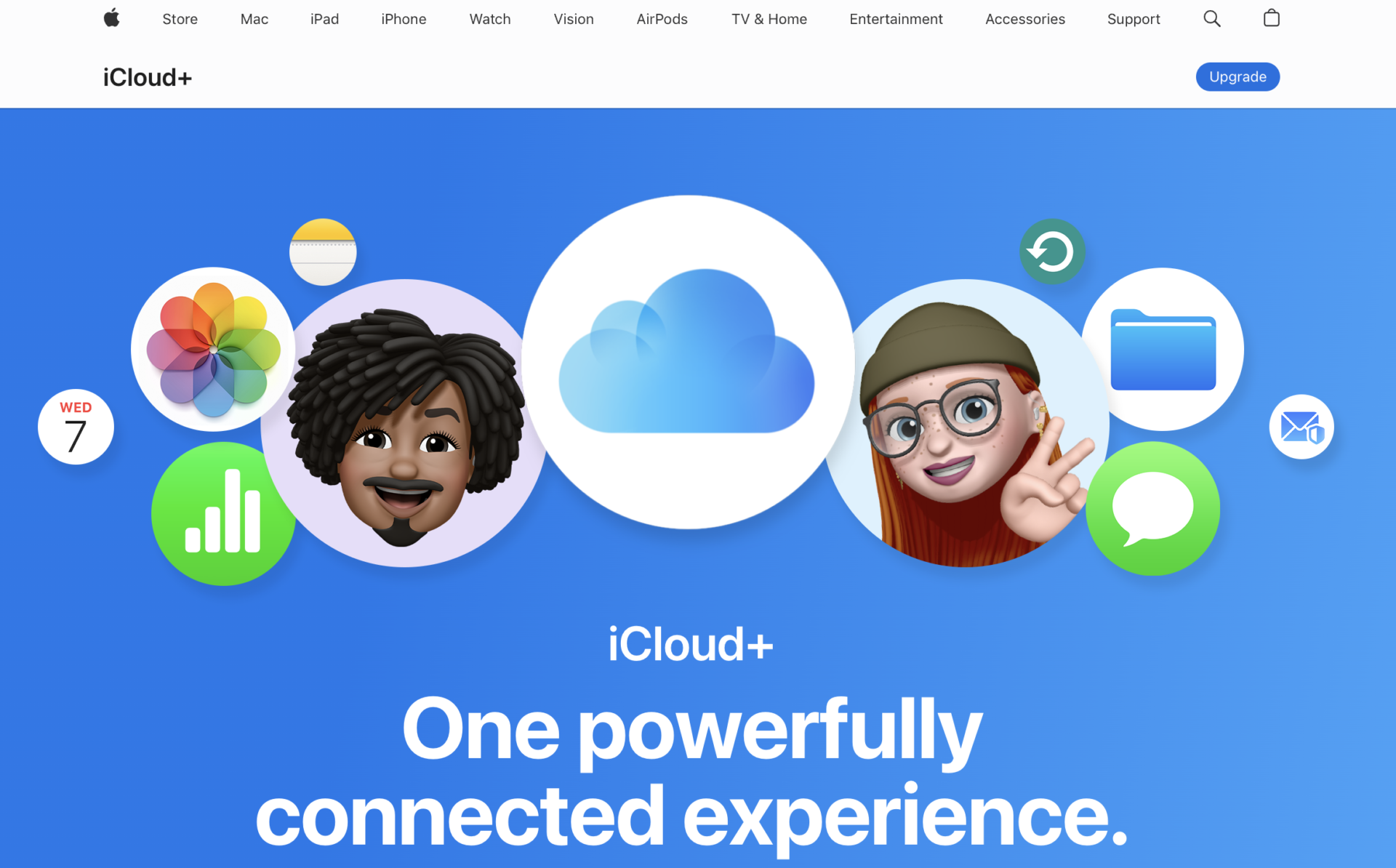
<Features of iCloud+>
- No need to move documents
- Relatively low cost
If you already have documents stored in iCloud, they will be automatically moved once iCloud Drive is set up.
Up to 5 GB of storage is available for free. iCloud+, a paid service, is also relatively inexpensive, starting at ¥130 for 50 GB.
<Note of iCloud+>
- Folder sharing is time-consuming
To share a folder in iCloud Drive, you need to perform a two-step operation: “select the sharing options for viewing and editing” and then “select the method for sending the link”.
<Price of iCloud+>
- Up to 5GB: Free of charge
- 50 GB: $0.99 /month
- 200GB: $2.99 /month
- 2TB: $9.99 /month
<Features of ShareFile>
- Having high security
- Integration with Office 365
ShareFile has high security for your data that is match SOC 2 and SSAE 16. And it is equipped functions like “single sign-on”, e-mail encryption.
To streamline work flow, ShareFile can integrate with Office 365 and allow you to co-edit documents on ShareFile.
<Note of ShareFile>
- You have to pay fee to use after 30 days
If you want to continue to use ShareFile, you need to pay fee of minimum $50 for a month.
<Price of ShareFile>
- Standard: $50 /month
- Advanced: $80 /month
- Premium: $125 /month
- Virtual data room: $338 /month
[MediaFire] Sharing file in your team will be smooth
<Features of MediaFire>
- You can use up to 10 GB for free
- Compatible multi-device
While there is online storage that is the limit of storage is low, MediaFire provide the limit that is up to 10 GB for free.
Since MediaFire is compatible multi-device, you can access the file you need from anywhere, anytime.
<Note of MediaFire>
- There is registration for using from smartphone
You can use MediaFire without registration from web browser, however, you need to register MediaFire for using from smartphone app.
<Price of MediaFire>
- Basic: Free of charge
- Pro: $6.99 /1 user/month (monthly payment)
- Business: $50 /100 users/month (monthly payment)
[Files.com] Cloud storage that major company used
<Features of Files.com>
- Over 6,000 companies use Files.com.
- Guarantee refund within 90 days
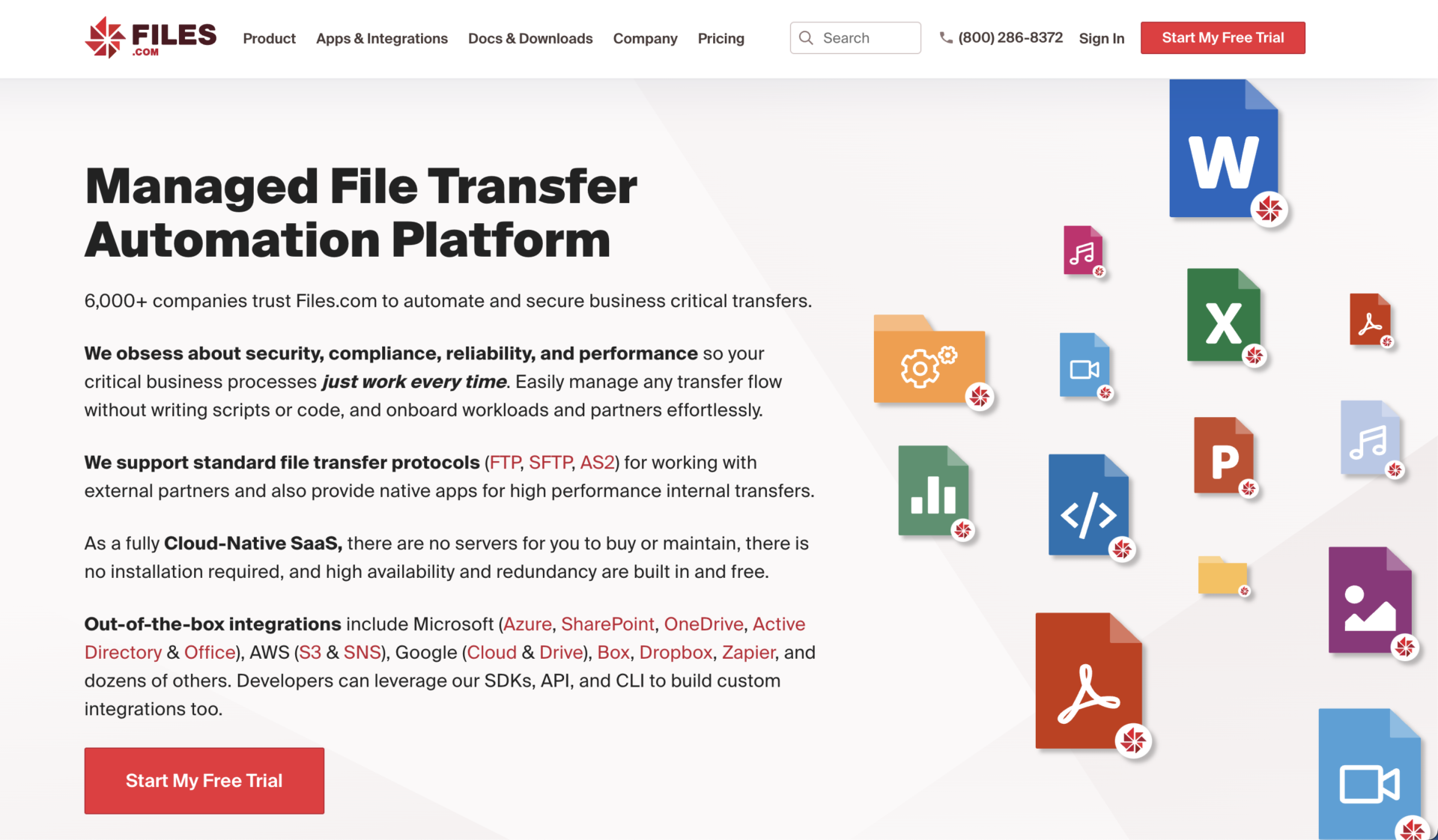
Over 6,000 companies that include major company such as TOSHIBA, MICHELIN use Files.com.
If you are not satisfied Files.com, you can request a refund within 90 days.
<Note on Files.com>
- Free trial is only 7 days
Since free trial of Files.com is 7 days only, you have to decide whether using or not in short periods.
<Price of Files.com>
- You need inquiry in detail.
Comparison chart of recommended cloud storage
Below is a comparison table listing the in-house wikis mentioned above. (You can scroll to the right.)
[Most recommended] | Google Drive | Dropbox | Box | OneDrive | iCloud+ | ShareFile | MediaFire | Files.com | |
|---|---|---|---|---|---|---|---|---|---|
| Features | Simple enough for anyone to use | Can be integrated with Google services | Easy to share large files | Can be integrated with more than 1,500 apps | Can set expiration dates for access | Relatively low cost | Facilitates file sharing | Sharing file in your team will be smooth | Cloud storage that major company used |
| Price | Free trial period Even with a paid plan, the monthly fee is 5JPY ~/person. Cost-effective | ・Business Starter: $6/user/month ・Business Standard: $12/user/month ・Business Plus: $18/user/month ・Enterprise: You need inquiry. | ・Plus: 1,200 JPY/month (monthly payment) ・Professional: 2,000 JPY/month (monthly payment) ・Standard: 1,500 JPY/user/month (monthly payment) ・Advanced: 2,400 JPY/user/month (monthly payment) ・Enterprise: You need inquire. | ・Individual: Free ・Personal Pro: 1,320 JPY/month (monthly payment) ・Business starter: 605 JPY/user/month ・Business: 1,980 JPY/user/month (monthly payment) ・Business Plus: 3,300 JPY/user/month (monthly payment) ・Enterprise: 4,620 JPY/user/month (monthly payment) ・Enterprise Plus: You need inquire | ・OneDrive for Business (Plan 1): $5/user/month ・OneDrive for Business Basic: $6/user/month ・Microsoft 365 Business Standard: $12.50/user/month (monthly payment) | ・Up to 5GB: Free of charge ・50 GB: $0.99 /month ・200GB: $2.99 /month ・2TB: $9.99 /month | ・Standard: $50 /month ・Advanced: $80 /month ・Premium: $125 /month ・Virtual data room: $338 /month | ・Basic: Free of charge ・Pro: $6.99 /1 user/month (monthly payment) ・Business: $50 /100 users/month (monthly payment) | ・You need inquiry in detail. |
| Security | ・International security certification (ISO27001) ・2-step authentication ・IP address restriction ・Single sign-on, etc. | ・2-step authentication ・Data encryption ・Browsing authorization management | ・2-step authentication ・Biannual transparency reports ・Access authorization management ・Encryption of transferred data | ・ID and access management ・Mobility Management (EMM) ・Encryption of transferred data using LS 1.2 ・Access authorization settings | ・Encryption of passwords and security codes ・Integration with log management tools ・Two-step authentication | ・Two-factor authentication ・Encryption | ・Eliminate risky attachment of e-mails ・Prevent unintended information disclosure | ・One-Time links | ・SOC-2 audited ・Single sign-on ・Two-Factor authentication |
| Support | ・Support Desk (for all users) ・Reply to emails within 1 business day | ・Support for inquiries | ・24/7 Support Help Center | ・Support page | ・Support page | ・Contact Apple Support | ・FAQ ・Contact sales support | ・FAQ ・Priority support(paid plan only) | ・Global Support ・Developer Support |
4 file sharing methods
There are 4 main types of file sharing methods: USB memory stick, e-mail, cloud storage, and file transfer service. The following is a must-see as it also explains the precautions for each.
(1) USB memory stick
The first method is USB memory.
By inserting the USB memory stick into the device containing the file you want to save, copying the file, and then replacing it with another device, you can open or download the file.
However, the USB memory cannot be viewed or edited at the same time, and the USB memory itself may be lost or stolen, so care must be taken when handling it.
It is also important to note that since the USB memory must be inserted into the terminal of the person with whom you want to share the file, it is not possible to share files with employees who are remotely located, for example, due to remote work.
(2) E-mail
The second method is to attach the files you want to share to an e-mail and send it.
While no complicated settings or costs are required, it is important to note that some e-mail services have capacity limits for attached files. In addition, it is difficult to set detailed access privileges, and there is a high risk of information leakage due to the risk of wrong recipients.
It is not a suitable tool for file sharing because of the time-consuming process of sending multiple files depending on the capacity and the need to pay strict attention to risk management.
(3) File transfer sites
The third method is file transfer sites.
File transfer sites allow users to send and receive large files that cannot be sent by e-mail. Specifically, the sender uploads a file on the Internet and shares the URL of the page with the recipient, so that both parties can access the file.
On the other hand, note that file transfer sites are not intended to store files, and in many cases, file storage periods are set. Therefore, they are not suitable for storing data, even for temporary use.
(4) File sharing tools(Cloud Storage)
The fourth method is to use cloud storage.
Cloud storage is a service that stores data on the Internet and is also called “online storage”, “file sharing tools”. Files uploaded to cloud storage can be accessed and shared by any member.
Most cloud storage services allow users to set restrictions on file viewing and passwords for downloading. This makes the service highly secure and essential for companies that handle files containing sensitive information.
What File sharing tools can do for you
File sharing tools offers a variety of benefits beyond just sharing the documents you have on hand. Below are 3 things you can do with file sharing tools.
(1) Multiple people can work together
One of the most useful features in file sharing tools is the ability for multiple people to view and edit files.
When sharing files, if members can view files at the same time, work can proceed smoothly even when remote workers have to work apart from each other. Also, if multiple people can edit a file together, there is no need for troublesome file sharing.
In this way, file sharing tool is a best way to work compared to “email,” which requires time-consuming transfer, or “USB,” which requires direct delivery of files.
(2) File permissions can be set.
Many file sharing tools allow you to “set permissions” on your files.
By setting detailed permissions such as “viewable” or “editable” for a file, information can be shared only with members of the group.
Furthermore, by setting permissions for each file, even if information is leaked outside the company, outsiders will not be able to access the file.
(3) Data can be backed up
File sharing tool can also be used as a data backup tool.
For example, if you use the file sharing function to back up your smartphone data to your computer, your data will be protected even if you lose your smartphone itself.
In addition, any data stored in file sharing tools, such as “in-house manuals” or “sales materials,” can be quickly retrieved when needed. Therefore, file sharing tools allow for smooth backup and utilization of data.
3 reasons to use file sharing tools for information sharing
Below we explain why we recommend file sharing tools for information sharing. On the other hand, if your file sharing tool does not have the following 3 features, it is not fully functional, so be sure to check it out.
(1) Strong security
File sharing tools has strong security.
File sharing tools is characterized by stronger security than “email” or “USB” information sharing because the data is stored in the cloud online. Furthermore, some plan of file sharing tools offer enhanced security for corporate customers, making it easy to enhance security.
The key point is that this lowers the risk of information leaks resulting from security vulnerabilities. In addition, if employees are made aware of “how to handle data within the company” before operating file sharing tool, human error can be avoided and more secure management can be achieved.
(2) Easy file sharing and management
File sharing tools makes it easy to share and manage files.
For example, there is no need to type the text of a file when sharing it, as is the case with e-mail, and there is no need to hand it to the person you want to share it with, as is the case with USB. Also, unlike transfer services that only exchange files, there are no restrictions on file storage, so information management is also realized.
In this way, file sharing, storage, and management are all completed in one service, so there is no need to switch screens or another tools.
Some file sharing tools are compatible with smartphones and tablets.
The advantage of having support for smartphones as well as PCs is that you can share files even when you are out, or in other situations where you cannot open your PC. For example, you can share information with a sales representative who is often out, regardless of time or location.
In this way, multi-device cloud storage expands your information sharing options.
Summary of 9 best file sharing tools
We have focused on 9 best recommended file sharing tools for
information sharing.
If you have an environment where you can manage files properly, you can avoid problems such as “it takes time to find files” or “important data is lost”. File sharing tools allow you to build an environment where you can access necessary information regardless of time and location.
On the other hand, if you just want to store files in file sharing tools, there is no problem if you choose a large capacity. However, after files are stored, they need to be shared, updated repeatedly, and managed.
For smooth “file sharing and management”, “Stock” is the best choice for intuitive information sharing and management, even for members in non-IT companies.
Free registration takes only 1 minute, using Stock to manage files with high security while streamlining file sharing in your company.
