

There are many ways to share files, but using a file-sharing software that allows complete online communication is a safe and easy way to share files.
However, there are many types of file sharing softwares, and many people may be wondering which one they should use.
Hence, we will focus on 6 best file sharing softwares for free and selection points for data and file sharing, this article is for below people.
- “I think troublesome to exchange files via USB or e-mail.”
- “I want to share files online, but wonder which software to use.”
- “I do not know what to compare other than price and capacity of file sharing software”.
This article will help you find the best free file sharing software for your company.
Contents
- 1 What are free file sharing methods?
- 2 3 ways to choose a file-sharing service
- 3 6 best free file sharing services for safe use
- 3.1 [Stock] The easiest file sharing software to share and manage information.
- 3.2 [Dropbox] Free file sharing service up to 2GB.
- 3.3 [Box] File sharing service with strong integration with external services
- 3.4 [Google Drive] A file-sharing software that can be used from smartphones.
- 3.5 [OneDrive] A file-sharing service that can be used with a Microsoft account.
- 3.6 [Egnyte] Sharing file from any time and location
- 4 What is a file sharing service?
- 5 3 things to keep in mind when using free softwares
- 6 Summary of 6 best recommended file sharing softwares
What are free file sharing methods?
First, we will explain how to share files for free. While you should use a method that matches your company’s sales activities, you must be careful not to leak information.
File sharing via USB or SD card
First, a common method for non-IT companies is to share files using USB or SD cards.
Simply connect to a PC, move the file you want to share onto the USB or SD card, and then connect again to any PC to share the file. On the other hand, USB and SD cards have the demerit that they must be carried in multiple locations and can be easily lost if there is a capacity limit or if files are to be divided among them.
In addition, since files can only be shared on a one-to-one basis, they are not suitable for cases where you want to share the same file with multiple people.
File Sharing via Email
This is a method of sharing files by attaching them to an email using Gmail or Outlook.
Unlike file sharing via USB or SD card, this method saves time because the file is shared with multiple people with a single email. However, if the file to be attached to an e-mail is large, it must be sent in sections, and the risk of information leakage due to mishandling cannot be mitigated.
Also, due to the nature of e-mail, even if a file is shared, it will be buried in other e-mails, and it will take time to find the corresponding e-mail.
The most recommended method is to share files using a file sharing software.
File sharing softwares, such as Stock, allow you to share and manage files regardless of time and location, as long as you have an Internet environment. Even heavy files can be easily shared, and since they are designed for internal use, the risk of information leakage can be reduced.
The information you want can be accessed directly from the service or quickly accessed from a shared URL, solving the burden of not being able to find the information you need.
3 ways to choose a file-sharing service
Since information leakage is an accident that should not happen, it is essential to share information using a “file sharing software” instead of using USB or e-mail.
The 3 following are points to consider when choosing a secure file-sharing service. Keep in mind the points of comparison and choose the most suitable software for your company.
(1) Select by data capacity
First, check the available data capacity.
Even if there is no problem when you start using the service, there is a possibility that you will exceed the capacity over a long period of time, and there are also cases where the number of users increases and the capacity becomes insufficient. If you are caught in a capacity limit, your work may not proceed smoothly.
To ensure that the data handled by your company can be stored reliably, choose a service with sufficient data capacity in advance. You also need to make sure that you can exchange files of the size you normally use without any problems.
(2) Choose by security
When using a file-sharing software, you should pay close attention to security.
Business data is basically confidential, and if information is leaked, the damage can be extremely large. Therefore, it is important to understand the security system of the file-sharing software and to confirm that it is consistent with your company’s security policy.
In particular, it is advisable to choose a software that has measures such as data encryption and user authentication.
(3) Select a software based on ease of use.
In addition to capacity and security, ease of use of the software is also important.
For example, it may take time to learn how to operate a multifunctional software, or you may get confused because of the many screen changes. As a result, many employees will not be able to use the software and it will not take root in the company.
In addition, if there are functions that are not used, operations may not be able to manage due to mishandling. Therefore, a service like Stock, which does not have too many or not enough necessary functions and can be easily used by non-IT company employees, is the best choice.
6 best free file sharing services for safe use
Below is a list of file-sharing softwares that allow you to exchange data with peace of mind.
When choosing a file-sharing service, you should pay attention to 2 points: “high security” and “easy for anyone to use”. Since most of the data handled in business is confidential outside the company, sufficient security features are required to the software.
On the other hand, if the service is multifunctional and difficult to use, employees who are not familiar with IT will not be able to use it, and the risk of information leaks and the complexity of file sharing will not be settle. Therefore, a simple file sharing service with no excess or deficiency of functions should be introduced.
In conclusion, the best choice for file sharing is Stock, a file sharing software with international security qualifications that can be used by employees non-IT company.
“Notes” of Stock are stocked with text and all kinds of files without flowing and burying, while intuitive “Folder” and “Search functions” provide instant access to the information you want. In addition, “Message” can be tied to Note, so topics of exchange are not mixed up.

The simplest tool to stock information "Stock"
https://www.stock-app.info/en/
Stock is the simplest tool to stock information. Stock solves the problem, "there is no easy way to stock information within the company".
With Stock, anyone can easily store all kinds of information, including text information such as requirements, images, and files, using the Note feature.
In addition, by using the "Task" and "Message" functions, you can communicate with each topic described in the Note, so that information is not dispersed here and there and work can always be carried out in an organized manner.
<Why do we recommend Stock?>
- A tool for companies that are not familiar with ITYou don't need to have any IT expertise to get started.
- Simple and usable by anyoneStock is so simple that anyone can use it without any unnecessary features.
- Amazingly easy information storing and task managementIt is amazingly easy to store information such as shared information within a company, and intuitive task management is also possible.
<Stock's pricing>

- Free plan :Free
- Business plan :$5 / User / Month
- Enterprise plan :$10 / User / Month
*Minimum number of users: 5 users
[Dropbox] Free file sharing service up to 2GB.
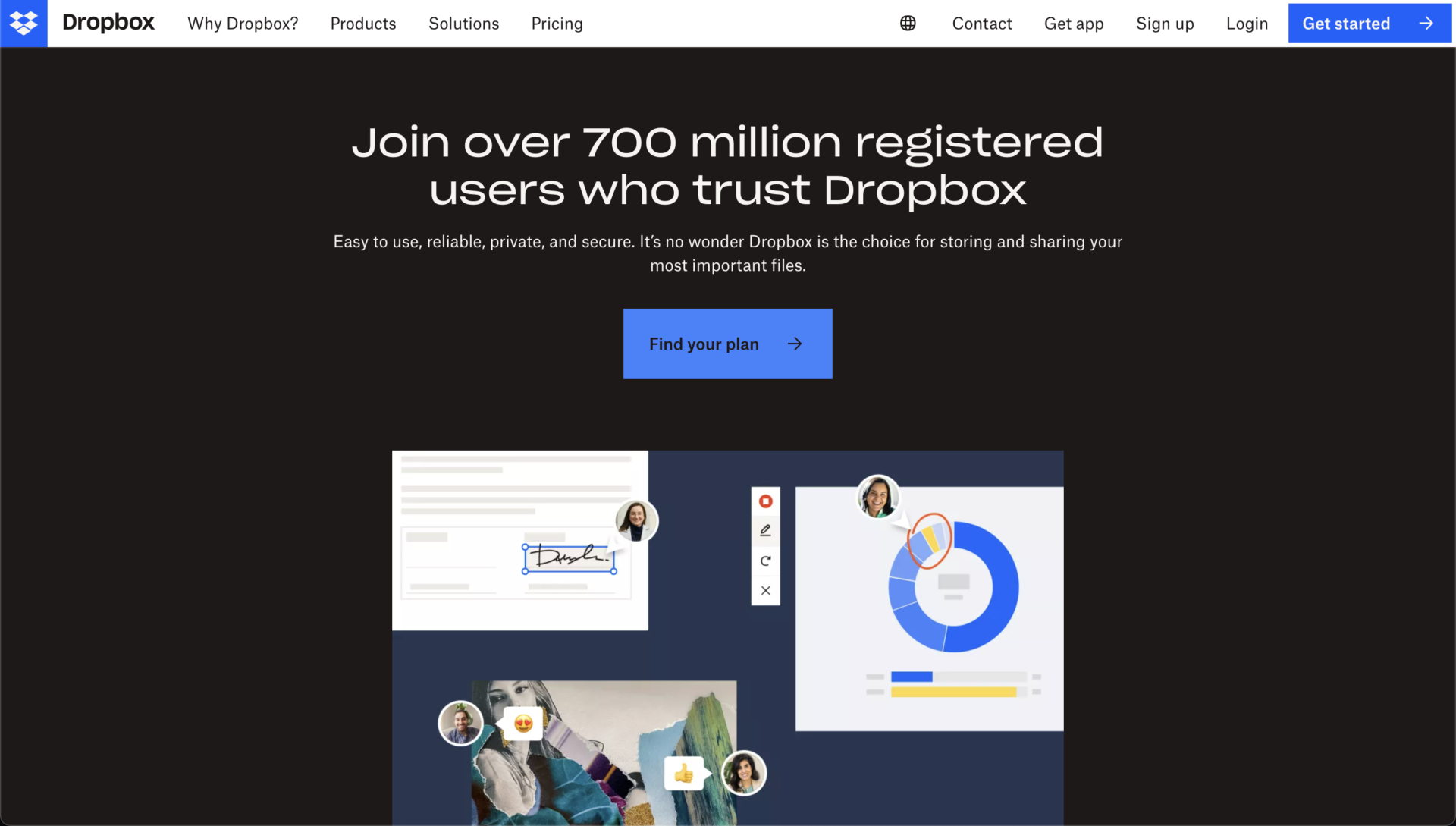
<Features of Dropbox>
- Many external tools can be linked
- Advanced security
Dropbox supports integration with many external tools, such as Zoom and Slack, and can be used in a variety of ways.
In addition to features such as “2-step verification” and “password management,” data on a device can be deleted remotely if the device is lost.
<Notes of Dropbox>
- Free plan may not be suitable for business use
- It may be difficult to access information due to the file format.
The free plan only allows up to 2GB, so in some cases, a paid plan may be required for business use.
Since Dropbox is a file-based management tool, it may take time to access information, unless you summarize files.
<Price of Dropbox>
- Plans for individuals
- Plans for Businesses
Plus: 1,200 JPY/month (monthly payment)
Professional: 2,000 JPY/month (monthly payment)
Standard: 1,500 JPY/user/month (monthly payment)
Advanced: 2,400 JPY/user/month (monthly payment)
Enterprise: You need inquiry.
[Box] File sharing service with strong integration with external services
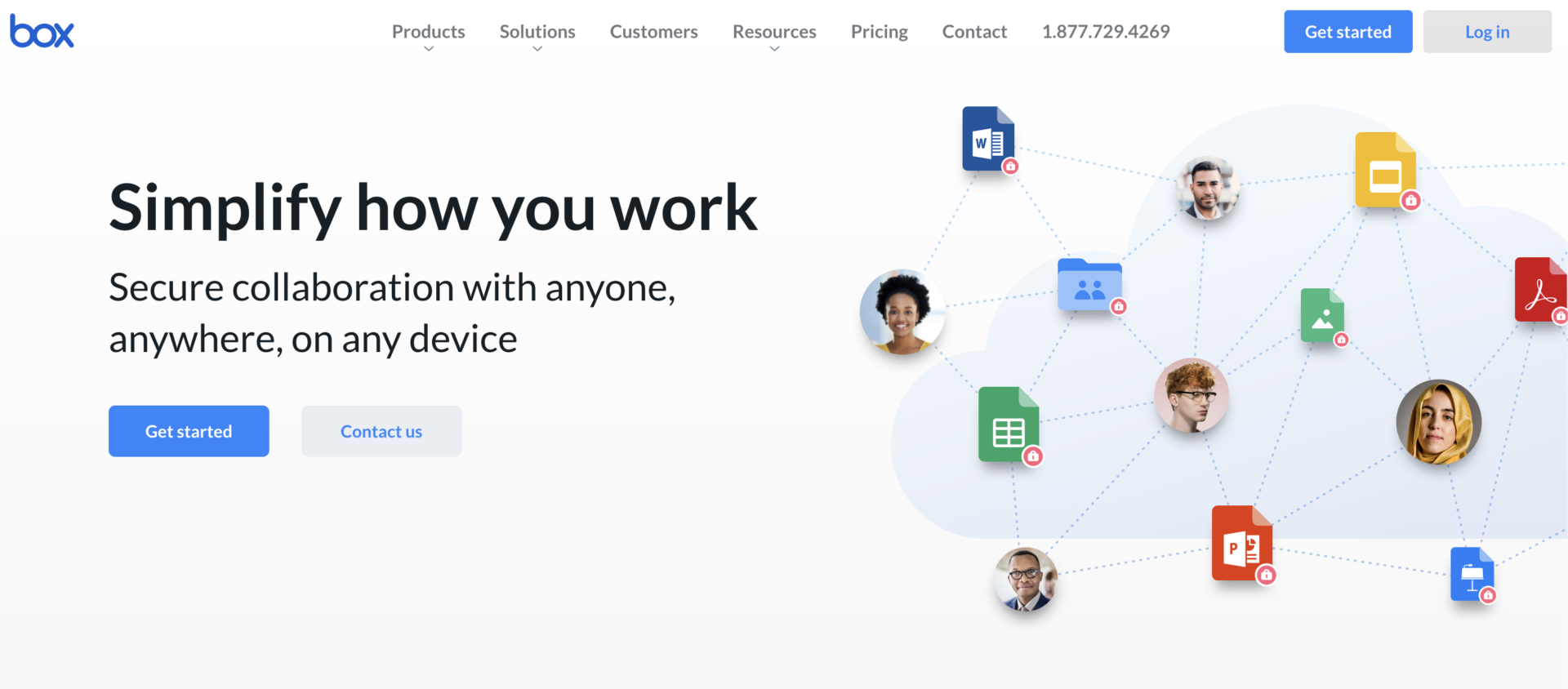
<Features of Box>
- Mobile apps are available
- Can be linked with a variety of apps
Since it supports not only PCs but also mobile apps, you can share files from anywhere.
Box can be used in conjunction with more than 1,500 apps, so it can be used in conjunction with existing tools.
<Notes of Box>
- Relatively expensive
The Business plan is recommended for business users, starting at 1,980 JPY per person per month.
<Price of Box>
- Individual or Team
- Business plan
Individual: Free
Personal Pro: 1,320 JPY/month (monthly payment)
Business starter: 605 JPY/user/month
Business: 1,980 JPY/user/month (monthly payment)
Business Plus: 3,300 JPY/user/month (monthly payment)
Enterprise: 4,620 JPY/user/month (monthly payment)
Enterprise Plus: You need inquiry
[Google Drive] A file-sharing software that can be used from smartphones.
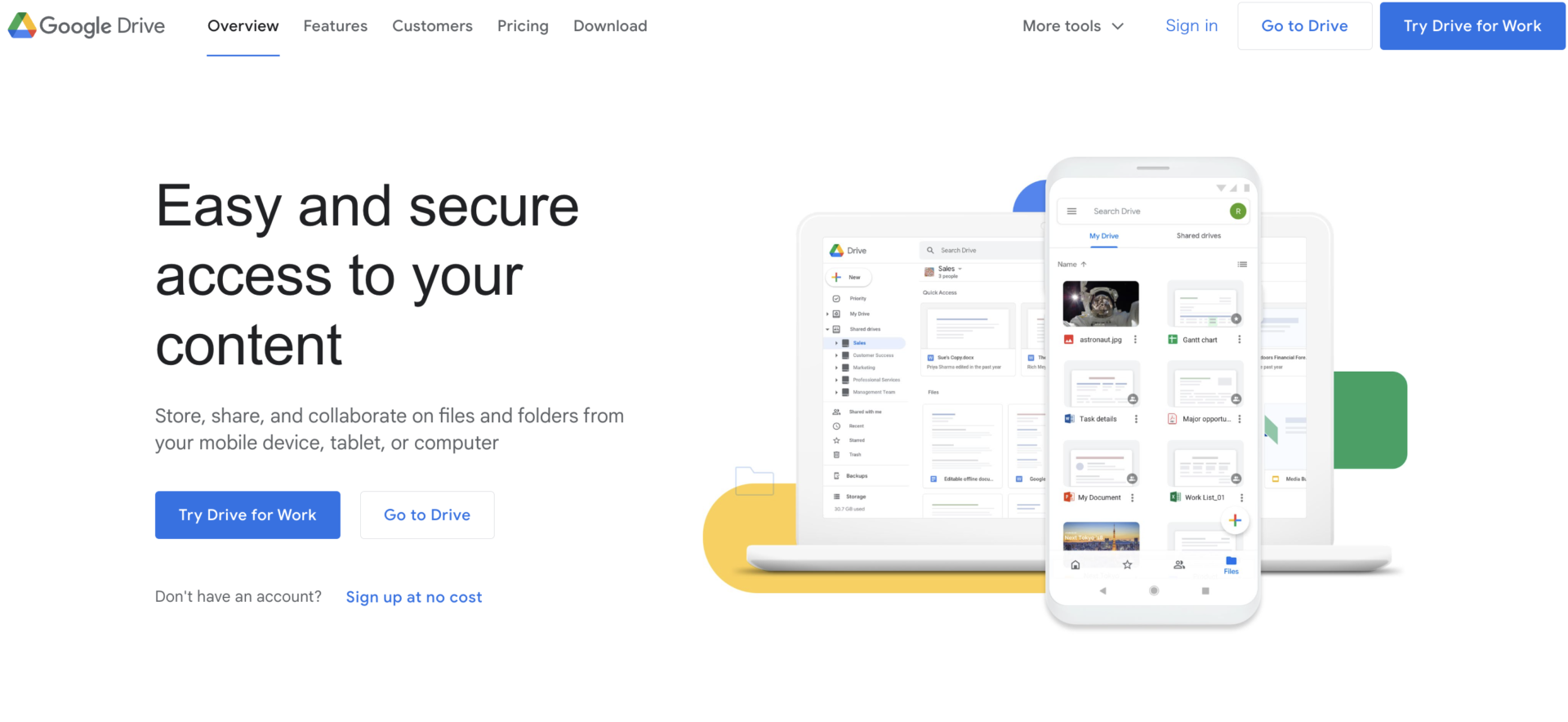
<Features of Google Drive>
- Connectivity with other Google services
- Access privileges can be assigned
Google Drive is linked with “Google Documents” and “Google Sheet” services, allowing for smooth file sharing and creation.
Each user can be assigned one of the following file access privileges: “Download,” “Edit,” “Enter comments,” or “View.
<Note of Google Drive>
- Cannot reach necessary information quickly.
Since an unlimited number of folders can be created, it may take some time to get to the information you need.
<Price of Google Drive>
Google Drive is basically free as long as you have a Google Account, but the storage capacity is limited to 15 GB per person. If you want to use more space for your business, you need to subscribe to Google Workspace.
Google Workspace Pricing
- Business Starter: $6/user/month
- Business Standard: $12/user/month
- Business Plus: $18/user/month
- Enterprise: You need inquiry.
[OneDrive] A file-sharing service that can be used with a Microsoft account.
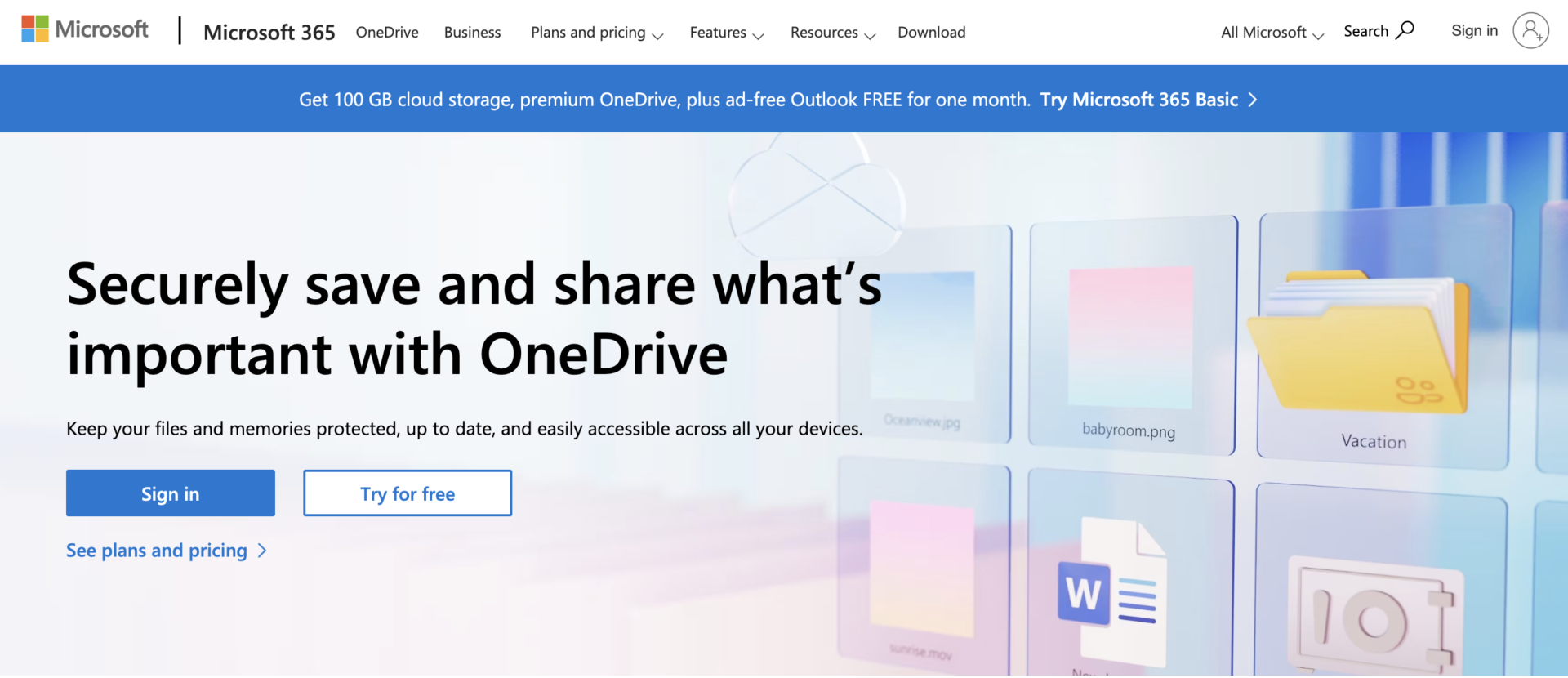
<Features of OneDrive>
- Scanning function
- Access expiration date settings
Mobile app of OneDrive has a built-in scanning function that helps you digitize and save paper documents.
You can set an expiration date for access to files and folders shared outside the company.
<Note of OneDrive>
- Frequent synchronization errors
Some users have reported that synchronization errors tend to occur when dealing with large amounts of data.
<Price of OneDrive (for company)>
- OneDrive for Business (Plan 1): $5/user/month
- OneDrive for Business Basic: $6/user/month
- Microsoft 365 Business Standard: $12.50/user/month (monthly payment)
[Egnyte] Sharing file from any time and location
<Features of Egnyte>
- There are Rich setting of file sharing options
- Integration with various softwares to efficiency
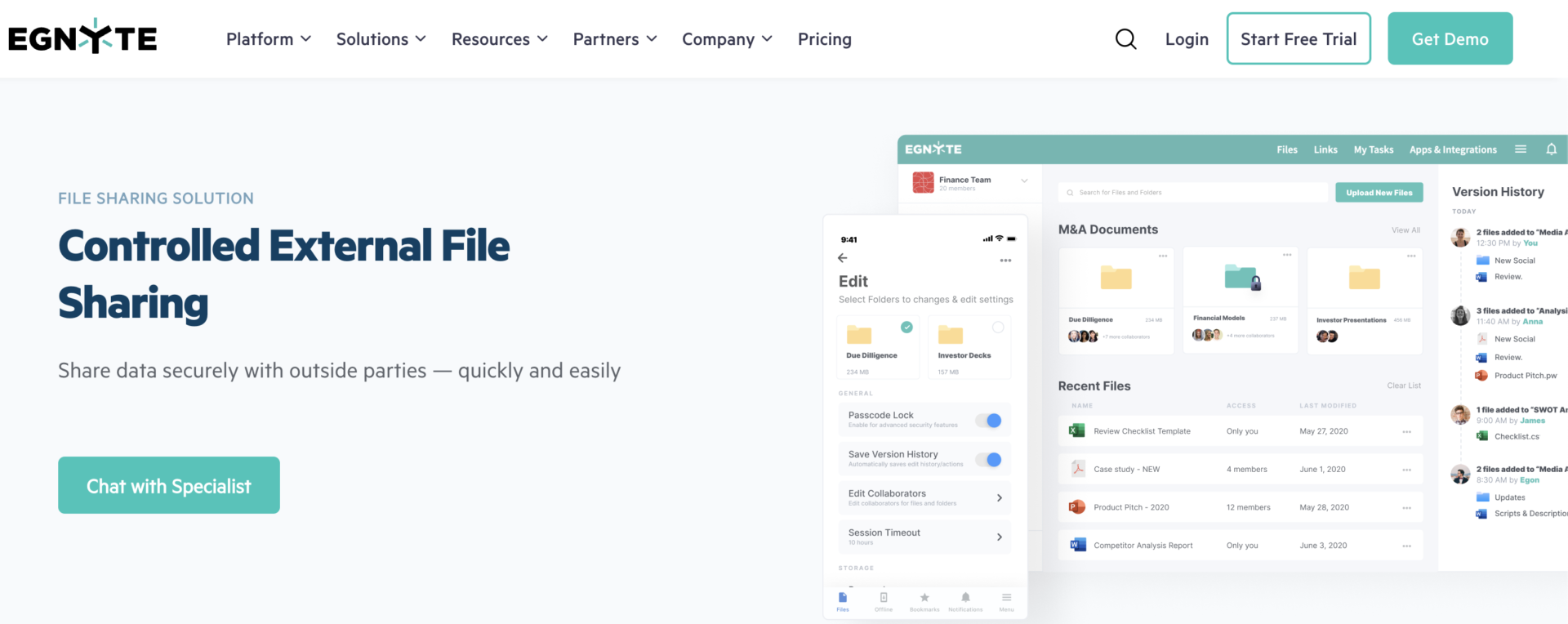
The functions of Egnyte such as sync option, permission of access, download limit, make your team efficient and secure to handle various files.
Egnyte provides the function that you can integrate other softwares such as Slack, Microsoft Office, and so on.
<Note of Egnyte>
- Higher security is only paid plan.
If you need advanced security of Egnyte such as Issue alerting, Suspicious login detection, it is enable only Enterprise Lite plan or more.
<Price of Egnyte>
- Business: You need inquiry
- Enterprise Lite: You need inquiry
- Enterprise: You need inquiry
What is a file sharing service?
The following explains the role of file sharing services, their merits, and the features available. A proper understanding of file sharing softwares will reduce the risk of a failed implementation.
Role of file sharing softwares
A file sharing software is a service that allows users to upload files to online storage (a system for storing data) and serves to share files with any party.
File sharing softwares are characterized by the ability to share files not only within the company but also with users outside the company by simply sending a URL to the other party for downloading.
In addition to the online storage function, some softwares also include chat and task management functions.
Merits of file sharing softwares
File sharing softwares offer the following 3 merits
- High security
- Reduced risk of information loss
- Low running costs
- You can access the files you want regardless of time and location.
Although the features vary from service to service, they offer a high level of security, including encryption and ISO 27001 certification.
Unlike USB or SD cards, information is no longer carried around, preventing the risk of loss.
Since file sharing softwares are basically available only for a monthly fee, they are inexpensive to operate compared to “on-premise” softwares, which require server installation and initial costs.
As long as you are connected to the Internet, you can use the software regardless of time and location, so you don’t have to “go all the way back to the office to check the information you want”.
As described above, more and more companies are introducing file sharing softwares that solve the demerits of conventional sharing methods.
Basic functions of file sharing softwares
The basic functions of file sharing softwares are as follows.
- File sharing
- Data backup
- Security features
By uploading files to the storage, you can share information with various parties, both inside and outside the company. In addition, only authorized users can view and download the data, so there is no need to worry about the data being viewed by an unspecified number of people.
Uploaded data can not only be stored but also backed up automatically. Some softwares do not store data in a single location, but rather store it in multiple locations, thus providing a measure in case of data loss.
Many file sharing softwares maintain data safety through security measures such as “data encryption” and “use of strong security data centers”.
As described above, when selecting a file sharing software, make comparisons based on the 3 main features found in file sharing softwares.
3 things to keep in mind when using free softwares
There are 2 types of file-sharing services: free and paid. There are some caveats to free file sharing softwares because they do not cost anything, so here are some things to keep in mind.
(1) Limited capacity
Most free softwares have a limit on the amount of space available.
This makes them suitable for temporary storage and sharing of relatively small document files, but not for exchanging large images or video data, or for permanent backup of internal documents.
As mentioned above, be careful when using free file sharing softwares, as some file capacities can be unmanageable.
(2) Limited security.
While paid softwares offer access restrictions and other advanced security features, many free softwares have limited security features.
Even if the cost is reduced with a free software, if confidential information is leaked within the company, the cost may be more than the cost savings. In addition, using free softwares to communicate with people outside the company may cause them to distrust you in terms of security.
In particular, “setting passwords” and “file access deadlines” are important security features used in file exchanges. Therefore, if you are using a free software, you need to check whether it has these features or not.
(3) You may not receive prompt support.
Free services may not offer prompt support.
In most cases, the type of support available from the service provider depends on the pricing plan. For example, there are some softwares where “telephone support is only available for paid plans”.
If you have a problem, you should choose a software that offers full support even if it is free, because without prompt support, your business will be slowed down.
Summary of 6 best recommended file sharing softwares
We have focused on file sharing softwares that can be used safely and the key points for selection.
You should refrain from using USB or SD cards for file sharing, as it takes time to share files and there is a risk of information leakage. In addition, e-mail is an inappropriate method for exchanging information because files are buried every time they are sent.
Therefore, a “file sharing software” that allows information to be stored and exchanged in one place is essential. However, when choosing a service, emphasis must be placed on “ease of use” so that everyone, both inside and outside the company, can easily use the software.
If the “Stock” service is simple enough that even employees who are employed by non-IT companies can use it, they can manage the information under strong security without leaking it. In fact, more than 240,000, mainly non-IT companies, have realized smooth information sharing by Stock.
It only takes 1 minute to register for free, using Stock and make your company’s file sharing more efficient.
