

In order to prevent problems and ensure smooth operations, checklists are effective in identifying key work points and elements that are often overlooked.
To create an easy-to-read checklist, it takes time to identify items and design the list. For this reason, many people may be concerned that they would like to create a checklist but cannot find the time to do so.
In this issue, we will focus on template sites that allow you to create easy-to-read checklists and points for their creation for below people.
- “I want to incorporate checklists into my workflow to reduce errors in my work.”
- “I can not find enough time to create a checklist and put it off until later.”
- “I want to know how to operate the checklist so that it is not neglected.”
If you are in charge of such a situation, this article will help you understand how to operate a checklist without spending too much time and effort, and help you prevent errors in your workflow.
Contents
What is a checklist?
A checklist is a list used to check the progress of work and points to be made, and to manage the work so that nothing is left out.
For example, checklists are used by salespeople to check the preparation for business meetings, by logistics workers to check the loading of goods, and by restaurants to check the cleaning process, regardless of the industry or type of business.
Checklists are used in all industries to ensure that work is proceeding as planned and that there are no omissions.
Free 6 checklist template websites
Below are some checklist template sites that you can use for free and some typical templates. If you have a template, you can easily create a checklist by simply entering the items.
*There are some sites for need to register for free.
(1) PDF/Freepik
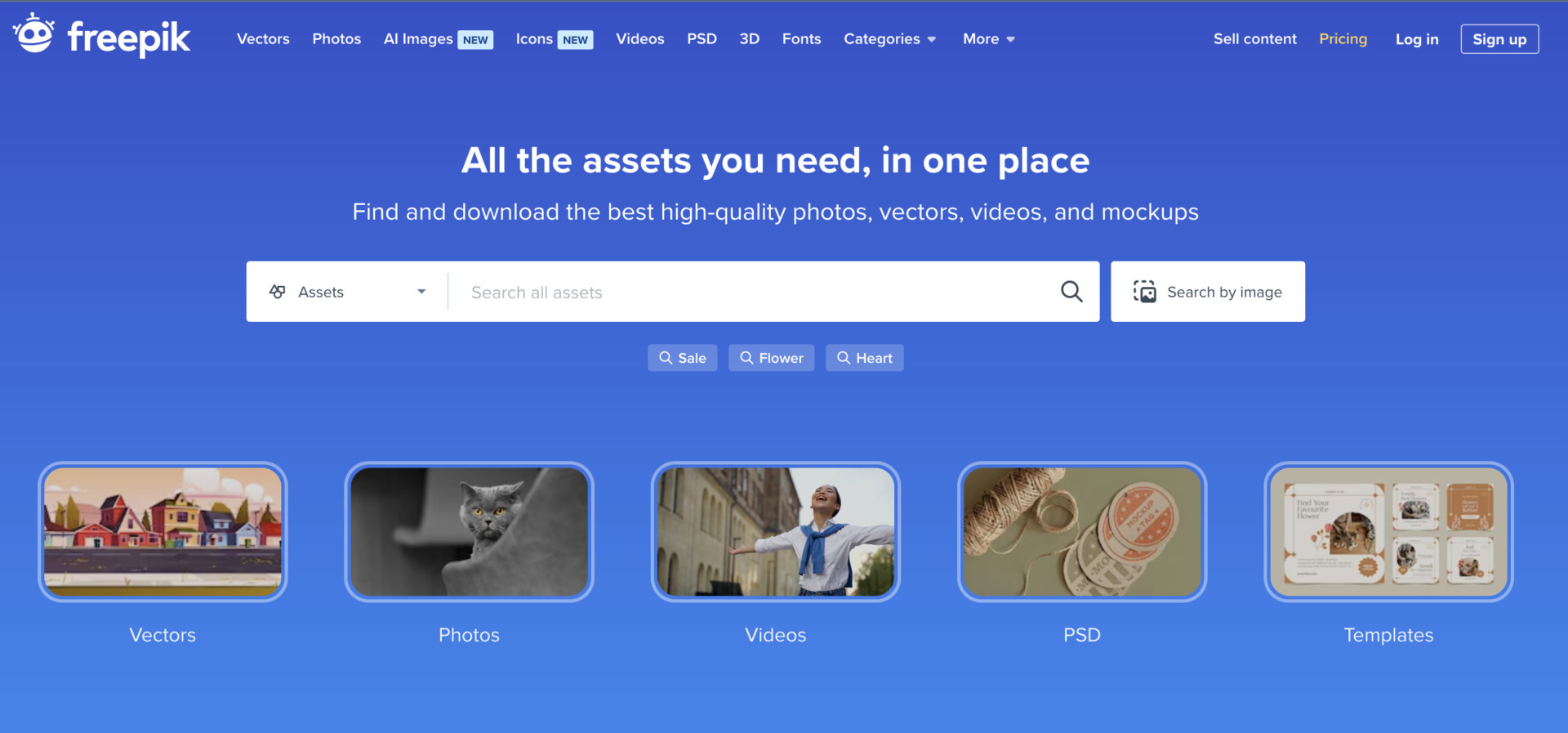
This site offers templates for formal checklists to colorful checklists that are easy-to-understand, and more.
Many of the templates feature a sophisticated use of color and design, and are easy for any team to incorporate. However, some templates include a fee, so be sure to check if there is a charge when downloading.
Example: Checklist of daily work
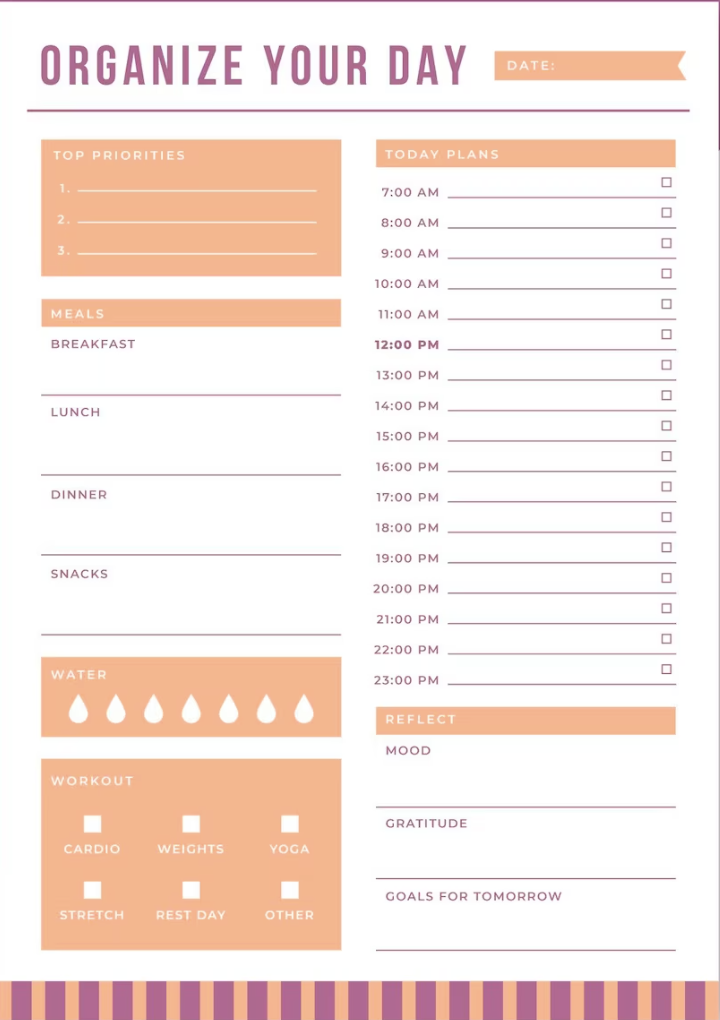
This is a template for a checklist that allows you to manage a daily work by hour. Although there are items that do not match business, if you register for free, you can edit them in Freepik.
(2) PDF/On:planners.com
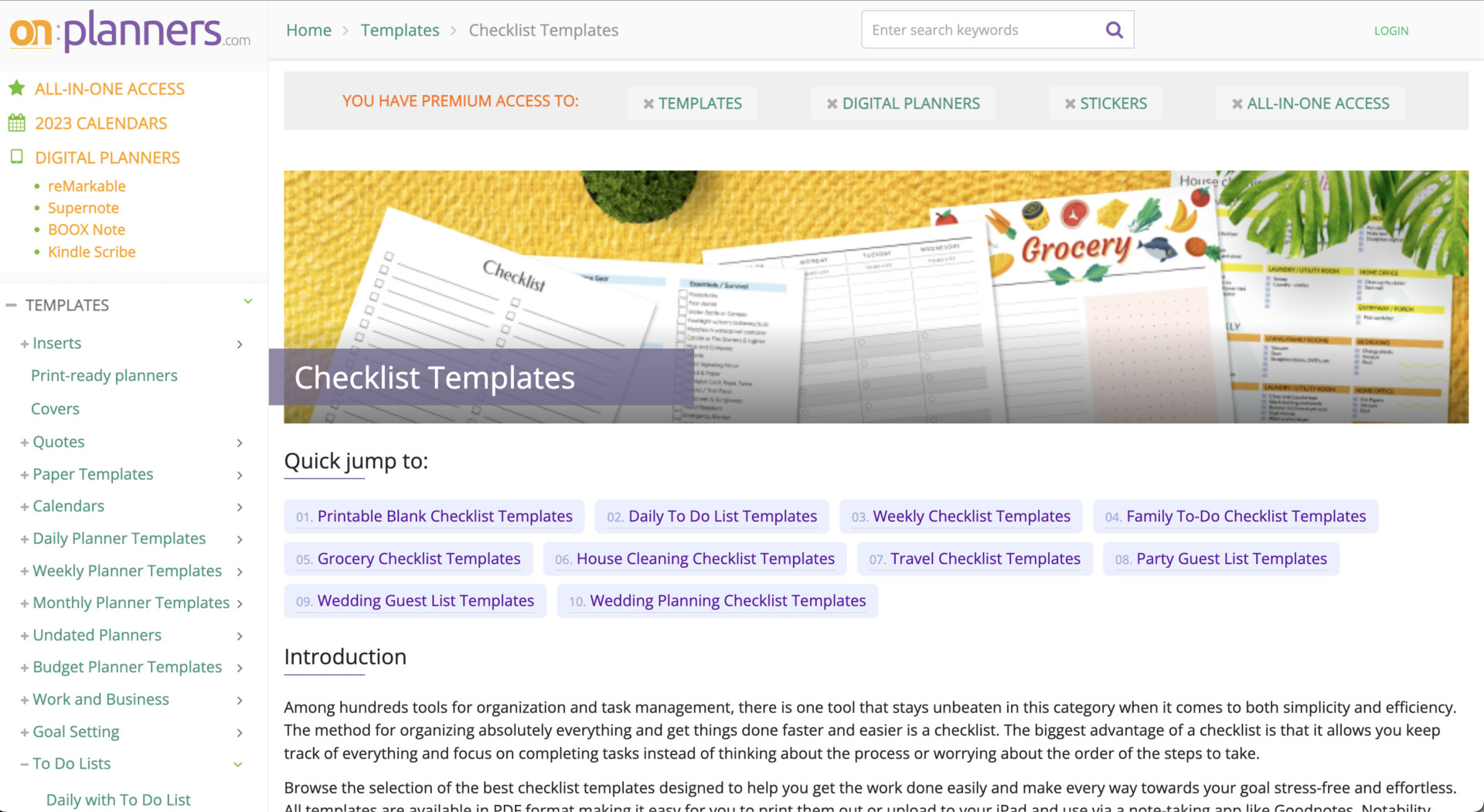
This site offers simple checklist templates for business and daily use.
Many of the templates are simple in design and can be used regardless of the industry or type of business. In addition, since the site is free to use, if you register, you can edit.
Example: Checklist with priority setting
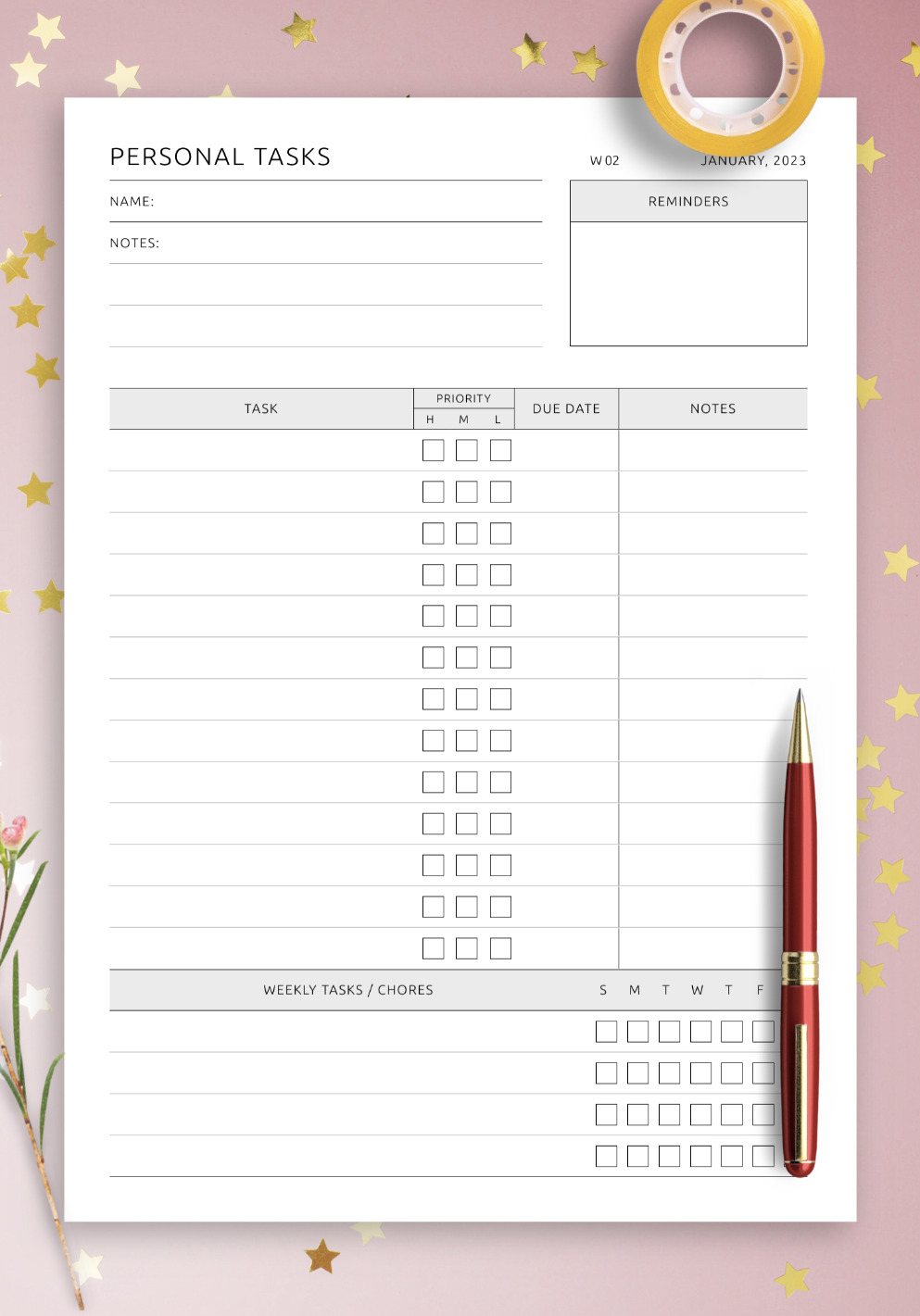
This is a checklist with priority setting. It is suitable for checklists for many operations that has columns for deciding priority correctly.
(3) Excel/Smartsheet

Smartsheet offers free templates in Excel.
You can download basic items such as a to-do checklist, as well as specialized items such as checklists for team projects and calendar templates. In addition, many of the templates offered on this site are simple, making it easy to create easy-to-read checklists.
Furthermore, Since this template is made by Excel, you can edit the template for your team.
Example: Team task list template
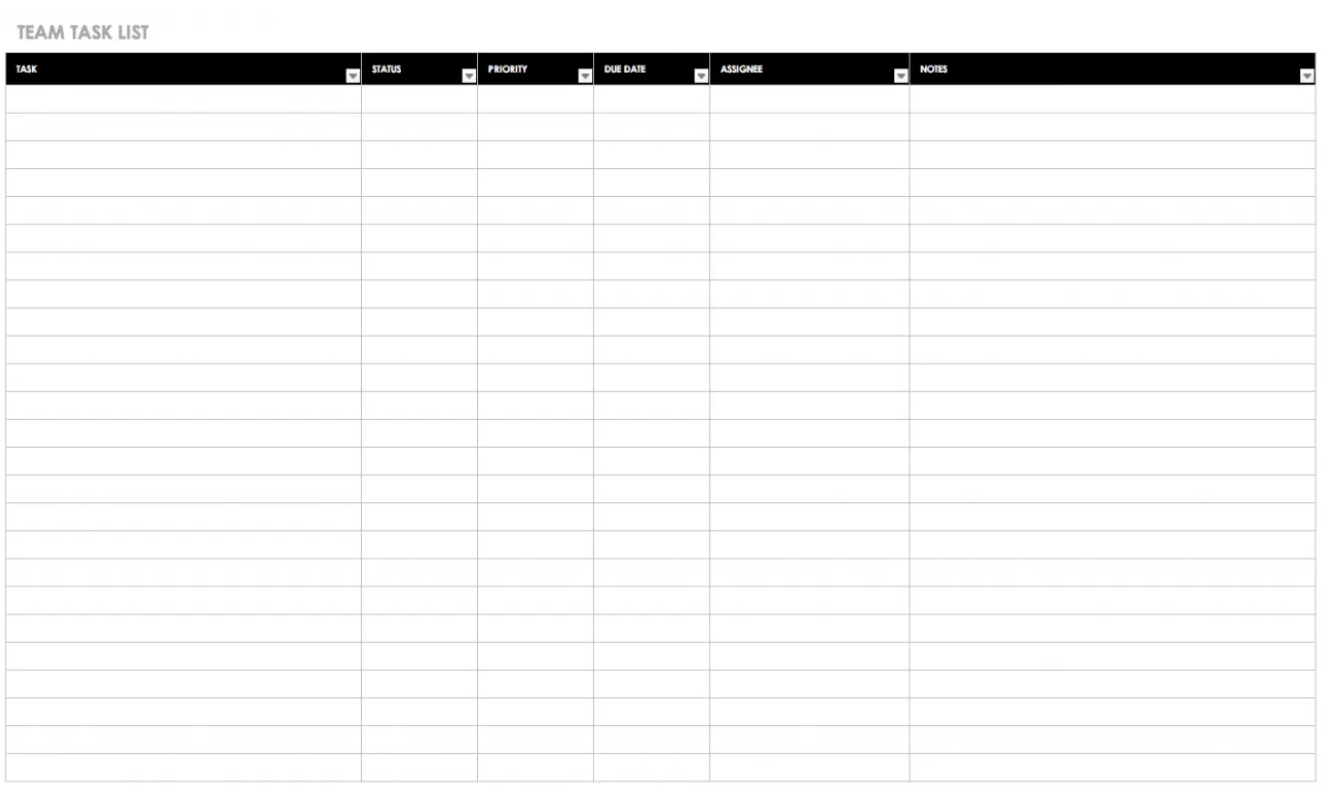
This is a template that can manage team tasks with checkpoints for employment regulations. Since there are items that “Status”, “Priority”, you can check progress of team tasks at a glance.
(4) Word/GeneralBlue

This site offers Excel, Word, and PDF templates that can be downloaded without registration.
There are several templates for checklists required for any type of business, such as new employee orientation checklists and project kickoff checklist, making it easy to find the right template for your company.
Example: New employee orientation checklists
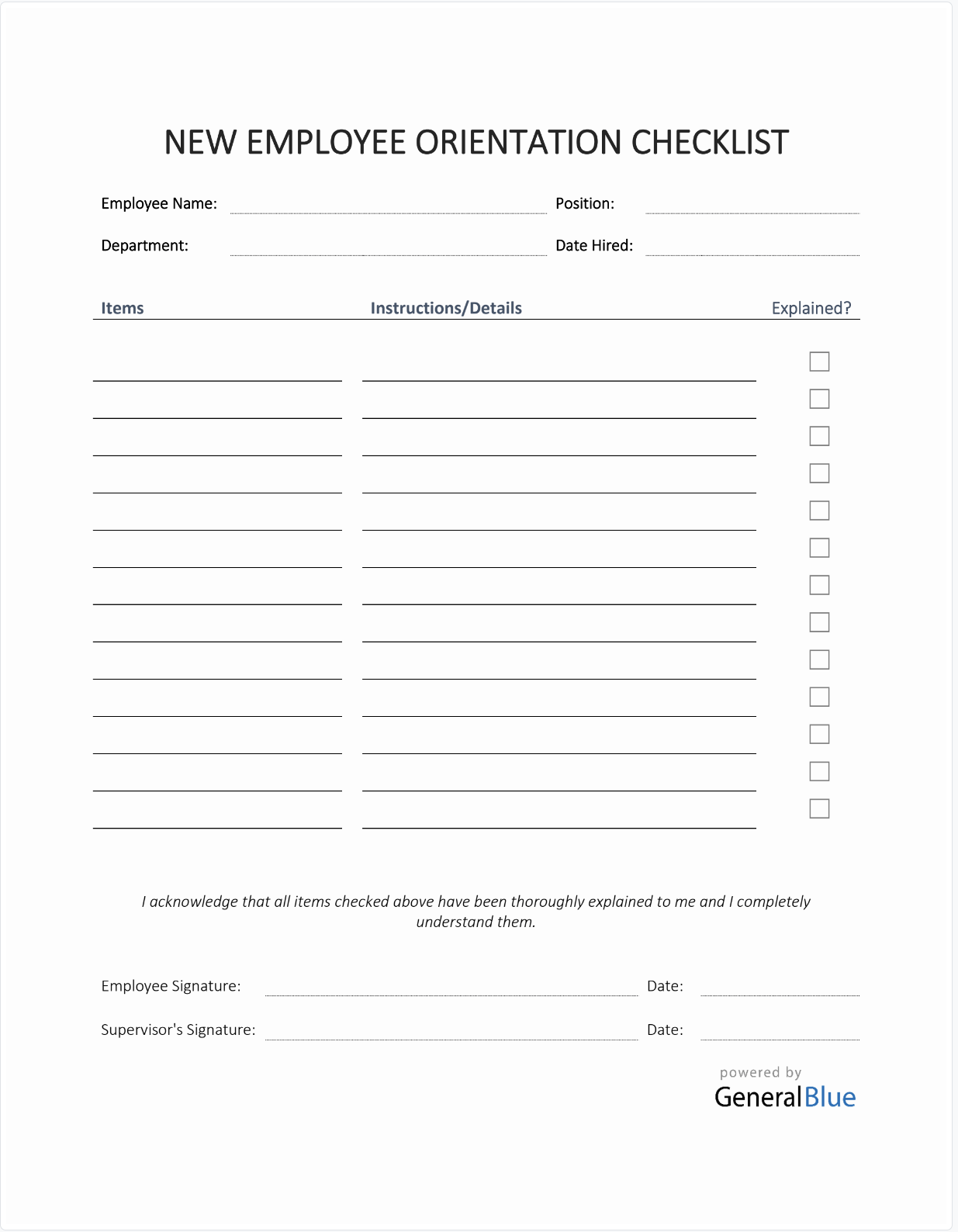
Here is a template for new employee orientation that you can download from free. The simple layout of this template makes you to manage on boarding process.
(5) Word/101Planners.com
This site offers mainly downloadable templates for simple checklists to use cut out after printing.
Example: Weekly checklist template
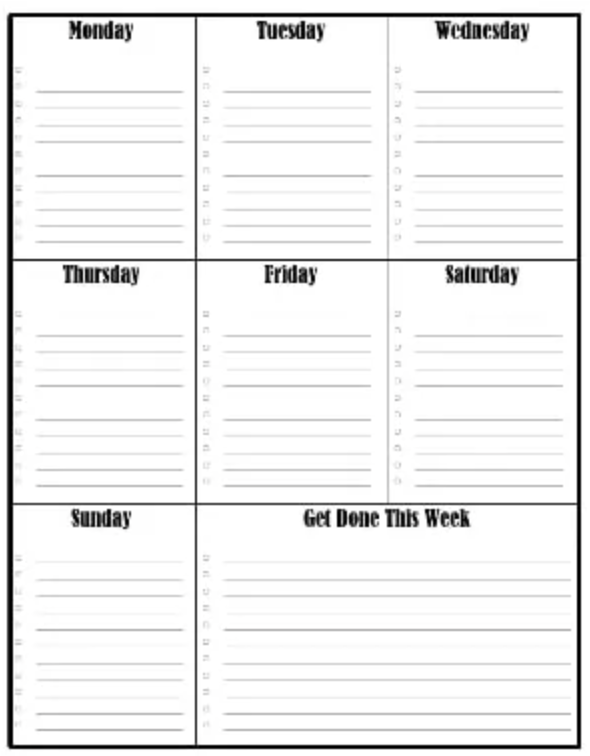
Since there are checklist is corresponded Monday to Sunday, and it have item that you can write down and compile the task on week.
(6) Excel/Microsoft official template
You can download an Excel template from Microsoft without registration.
You can download all the basic checklist templates such as work checklists, production control charts, and inventory charts for free. In addition, several templates are available for different purposes, so you can choose the format that best suits your company.
Example: Business trip checklist
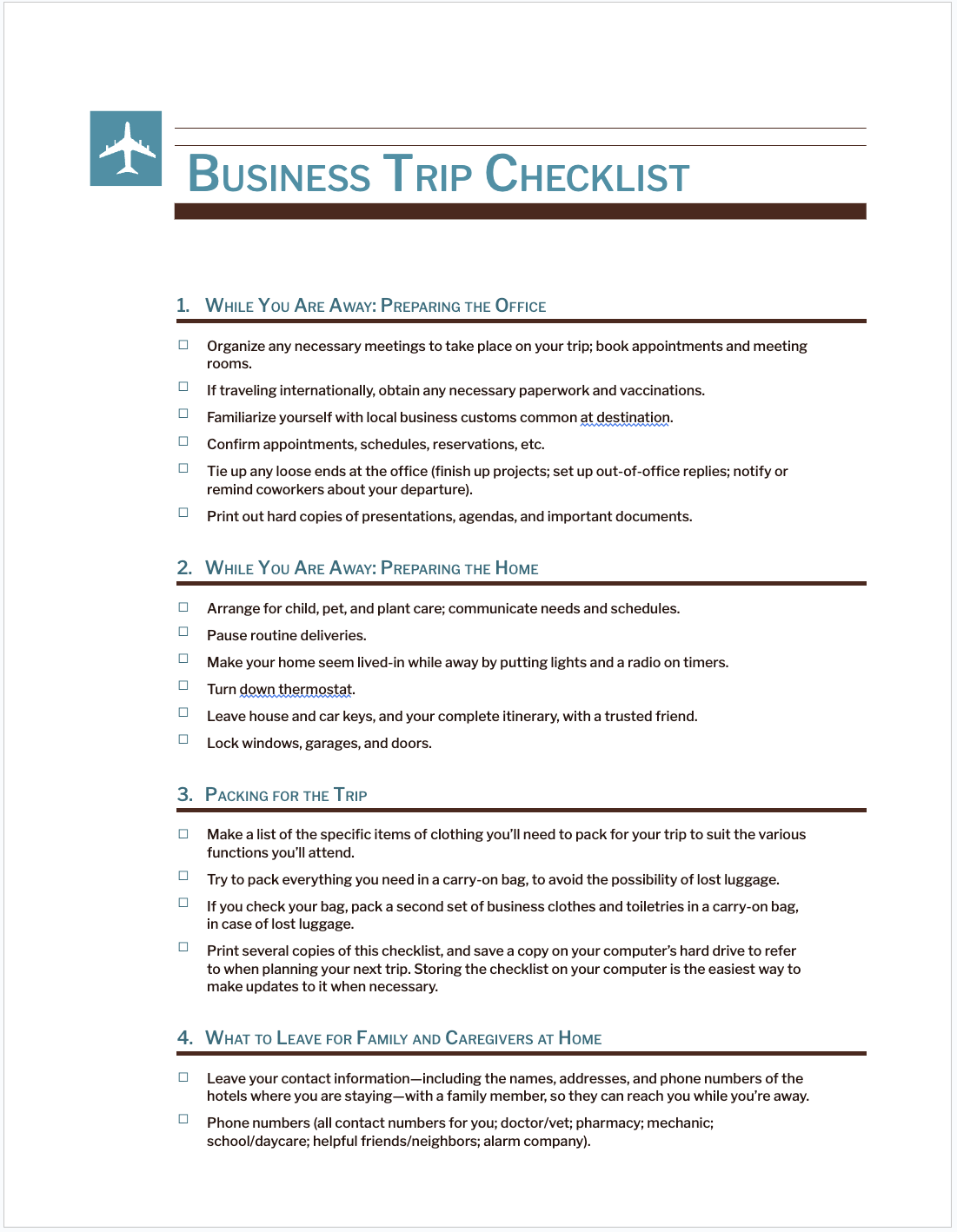
This is a template for a list to check Business trip checklist. In particular, it is useful for team that there are many opportunity to take business trip such as sales department.
Note: 2 demerits of using a checklist template
Templates can solve the time and effort required to create them, but they also have the following two demerits. Be aware that if they are not handled well, the operation may be frustrated.
(1) Difficulty in understanding the update status
The first demerit is that it is difficult to understand the update status in Excel or Word.
If you create a checklist in Excel or Word, you need to open the file to check the contents and date of update. The checklists are then gradually not used, and it becomes unclear whether the checklists are actually being used or not.
As a result, management of product and service quality becomes difficult, and the checklists lose their meaning as a result of the gap between the checklists and actual operations. Such a management approach is detrimental not only to the employees, but also to those in management positions.
(2) Time-consuming to send back checks for omissions
The second demerit is the time and effort required to send back checklists for omissions.
When checklists are managed in Word and Excel, it is time-consuming to “point out omissions,” “update the checklist,” and “share/upload the checklist again” when there are omissions.
This time-consuming process of sending back checklists for omissions can affect the progress of the project and the work as a whole. Therefore, IT tools that enable smooth sharing of checklists are essential.
Best tool to solve demerits of templates
Below is best tool that solve the demerits of templates.
When using Excel and Word templates for checklists, “it is difficult to understand the update status” and “it takes time to send back” due to the time-consuming file manipulation and exchange.
As a result, the checklist becomes a “useless checklist” that is created and then left unattended because the checking process and progress sharing cannot be done smoothly. Therefore, IT tools must be introduced that allow not only the creation of checklists, but also easy updating and sharing.
In conclusion, in order to solve the demerits of Excel and Word templates and allow employees to utilize checklists, the only choice is Stock, which is not overloaded with the necessary functions and is easy for anyone to use.
Checklists can be easily created by filling in the checklist items in the “Note” of Stock. In addition, the “Template” function helps you save time by allowing you to call up a checklist for each job with just a few operations, without using Word or Excel.
Stock|The simplest tool that can be easily used by non-IT firms

The simplest tool to stock information "Stock"
https://www.stock-app.info/en/
Stock is the simplest tool to stock information. Stock solves the problem, "there is no easy way to stock information within the company".
With Stock, anyone can easily store all kinds of information, including text information such as requirements, images, and files, using the Note feature.
In addition, by using the "Task" and "Message" functions, you can communicate with each topic described in the Note, so that information is not dispersed here and there and work can always be carried out in an organized manner.
<Why do we recommend Stock?>
- A tool for companies that are not familiar with ITYou don't need to have any IT expertise to get started.
- Simple and usable by anyoneStock is so simple that anyone can use it without any unnecessary features.
- Amazingly easy information storing and task managementIt is amazingly easy to store information such as shared information within a company, and intuitive task management is also possible.
<Stock's pricing>

- Free plan :Free
- Business plan :$5 / User / Month
- Enterprise plan :$10 / User / Month
*Minimum number of users: 5 users
4 key points for creating an easy-to-read checklist
Here are 4 key points to creating an easy-to-read checklist. Do not just create a checklist, keep the following points in mind.
(1) Cut excesses and deficiencies in the items you want to manage.
The first point is to make sure that there are no excesses or deficiencies in the items you want to manage in your checklist.
For example, a checklist for “work that requires accuracy” or “work that poses a risk of injury” may cause serious mistakes or accidents if there are too few checklist items. On the other hand, if there are too many checklist items, employees may feel that the checklist is too cumbersome, and the checking process will become a mere formality.
Therefore, it is necessary to change the granularity of check items according to the business and create a checklist with no excess or deficiency of items.
(2) List items in chronological order
The second point is to list the checklist items in the actual working order (chronological order).
If check items are listed in chronological order, work efficiency may be improved. For example, if the check items for responding to inquiries include “check past inquiries” followed by “send e-mail,” there is room for more efficient work since the check items can refer to inquiries that have already been responded to.
Therefore, create a checklist according to the actual workflow to reduce operational waste. Conversely, note that in some cases, if you do not create a checklist in chronological order, you may not be able to proceed with causal work.
(3) Update as work content changes
The third point is to update the checklist each time the work content changes.
If there is a discrepancy between the current work and the checklist, there is no point in using the checklist. As a result, the checklist may not be properly utilized and errors and omissions in the work may not be prevented.
(4) Consider ease of sharing
The fourth point is to create checklists in a way that is easy to share.
Checklists are often shared with the team to check progress and double-check. Although checklists can be created in Excel or Word, they are basically for individuals because they are difficult to share.
For example, Stock, which allows you to stock any information, highlights updated notes so you do not miss them.
Summary of points and 6 templates for checklists
We have focused on the key points for creating a checklist and 6 recommended template sites.
The tips for checklists included setting up items without over- or under-detailing and arranging them in chronological order. It is inefficient to create one from scratch though, a Word or Excel template can be used to quickly get it operational.
However, the checklist made by Word or Excel becomes a mere formality because of the time and effort required to open and upload the file each time it is updated. Therefore, use “IT tools that are easy to check and share,” and create a system that makes it easy for checklists to be utilized.
In conclusion, your company should choose to implement “Stock,” which has a “Note” that makes it easy to create checklists and is so excellent in accessibility that you can quickly find the desired information.
Free registration takes only 1 minute, so using Stock to break away from Excel and Word templates and operate a checklist that is not a mere formality.
