
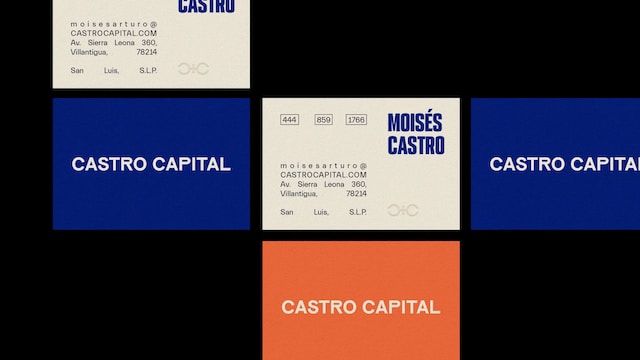
Business cards exchanged during customer interactions must be properly managed because they are not only personal information but can also be used for customer lists. Therefore, many companies use template to convert business card information into data for management.
Also, many may not be able to efficiently manage business cards with Excel and may be troubled by the fact that customer information is stored in a scattered manner.
In this issue, we will focus on 3 templates and 5 sites for creating business card for below people.
- “I want to centrally manage a huge amount of business cards with my team.”
- “I want to streamline business card management using Excel templates.”
- “I want to share business cards and related customer information in one place.”
If you are a person in charge of such a project, this article will help you understand not only how to manage business cards using Excel, but also how to manage customer information including business cards in an efficient manner.
Contents
- 1 3 recommended templates for business card
- 2 5 platforms for creating business card freely
- 3 Two ways to manage business cards using Excel
- 4 3 points to keep in mind when using Excel for business card management
- 5 The best tool to manage business cards in ways other than Excel
- 6 Summary of business card templates and platforms
3 recommended templates for business card
Here are 3 recommended templates for Excel to improve the efficiency of business card management. All of the templates can be downloaded free of charge from the links provided, so you can implement the one that best suits your company’s environment.
(1) Attractive business card template provided by Microsoft
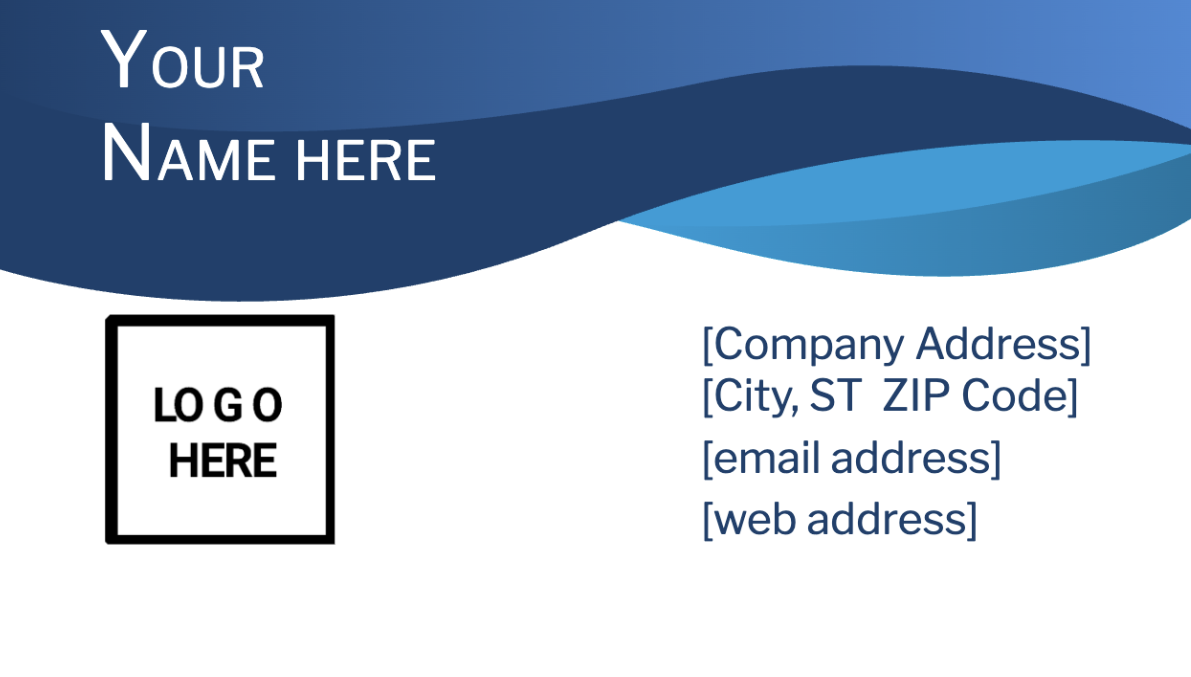
This is modern business card template provided by Microsoft.
The blue curve design of this business card template is sophisticated, also anyone can use it regardless of industry. If you want to use other design templates, you can access to them from below link.
(2) Simple business card template by SpreadSheet123
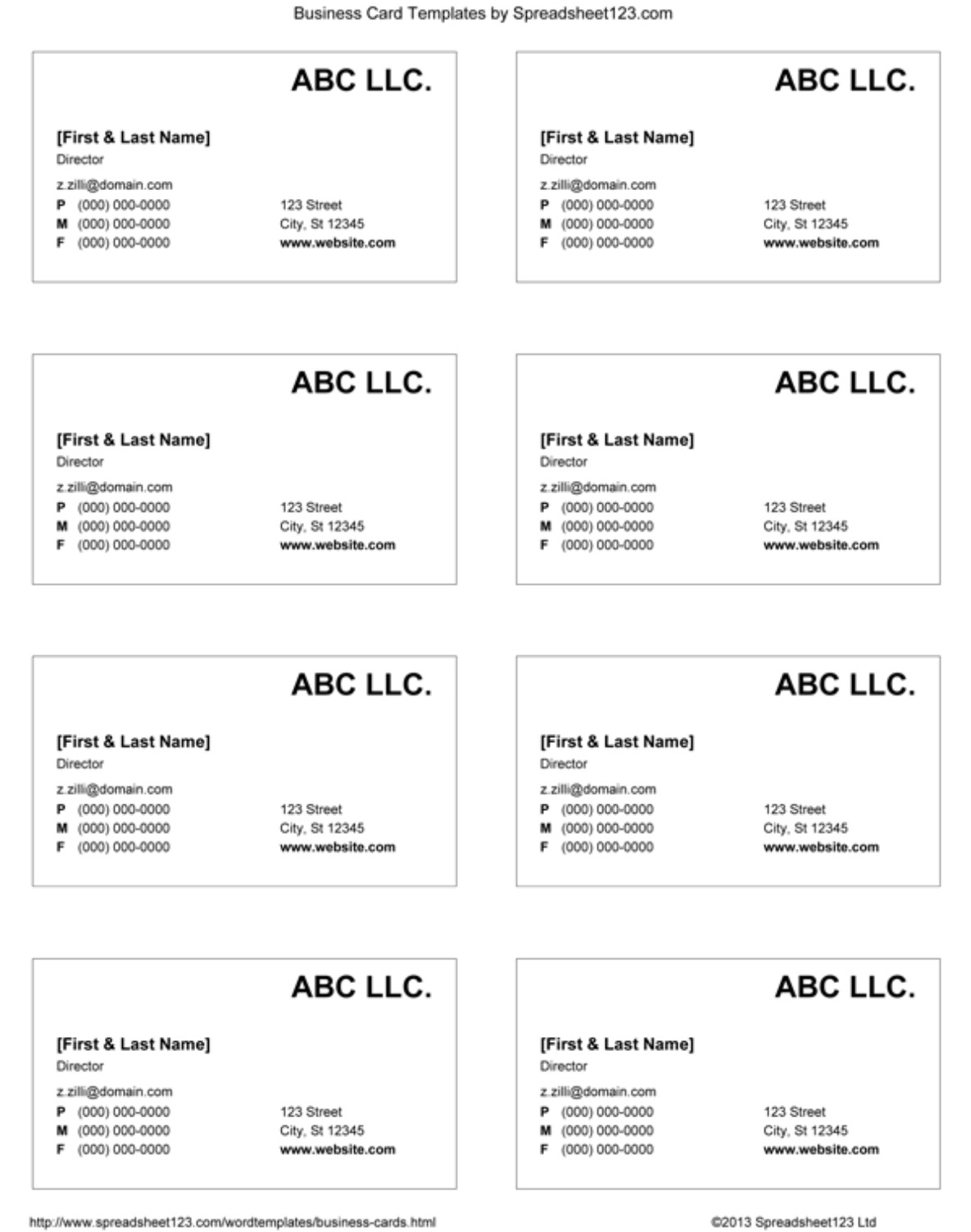
This is a simple business card templates provided by SpreadSheet123.
Simple design with all the necessary items in business card helps the person in charge of burden. It is recommended for the company which is not adhere the design of business card.
(3) Business card template by Vertex42
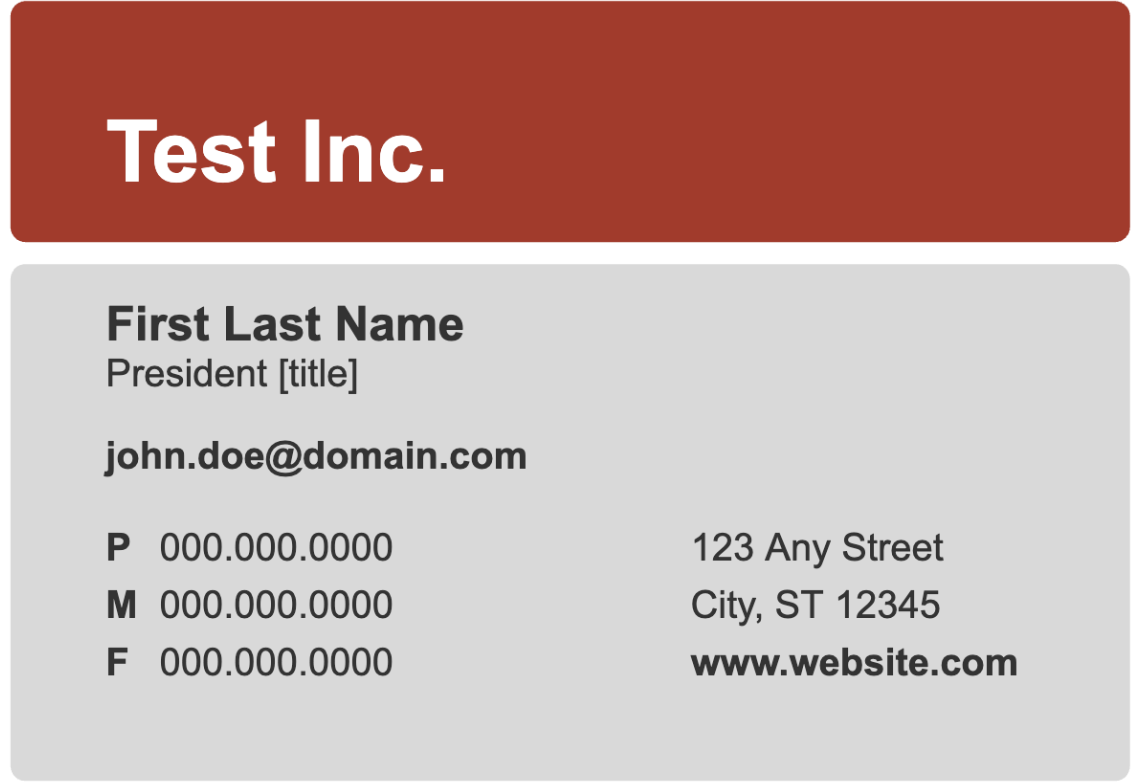
This is a business card template that allows you to create.
The design is simple yet powerful, but be careful not to go wrong with the color scheme combination.
5 platforms for creating business card freely
This section introduces 5 best platforms to create business card which is high quality. Many users use this service because it allows them to create well-designed business cards rather than using Excel or Word templates.
(1) Template.net
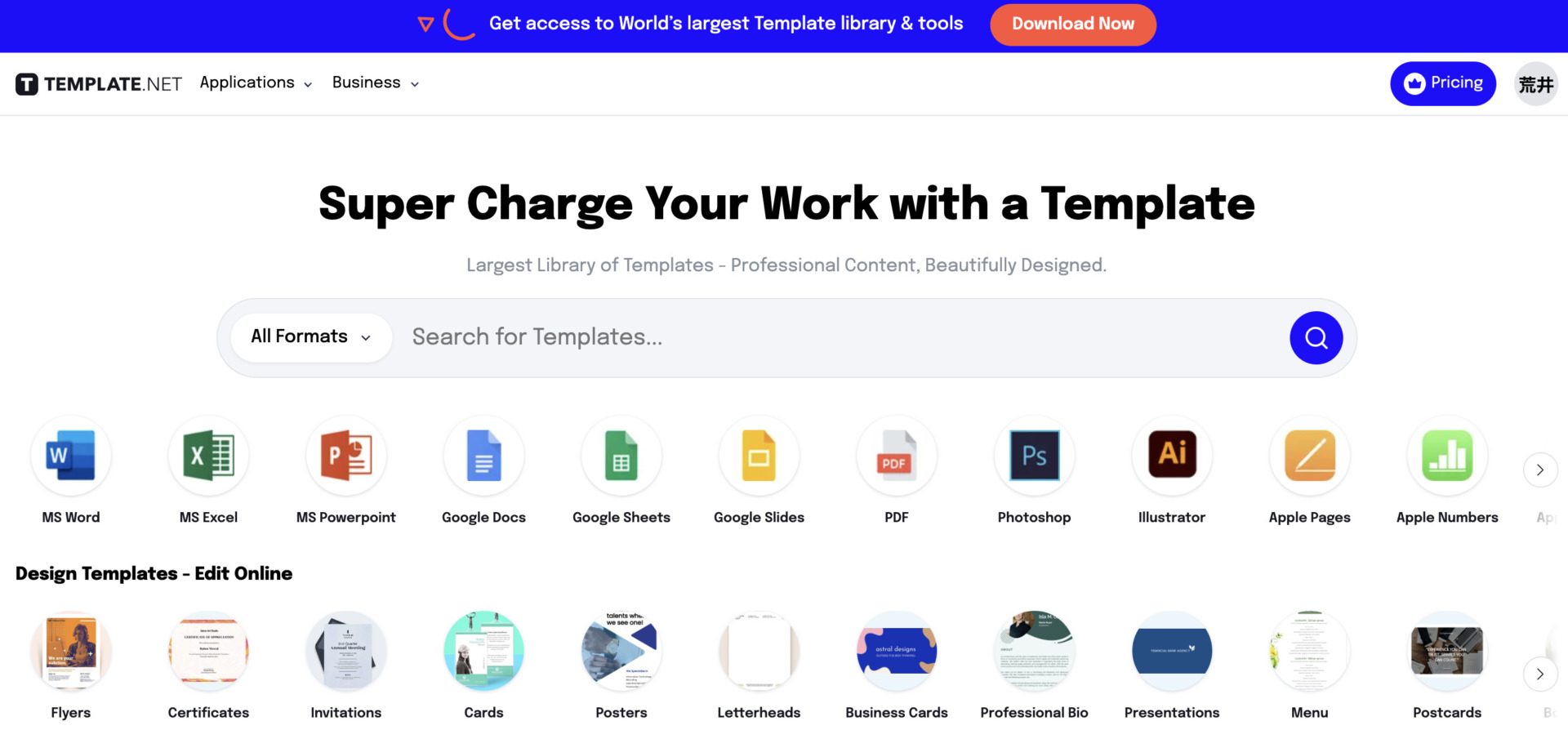
Template.net is the platform which you can create easy-to-see template and use various existed templates.
It is the feature that Template.net has not only existed templates, but also AI editor which can increase productivity. Pricing is $12 per month (Billed annualy)
(2) Venngage

Venngage is the platform allows you to create documents with professional visuals for the person who is not familiar with design experience.
The pricing of Venngage is like below.
- Free: Free of charge (Functionsare limited)
- Premium: $10/user/month (for one person)
- Business: $24/user/month (up to 10 users)
- Enterprise: $499/month (from 11 to 100 users)
(3) Canva
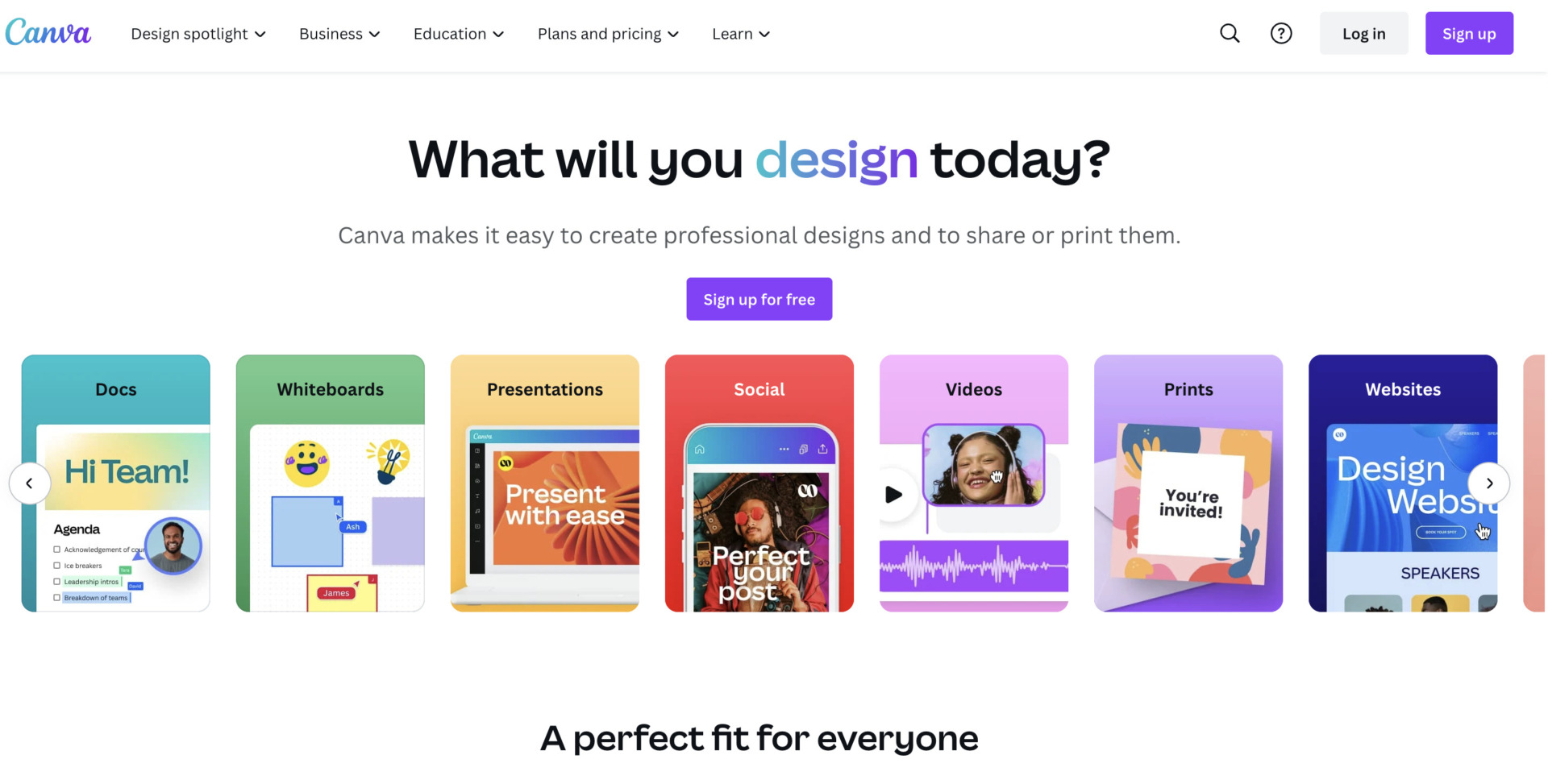
Canva is the famous platform which is used all over the world, 130M+ MAUs, and 15B+ Designs created. Also, it gains many of reputation regarding intuitive usage.
Although you can use Canva for free basically, you should register paid plan of it to use more effectively. The pricing of Canva is below.
- Canva Free: Free of charge
- Canva Pro: $14.99/month (monthly payment)
- Canva for Teams: $29.99/month~ (for the first 5 people)
(4) Freepik
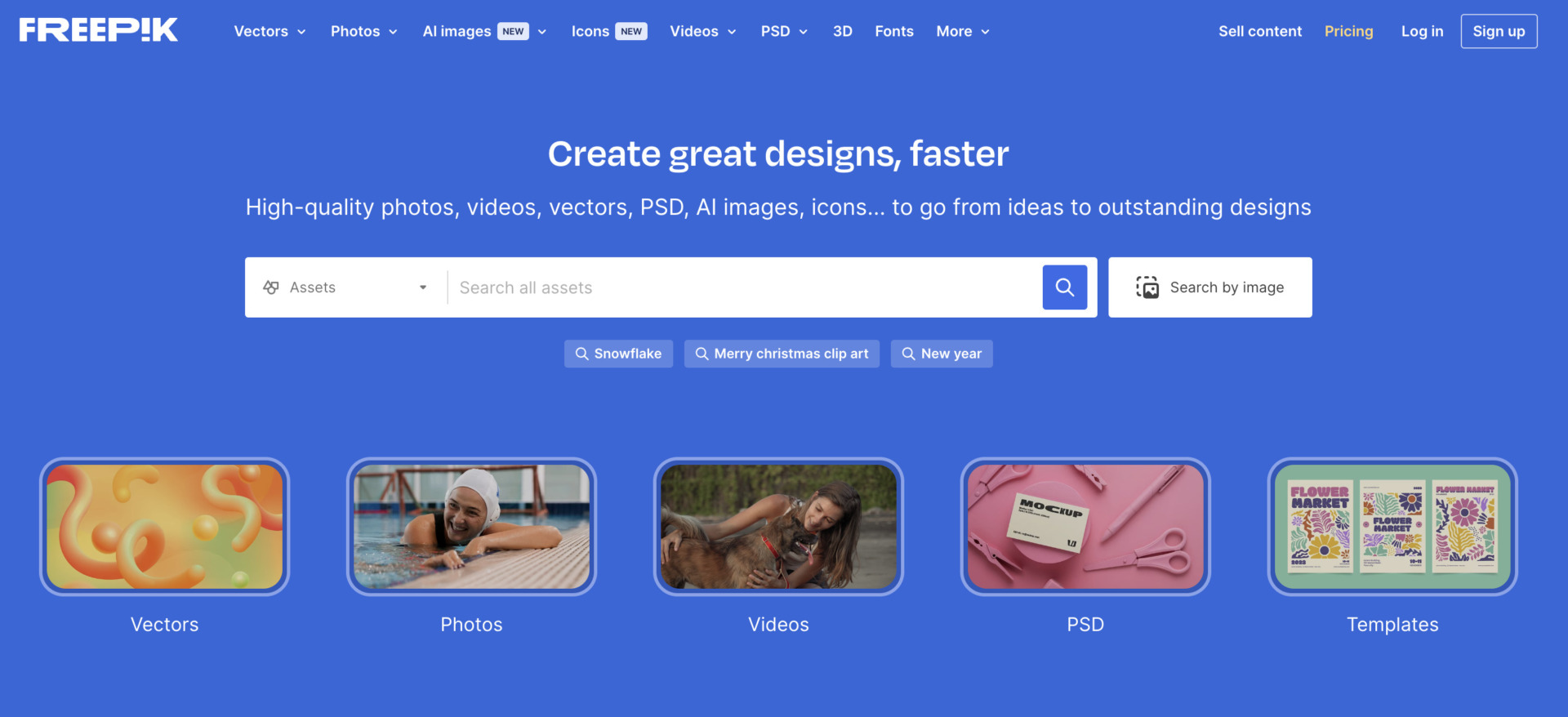
Freepik is the platform that can create various documents for business. Of course, you can create the business card with complex design.
Be careful if you use Freepik as free plan, the limitation of download is up to 10 days by day. The pricing is the below.
- Individual: $24/month (monthly payment)
- For Teams: You can customize the pricing according to user
(5) Wepik
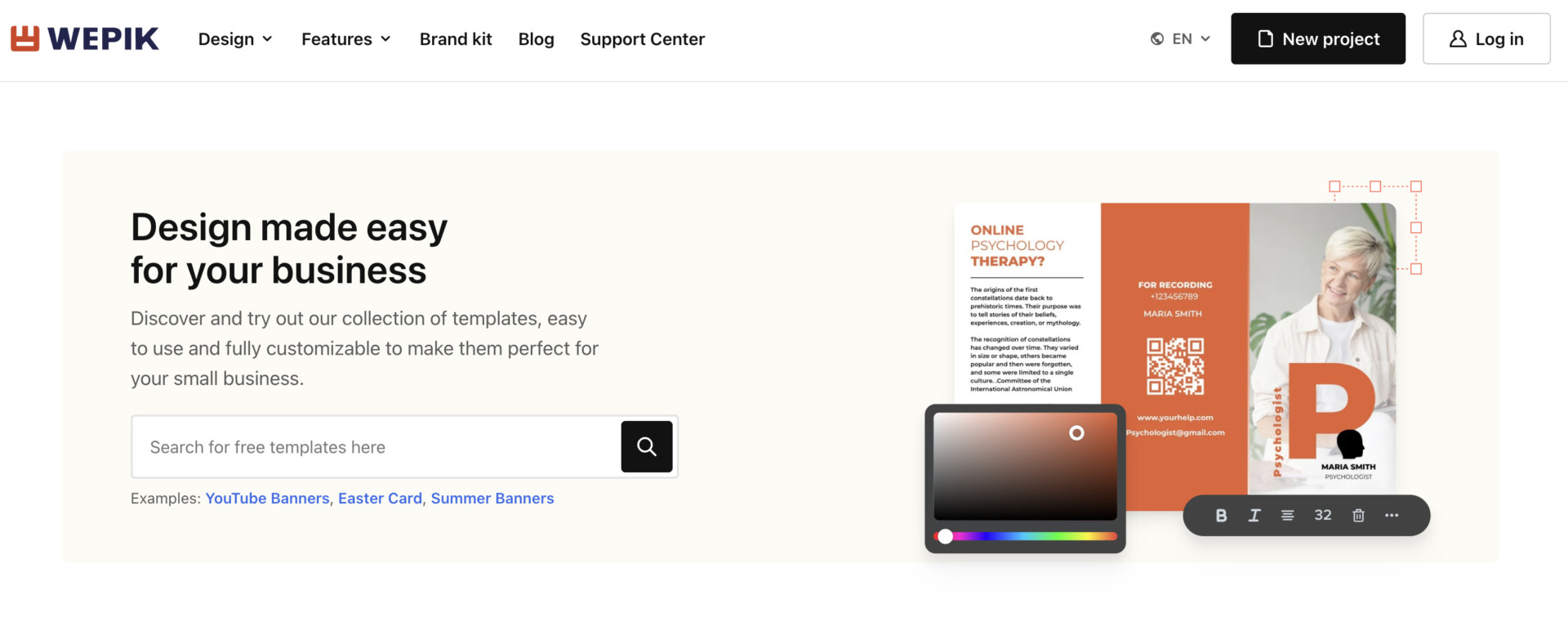
Wepik is the platform which has various templates operated by Freepik Company.
A wide variety of templates are available, from business templates to private templates. Also, it is the feature that there is various modern business card templates.
Two ways to manage business cards using Excel
First, we will introduce two ways to utilize Excel for business card management. While business card management with Excel or spreadsheets is implemented by many companies, the following methods can be practiced regardless of industry sector.
(1) Create your own Excel for business card management
The first method is to create your own Excel specifically for business card management. When creating a business card management table, the following 3 points should be noted.
- Make sure that there are not excesive or insufficient items in the table
- Streamlining data entry.
- Sharing settings
Information such as “company name” and “e-mail address” on the business card should be included without omission. However, to avoid increasing the burden of business card management and slowing down the processing speed of Excel, do not fill in too many items.
Excel is equipped with functions to streamline data entry. Use features such as “Forms” and “Data Entry Rules”, or extract prefecture information from addresses to save time when entering data into tables.
When utilizing Excel, settings should be changed in advance in anticipation of managing a team. It is important to set restrictions on cells to prevent accidental deletion of cells or corruption of formatting, and to set passwords for security measures.
If you create a business card management chart while paying attention to the above 3 points, you will be able to manage business cards in a way that is appropriate for your company’s environment.
(2) Use a template
The second method is to download and utilize a business card management template for Excel.
There are various types of templates for business card management charts, ranging from simple to those with many items, allowing you to implement a template that fits your company’s environment. In addition, many templates can be used free of charge, making it possible to manage business cards at no cost.
However, if a downloaded template is difficult to use and you want to transfer it to another table, you will need to transfer the input data one by one. Therefore, when implementing a template, one must be aware of the high effort involved in migrating and editing data.
3 points to keep in mind when using Excel for business card management
Here we explain 3 points to keep in mind when using Excel for business card management. If the following points are not taken into account, you will be stuck with the operation, so it is necessary to take measures in advance.
(1) Operation becomes slow
If Excel is used for business card management, the processing speed of the relevant file will slow down.
If the number of business cards increases, entering a large amount of data into Excel will slow down the operation. This can lead to a slowdown in operation due to the burden caused by the time required to input and update new data.
Therefore, to prevent Excel from slowing down, it is necessary to prepare a PC with high specifications and to separate files by month to avoid overloading a single sheet with too much information.
(2) Risk of information leakage
Business card management using Excel also carries the risk of information leaks.
While Excel allows you to manage business cards on the go, it also creates the risk of having the management chart snooped on or hacked via free Wi-Fi. In addition, in recent years, software that analyzes set passwords is easily available, so personal information can be easily deciphered.
For this reason, many companies use “IT tool” to manage business cards, which can be accessed from outside the office and still safely view personal information.
In addition, sharing data with Excel is not easy.
Customer information handled by business card management should be kept up-to-date to avoid losing business opportunities. However, Excel does not notify other users when data is changed, so you need to contact your team every time you update data.
In addition, Excel must be filed when shared, increasing the number of times the data is shared and the number of files, so the trend today is to “solve the burden of managing business cards in Excel by using information sharing tools such as Stock.
The best tool to manage business cards in ways other than Excel
Below is the best IT tool to improve the efficiency of business card management.
Although Excel templates can be used to manage business card data electronically, they have the disadvantage that “the burden of data transfer and editing is large. Also, if the customer information associated with business cards is not managed together, there is a risk of double correspondence or omission of correspondence.
Therefore, “IT tool” is recommended for centralized management of information related to business cards. However, if the tool is multifunctional and complicated, employees will not be able to use it and it will not penetrate the field, so choose “a simple tool that has functions that are not excessive or insufficient for business card management”.
Therefore, the best tool for managing customer information including business cards is the information sharing tool Stock, which can be easily used by anyone.
Business cards and related information can be kept together in a “Note” in Stock, and can be shared with any employee in real time. In addition, “Task” and “Message” linked to the “Note” can be used to manage progress by customer and communicate on unmixed themes.
Stock| The tool can collectively manage all kinds of information

The simplest tool to stock information "Stock"
https://www.stock-app.info/en/
Stock is the simplest tool to stock information. Stock solves the problem, "there is no easy way to stock information within the company".
With Stock, anyone can easily store all kinds of information, including text information such as requirements, images, and files, using the Note feature.
In addition, by using the "Task" and "Message" functions, you can communicate with each topic described in the Note, so that information is not dispersed here and there and work can always be carried out in an organized manner.
<Why do we recommend Stock?>
- A tool for companies that are not familiar with ITYou don't need to have any IT expertise to get started.
- Simple and usable by anyoneStock is so simple that anyone can use it without any unnecessary features.
- Amazingly easy information storing and task managementIt is amazingly easy to store information such as shared information within a company, and intuitive task management is also possible.
<Stock's pricing>

- Free plan :Free
- Business plan :$5 / User / Month
- Enterprise plan :$10 / User / Month
*Minimum number of users: 5 users
Summary of business card templates and platforms
We have focused on how to manage business cards using Excel and 3 templates and 5 platforms.
To use Excel for business card management, you can either create your own management chart customized to fit your company’s operations or use a template. However, both cases involve the risk of information leaks and data falsification, as well as the burden of file sharing.
Therefore, the introduction of IT tools is appropriate for secure and efficient business card management. However, if the tool has many functions and is complicated to use, employees will not be able to master it and it will not take root in the workplace.
Therefore, to properly manage customer information including business cards, we choose “Stock”, which has “Note”, “Message”, and “Task” functions that can be easily used by anyone in non-IT companies and is ideal for centralized management of customer information.
Free registration takes only 1 minute, so using Stock to streamline your business card management and simplify and centralize your customer information.
