

In recent years, an increasing number of companies have introduced “suggestion box tools” to collect candid opinions and requests from employees. By setting up a suggestion box that allows employees to express their opinions anonymously, which is indispensable for creating a comfortable working environment.
However, since there are many different types of internal suggestion box tools, many people may be concerned that they do not know which tool to introduce in their company.
In this issue, we introduce 4 best internal suggestion box tools that can be used anonymously. And this article is for below people.
- “I want to introduce a suggestion box tool suitable for our company”.
- “I want to know which suggestion box tool is free of charge and easy to use”.
- “I want to create an environment in which the suggestion box can be utilized within the company.”
This article will help you find a suggestion box tool that is suitable for your company and how to create an environment in which the suggestion box can be utilized.
Contents
4 recommended internal suggestion box tools
Below we introduce 4 tools for internal reference boxes, and you should concern about the tool that is match for your company.
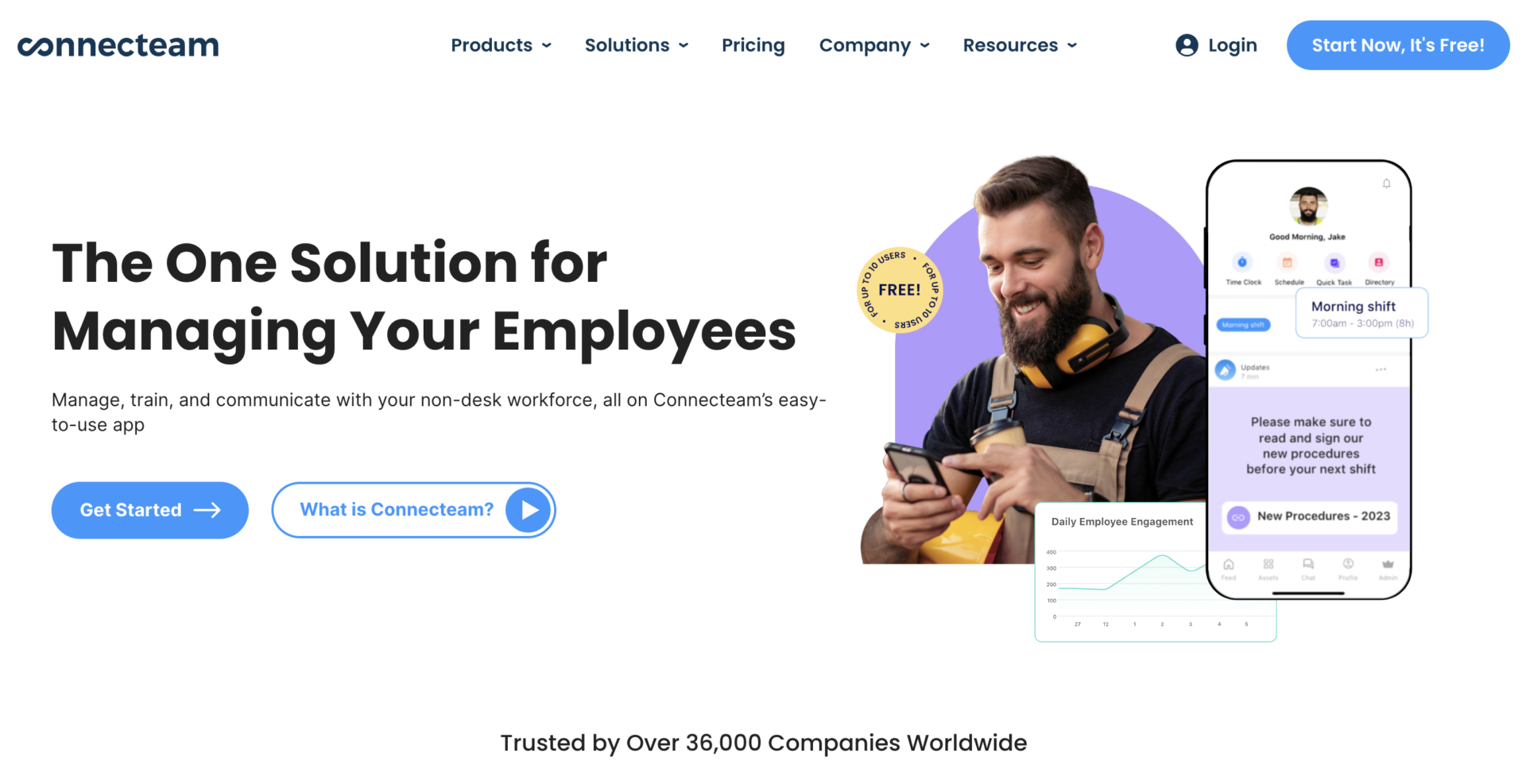
Connecteam|3 plans allow you to collect opinions easily
<Features of Conecteam>
- Making form of questionnaire promptly
- Choose plan from 3 types of Connecteam
As you can set items that “Title”, “Description”, and “Anonymous”, you can make form and share promptly by notification or e-mail.
You can choose one from 3 types of Connecteam plans that are “Operations(for suggestion box function)”, “Communications(for internal communication)”, “HR & Skills(for HR management).
<Note of Connecteam>
- Free plan provided only 14 days
Since the free trial of Connecteam is only 14 days, middle or major companies have to decide whether use it or not within a short period, because of free plan(The Small Business Plan) is up to 10 members.
<Price of Connecteam>
- The small business plan: Free of charge
- Basic: $29/user/month (For the first 30 users)
- Advanced: $49/user/month (For the first 30 users)
- Expert: $99/user/month (For the first 30 users)
IdeaGlow|You can collect voice from member internal and external

<Features of IdeaGlow>
- Setting of IdeaGlow is smooth
- Add-on of IdeaGlow allows you to collaborate with external members
It is simple for user to make digital suggestion box, there is no need to prepare specific setting.
If you use Idea Site of IdeaGlow add-on, you can collect opinions from your customers regarding product, the customers also can vote suggestion for product.
<Note of IdeaGlow>
- If using member of IdeaGlow is low, ROI will be lower too
If you want use IdeaGlow under 99 members, for example 10 members, ROI of installing it will be lower, because of the price do not vary depending on the number of people.(The price is below)
<Price of IdeaGlow>
- Standard Edition: $499/month (up to 100 users)
- Corporate Edition: &799/month (up to 250 users)
- Enterprise Edition: &1,799/month (up to 1,000 users)
Suggestion Ox|Collecting what the team member thinking

<Features of Suggestion Ox>
- A tool prevents exit of member
- Two-way communications
This suggestion box system allow member to send opinions easily for anonymous, therefore you can consider and execute countermeasure before exit.
Suggestion Ox is not only collecting opinions, but also two-way communication with the people that will have sent them.
<Note of Suggestion Ox>
- Support is only text message
Since Suggestion Ox does not have the team of salesperson, support will be only by e-mail.
<Price of Suggestion Ox>
- Bronze: $99/month (recommended up to 50 members)
- Silver: $299/month and up (recommended up to 100 members)
- Gold: You need inquiry (recommended up to 100+ members)
Google Forms|A tool released by Google
<Features of Google Forms>
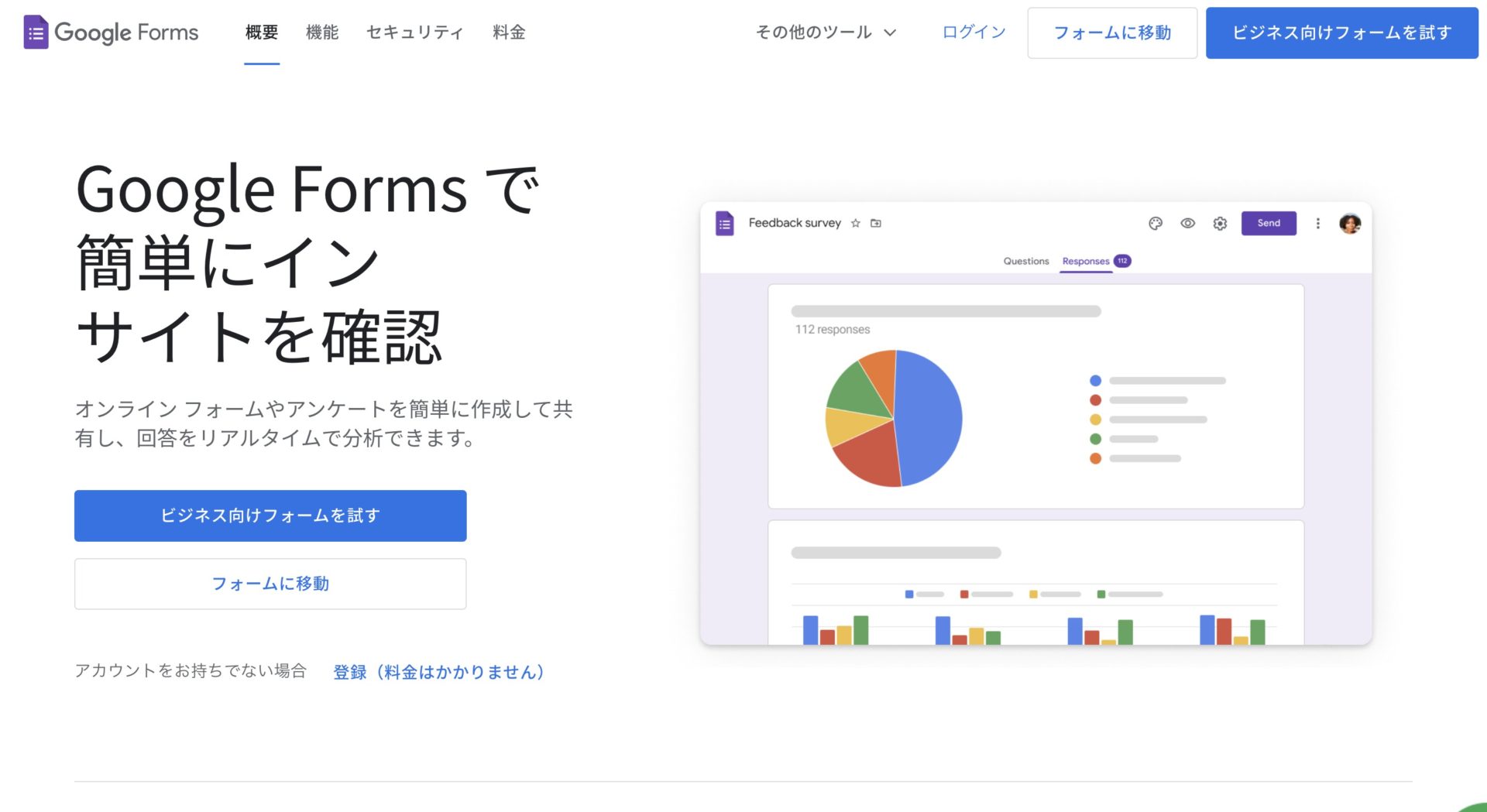
Google Forms is a survey tool that allows you to collect anonymous opinions from your employees.
- Solicit anonymous opinions
- Free to use
Google Forms can be set up to allow anonymous responses, so all employees can feel free to send in their opinions.
Google Forms is free to use, so there is little burden on you and you can easily start using the Suggestion Box.
<Note of Google Forms>
- Customizing form is limited
Although Google Forms is free to use, it is not compatible to change the design of form dramatically.
<Price of Google Forms>
The following are the fee plans for Google Workspace, which includes Google Forms and other apps.
- Business Starter: $6/user/month
- Business Standard: $12/user/month
- Business Plus: $18/user/month
- Enterprise: You need inquiry.
Points to keep in mind when using Google Forms
When using Google Forms to operate as a suggestion Box, make sure to manage the URL (link) in a place where it can be easily found.
For example, if you share the URL via email or chat, it will easily get buried with other messages, making it difficult to find the URL later. If employees cannot find the form, they will not be able to submit their opinions, thus defeating the purpose of “improving internal openness”.
Also, while surveys can be sent anonymously to a large number of employees, there is a risk of information leakage if the URL is not handled carefully.
Therefore, when using Google Forms to collect employee feedback, a secure information sharing tool is required to ensure that employees do not miss the URL of the shared survey.
2 disadvantages of the suggestion box tool
This section introduces 2 disadvantages of suggestion tool. The following points should be taken into account beforehand in order to avoid a situation in which the operation of the tool comes to a standstill after its introduction.
(1) Too many functions to use
Some tools that include a suggestion box have the disadvantage that they are difficult to master due to their multifunctionality.
In general, tools with suggestion box functions are “tools to be used for general business operations” to promote work efficiency throughout the company. In other words, since the majority of tools are equipped with functions other than suggestion box, they are accompanied by functions that are not used in the business.
Furthermore, a certain level of IT literacy is required to handle multifunctional tools. Therefore, employees who are not good with IT may not be able to use them, resulting in a situation where “opinions from the field cannot be collected properly”.
When introducing a suggestion box, choose a simple tool like Stock that can be used even by employees who do not have a high level of IT literacy, so that you can solicit opinions from all employees.
(2) High fees are burdensome.
There is a disadvantage of the high cost of using a guide box tool.
Tools with only a guide box function are not cost-effective, so tools with multiple functions tend to be introduced. However, tools with multiple functions also tend to be priced higher, which can be a significant burden for companies.
In order to ensure smooth implementation of a tool after its introduction, it is advisable to use a tool that can be operated within the expected cost of the company, after taking into consideration whether the functions provided are excess or insufficient, in addition to the suggestion box.
The best tools for managing Google Forms URLs
Below are recommended tools for managing Google Forms URLs.
Tools that have the functionality of a suggestion box can be burdensome because of their multifunctionality and high cost. Therefore, use “Google Forms that collect opinions for free” and “information sharing tools that do not bury survey URLs in emails/messages” together for low-cost and efficient operation.
However, “ease of use” is a prerequisite for information sharing tools. If you introduce a multifunctional tool, it may be difficult for employees who are not good at IT to use it, and the tool may not be used gradually because it does not penetrate the company.
In conclusion, the information sharing tool that should be used in conjunction with Google Forms is a tool Stock that manages to keep URLs that solicit employee feedback from being buried and can be quickly used by employees in a non-IT company.
All the information you want to keep in “Note” of Stock is accumulated and organized in intuitive “Folder”, so there is no chance of missing a URL in the suggestion box. In addition, “Message” are tied to the Notes, so they can be used to communicate with employees and to inform them about the each content of suggestion box.
Stock|A tool that even a member in non-IT company can use easily

The simplest tool to stock information "Stock"
https://www.stock-app.info/en/
Stock is the simplest tool to stock information. Stock solves the problem, "there is no easy way to stock information within the company".
With Stock, anyone can easily store all kinds of information, including text information such as requirements, images, and files, using the Note feature.
In addition, by using the "Task" and "Message" functions, you can communicate with each topic described in the Note, so that information is not dispersed here and there and work can always be carried out in an organized manner.
<Why do we recommend Stock?>
- A tool for companies that are not familiar with ITYou don't need to have any IT expertise to get started.
- Simple and usable by anyoneStock is so simple that anyone can use it without any unnecessary features.
- Amazingly easy information storing and task managementIt is amazingly easy to store information such as shared information within a company, and intuitive task management is also possible.
<Stock's pricing>

- Free plan :Free
- Business plan :$5 / User / Month
- Enterprise plan :$10 / User / Month
*Minimum number of users: 5 users
Summary of recommended internal suggestion box tools
We have introduced the internal suggestion box tools, their disadvantages, and alternative way to manage opinion from employees.
Many suggestion box tools are multifunctional, which can be divided employees into those who give their opinions and those who do not, depending on whether they are IT literate or not. In addition, since the cost is proportional to the functionality, the installation of a suggestion box itself can become a major burden on the company.
Therefore, after issuing a URL that serves as a suggestion box and collecting opinions from members, such as Google Forms, it is best to manage it with an information sharing tool that prevents important information from flowing out. Especially when soliciting opinions from a large number of employees, as in the case of a suggestion box, it is essential to have an environment in which comments can be easily written at any time.
For example, if you use “Stock,” a simple tool that can manage all kinds of information to keep it flowing and has no shortage of necessary functions, you can expand it horizontally not only to the suggestion box but also to all other operations.
It only takes 1 minute to register for free, using Stock to manage your suggestion box and create a well-organized internal environment.
