

Task management is an effective way to prevent work from being forgotten. In addition, many companies today use apps for task management to reduce their workload.
Since there are many different types of task management and to-do list applications, many people may be “unsure which app is right for their company.
In this issue, we will introduce 10 best task management and to-do list apps, so this article ids for below people.
- I want to reduce the burden of task management with an app.
- I want to select from a selection of carefully selected task management apps right away because I don’t have time to select.
- I want to know app that our non-IT team member can manage your tasks easily.
This article will help you find the best task management and to-do list app for your company and make your project run smoothly.
Contents
- 1 10 best task management and to-do list apps for free
- 1.1 [Stock] An app that allows anyone to easily manage tasks.
- 1.2 [Asana] Task management app with rich features.
- 1.3 [Evernote] An app that allows you to keep a variety of information
- 1.4 [Google Keep] Intuitive note-taking app for personal use
- 1.5 [Google Tasks] An application that can also be used with iPhone
- 1.6 [TickTick] Task management with calenders
- 1.7 [Microsoft To Do] An application that integrates with Outlook Tasks
- 1.8 [Notion] An application that manages tasks in a database
- 1.9 [Todoist] List-based task management application
- 1.10 [Trello] An application to manage tasks like posting sticky notes
- 2 Comparison chart of free task management and to-do list apps
- 3 How to choose a task management and to-do list app for your business.
- 4 3 merits of introducing a task management and to-do list app
- 5 Summary of 10 best task management and to-do list apps
10 best task management and to-do list apps for free
Below are 10 recommended task management and to-do list apps for free.
When selecting a task management and to-do list app, the most important thing to consider is “can anyone use it easily”. If you introduce an application that is multifunctional and complicated, members who are not digitally savvy will not be able to use it and it will not spread within the company.
In addition, a multifunctional application will not only take time to teach how to use, but may also cause members to find it difficult to use and return to analog task management.
As we mentioned above, your company should select Stock, which has excessive or insufficient with functions for task management and can be used intuitively even by non-IT company members.
“Note” of Stock makes it easy to leave all kinds of information, and since “Task” are tied to Note, it is hassle-free to create and share tasks. In addition, “Message” associated with note allow you to keep in touch with tasks without getting into a mess of topics.
[Stock] An app that allows anyone to easily manage tasks.

The simplest tool to stock information "Stock"
https://www.stock-app.info/en/
Stock is the simplest tool to stock information. Stock solves the problem, "there is no easy way to stock information within the company".
With Stock, anyone can easily store all kinds of information, including text information such as requirements, images, and files, using the Note feature.
In addition, by using the "Task" and "Message" functions, you can communicate with each topic described in the Note, so that information is not dispersed here and there and work can always be carried out in an organized manner.
<Why do we recommend Stock?>
- A tool for companies that are not familiar with ITYou don't need to have any IT expertise to get started.
- Simple and usable by anyoneStock is so simple that anyone can use it without any unnecessary features.
- Amazingly easy information storing and task managementIt is amazingly easy to store information such as shared information within a company, and intuitive task management is also possible.
<Stock's pricing>

- Free plan :Free
- Business plan :$5 / User / Month
- Enterprise plan :$10 / User / Month
*Minimum number of users: 5 users
[Asana] Task management app with rich features.
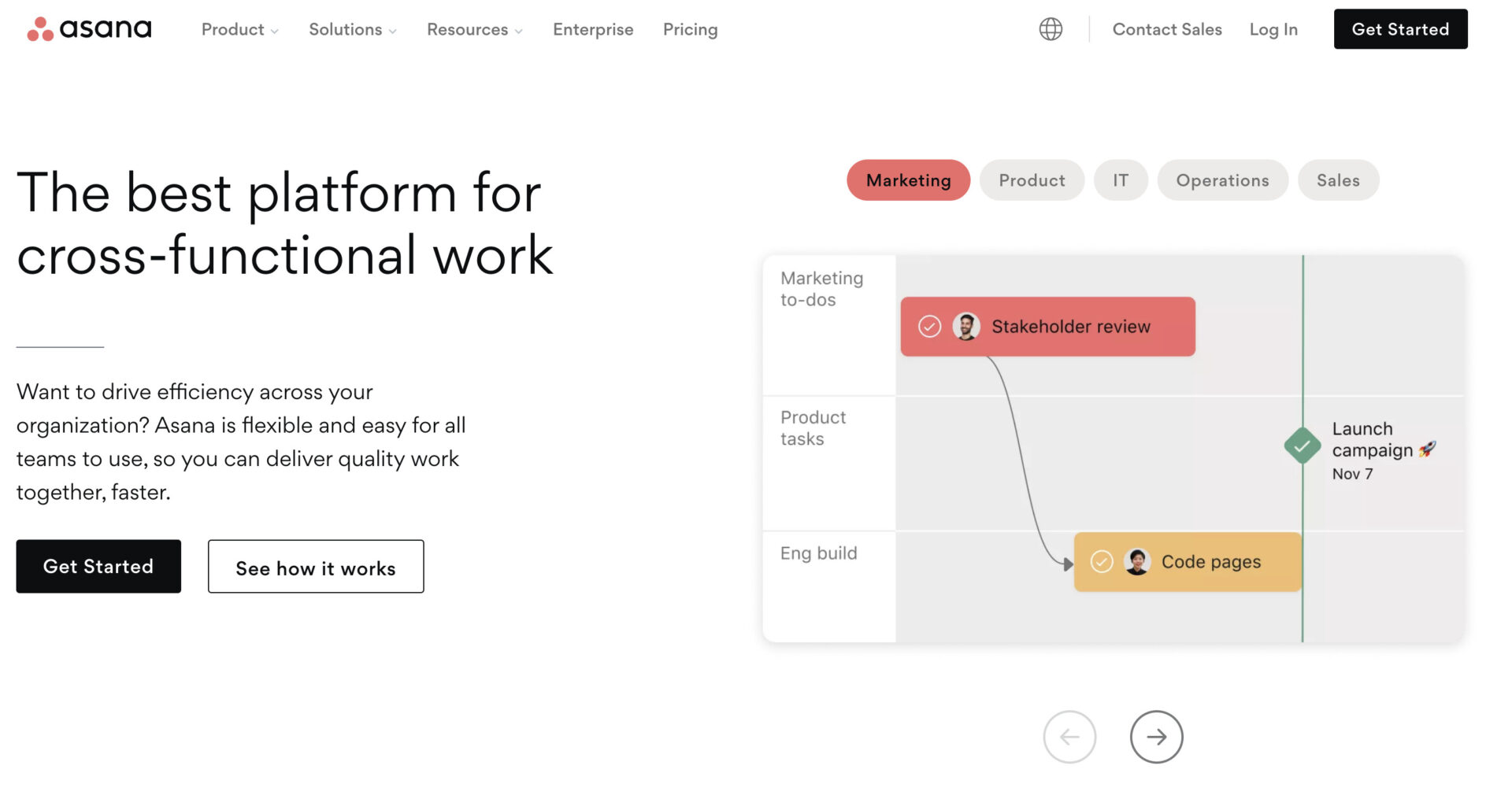
<Features of Asana>
- A wide variety of functions
- Manage Tasks with Input Forms
Asana is equipped with a variety of functions, and tasks can be managed not only in lists, but also in board and timeline formats.
Asana uses a form with fixed input items to request tasks.
<Notes of Asana>
- Difficult to master
- Costly to operate
Asana is a multifunctional task management application, but it is difficult to use for members who are not good with IT, so it may not take root in your company.
Paid plans are suitable for business use of Asana, but monthly payment will cost from $13.49/month per user.
<Price of Asana>
- Basic: Free of charge
- Premium: $13.49/user/month (monthly payment)
- Business: $30.49/user/month (monthly payment)
- Enterprise: You need inquiry.
[Evernote] An app that allows you to keep a variety of information
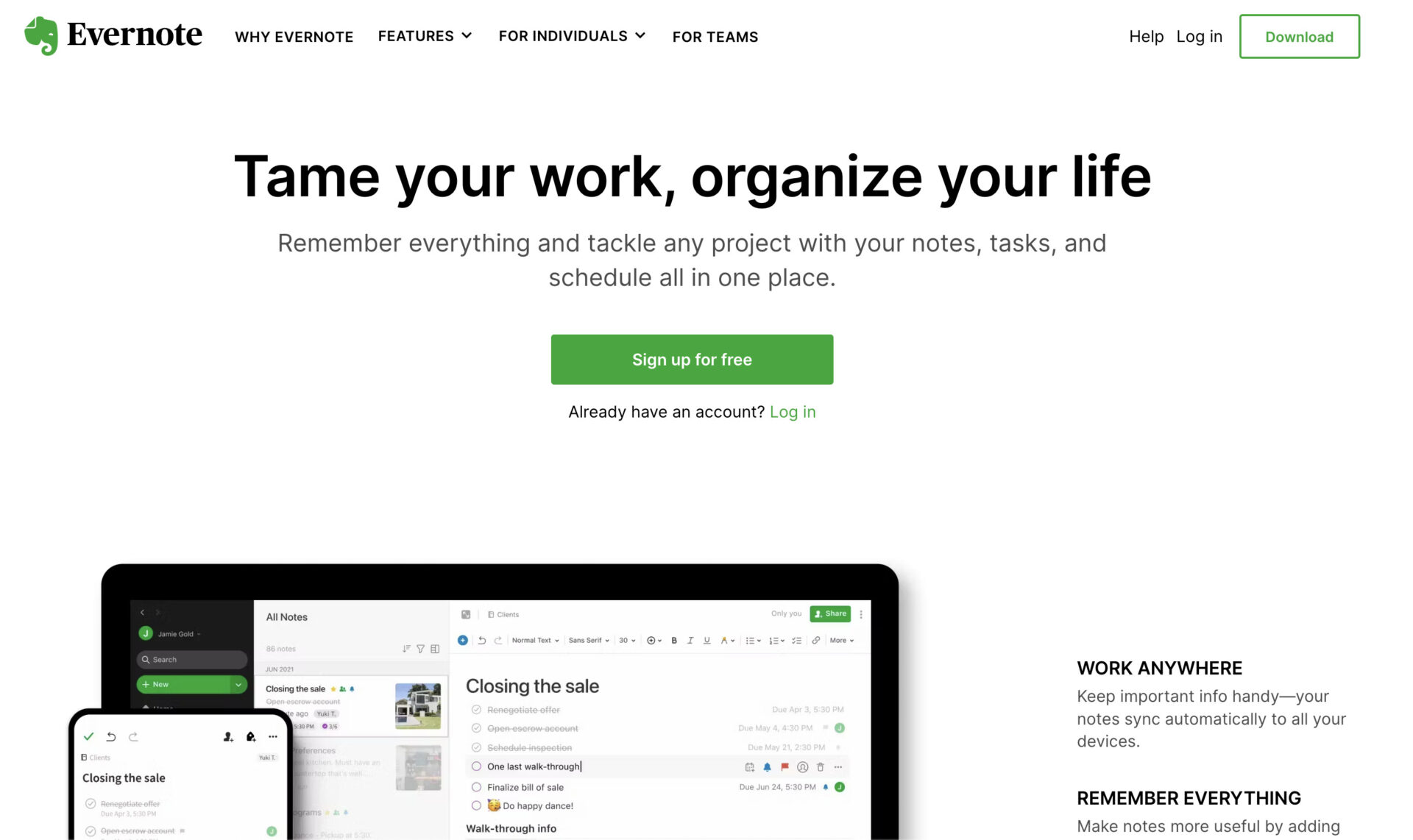
<Features of Evernote>
- Manage tasks in notebooks
- Store a variety of information
You can manage tasks using checkboxes and reminders in the “Notebook” where you can leave information.
Evernote can store not only text, but also images, files, websites, and various other information.
<Notes of Evernote>
- Slow operation
- Difficult to master due to its many functions
Some users say that Evernote is slow to start up and operate by increasing file stored.
Although Evernote has a wealth of functions, it is difficult for members who are not familiar with digital technology to use it, so there is a possibility that it will not be widely used in the company.
<Price of Evernote>
- FREE: Free of charge
- PERSONAL (for individuals): $14.99/month (monthly payment)
- PROFESSIONAL (for individuals): $17.99/month (monthly payment)
- EVERNOTE TEAMS (for business teams):$14.99/user/month (monthly payment)
*Price increase for paid plans effective May 1, 2023.
[Google Keep] Intuitive note-taking app for personal use

<Features of Google Keep>
- Reminders can be specified by location.
- Manage in sticky note format
Google Keep can notify you when you approach a specified location using location information as well as date and time.
Notes with tasks are saved in sticky note format, so you can check the details without tapping them.
<Notes of Google Keep>
- It is difficult to organize notes.
- Personalized task management app
Since Google Keep does not have folders and the only way to categorize notes is by labels, you may have a hard time finding the note you need.
Google Keep cannot share multiple memos at once, so it may not be suitable for teams.
<Price of Google Keep>
- Google Keep is free for all features.
[Google Tasks] An application that can also be used with iPhone
<Features of Google Tasks>
- Manage tasks in detail
- Cooperation with Google services
By adding “subtasks” to tasks created in Google Tasks, you can manage more detailed tasks together.
You can convert Gmail emails into tasks by drag and drop, and display tasks with set dates and times in Google Calendar.
<Notes of Google Tasks>
- Inconvenient to keep track of tasks
- Management application for individuals
Google Tasks has “lists” to categorize tasks, but there is no way to list all tasks across the lists.
Google Tasks is not suitable for business use because it does not have a function to share tasks with a team.
<Price of Google Tasks>
- Free to use all features.
[TickTick] Task management with calenders
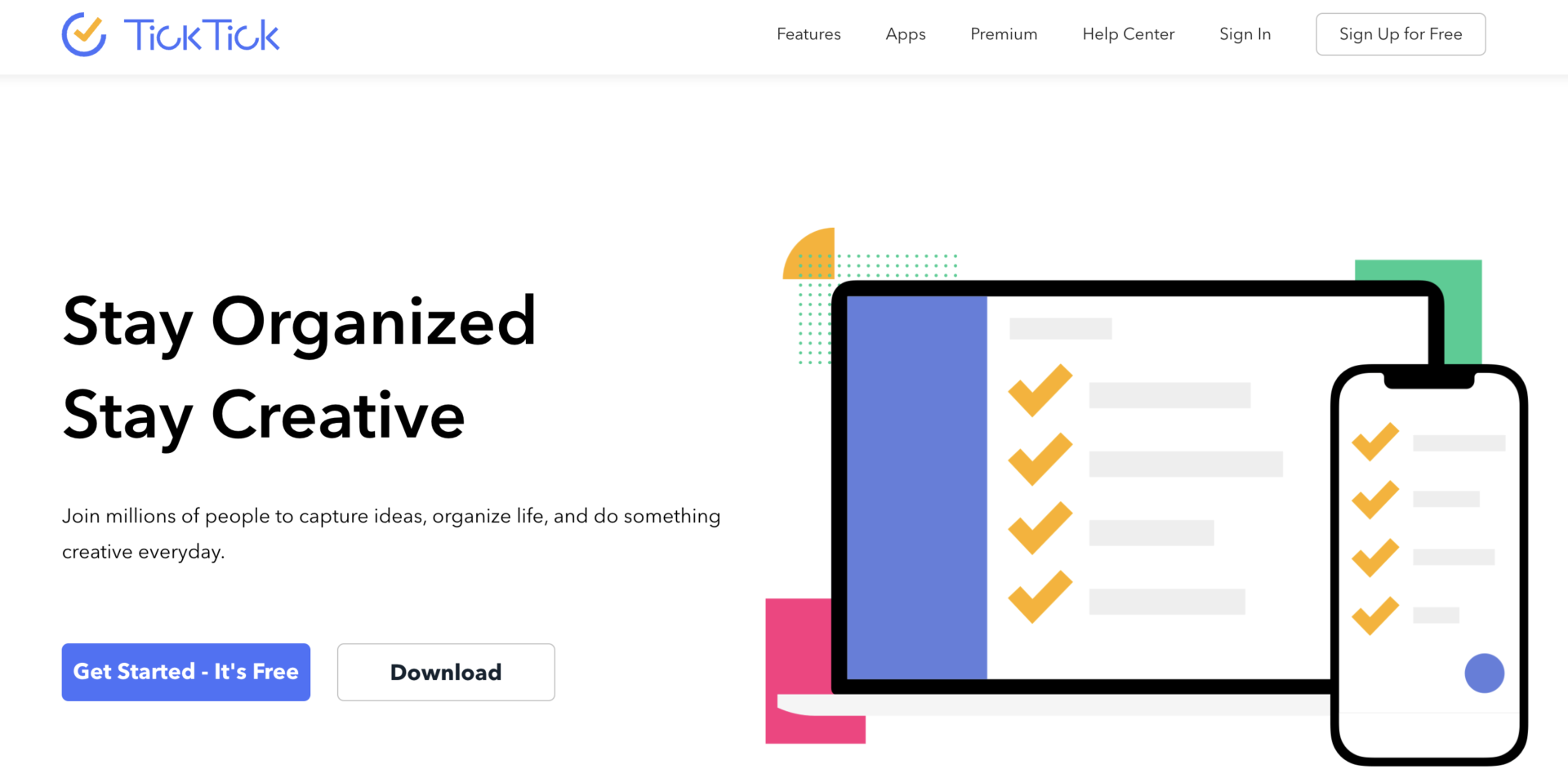
<Features of TickTick>
- TickTick has Pomodoro timer in paid plan
- Can manage tasks with third party calendar apps integrated
This function of TickTick allows you to make good cycle that 25 minute work and 5 minute rest to focus on task.
You can manage task and consolidate information such as task and calendar with third party apps.
<Notes of TickTick>
- free plan is limited about some functions
The functions such as calendar view is limited free plan.
<Price of TickTick>
- Free plan: Free of charge
- Premium plan: $27.99/user/year (paid annually)
- Gift card(to use other member): $27.99/user/year (paid annually)
[Microsoft To Do] An application that integrates with Outlook Tasks
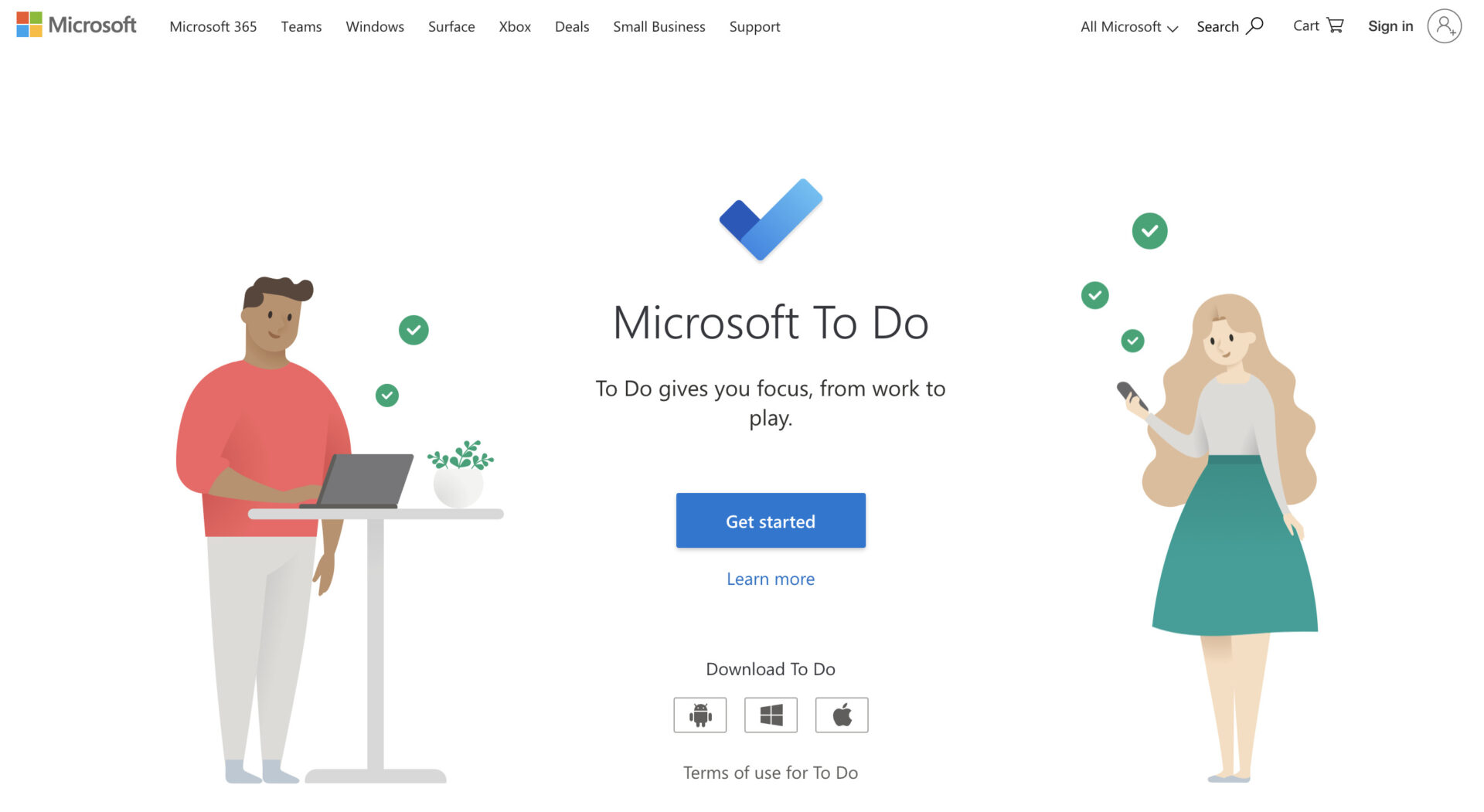
<Features of Microsoft To Do>
- “Today’s Tasks” feature
- Share task lists with your team
Tasks due on the same day are automatically listed in “Today’s Tasks”.
In addition to managing individual tasks, you can also manage team tasks by sharing lists.
<Notes of Microsoft To Do>
- You need to set up notifications
- It is not intuitive.
You will not be notified just by creating a task, so you need to set it up from the task details.
There are no intuitive functions such as “highlight in red when a task is due,” so it may be difficult to use for non-IT members.
<Price of Microsoft To Do>
- Microsoft To-Do is available for free with a Microsoft account.
[Notion] An application that manages tasks in a database
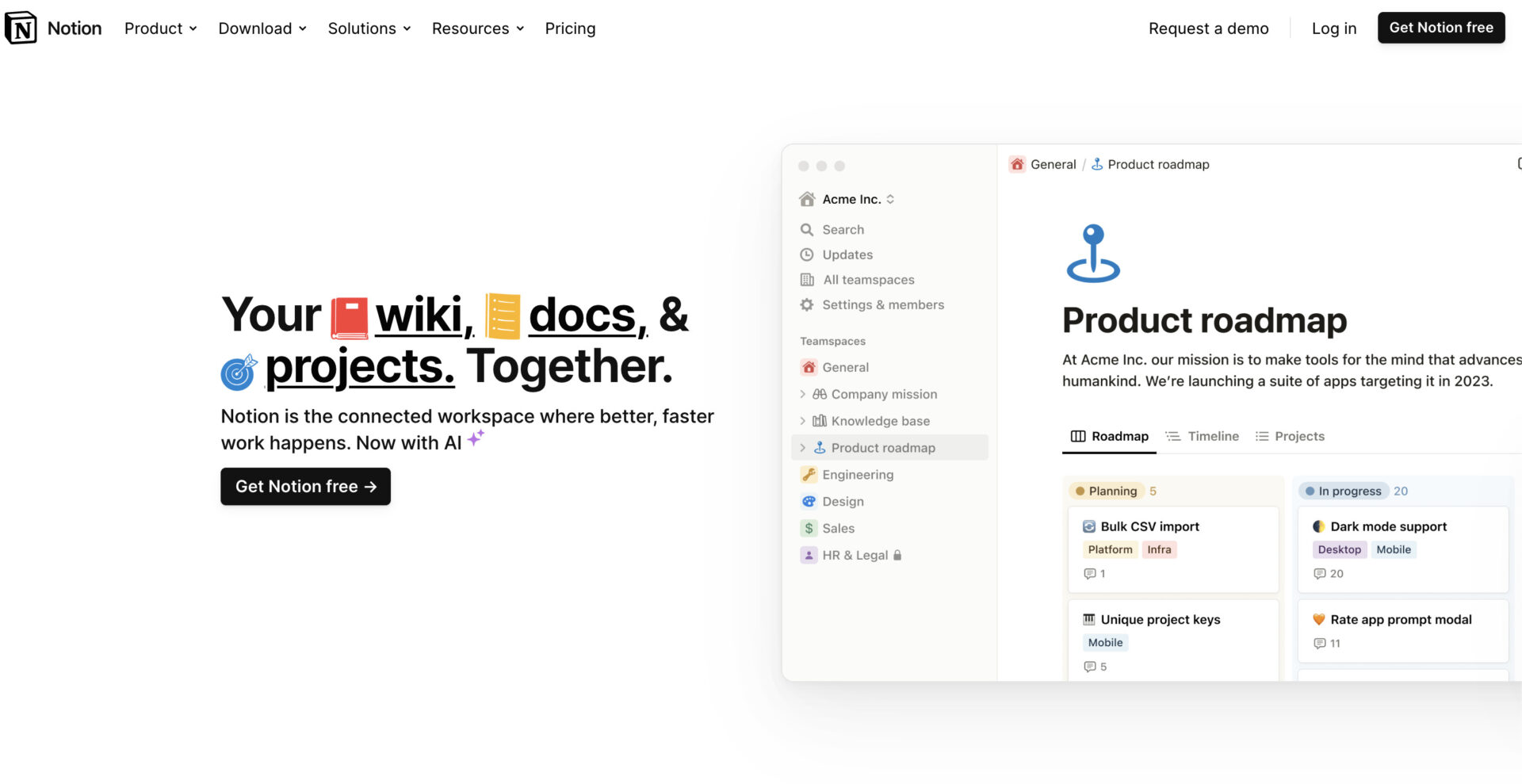
<Features of Notion>
- Task management with a database
- Different access privileges
Combines basic database functions with a variety of functions to create a task management system that fits your company’s needs.
Notion has 5 levels of access privileges, so you can use different privileges depending on the information you want to share and the people you want to share it with.
<Notes of Notion>
- Multifunction of Notion makes it difficult to master.
- The free plan is not suitable for team use.
Although Notion has a wealth of features, it can be difficult for members who are not digitally savvy and may not take root within the company.
The free Notion plan is limited in its ability to allow teams to collaborate on editing, so a paid plan is better suited for team use.
<Price of Notion>
- Free: Free
- Plus: $10/month (monthly payment)
- Business: $18/user/month (monthly payment)
- Enterprise: You need inquiry.
[Todoist] List-based task management application

<Features of Todoist>
- Manage tasks in a list format
- Can be linked to external apps
Tasks can be managed in a list format that lists tasks.
You can link with various external apps such as Chrome, Evernote, Outlook, etc.
<Notes of Todoist>
- Cannot manage related information
- Operation of the free plan is difficult
The amount of information that can be managed in Todoist is limited, and it is not possible to manage related information and documents together with tasks.
With free plan of Todoist, the reminder function necessary for task management is not available, so there is a risk that many tasks will be forgotten.
<Price of Todoist>
- Beginner plan(for individual): Free of charge
- Pro plan(for individual): $4/month
- Starter plan(for team): Free of charge
- Business plan(for team): $6/month
[Trello] An application to manage tasks like posting sticky notes

<Features of Trello>
- Kanban style task management
- You can measure the efficiency of your work
Kanban style task management allows you to visualize the progress of your tasks.
Each task has a timer function, so you can measure your work efficiency based on the difference from your goal.
<Notes of Trello>
- Some functions cannot be used from a smartphone
Some Trello functions cannot be used from a smartphone, so checking in advance if you consider using a company smartphone.
<Price of Trello>
- FREE: $0
- STANDARD:$6USD/user/month (paid monthly)
- PREMIUM: $12.50USD/user/month (paid monthly)
- ENTERPRISE: $17.50USD~/user/month (paid annually)
Comparison chart of free task management and to-do list apps
Below is a comparison chart of free task management and to-do list apps. (You can scroll left and right.)
[Most Recommended] | Asana | Evernote | Google Keep | Google Tasks | |
|---|---|---|---|---|---|
| Features | Anyone can easily manage tasks with this app | An app that allows you to manage tasks with a wide variety of functions | An app that allows you to leave a variety of information | Intuitive note-taking app | An application that can be linked to the iPhone |
| Price | Free of charge Free of charge, but $5/user/month~ | Basic: Free of charge Premium: $13.49/user/month (monthly payment)< Business: $30.49/user/month (monthly payment) Enterprise: You need inquiry. | FREE: Free of charge PERSONAL (for individuals): $14.99/month (monthly payment) PROFESSIONAL (for individuals): $17.99/month (monthly payment) EVERNOTE TEAMS (for business teams):$14.99/user/month (monthly payment) | Free of charge | Free of charge |
| TickTick | Microsoft To Do | Notion | Todoist | Trello | |
|---|---|---|---|---|---|
| Features | Multifunctional app that calendars and pomodoro timer | Integrates with Outlook Tasks | App to manage tasks in a database | List-based Task Management App | Sticky Note Task Management App |
| Price | Free plan: Free of charge Premium plan: $27.99/user/year (paid annually) Gift card(to use other member): $27.99/user/year (paid annually) | Free: Free of charge | Free: Free of charge Plus: $10/month (monthly payment) Business: $18/user/month (monthly payment) Enterprise: You need inquiry. | Beginner plan(for individual): Free of charge Pro plan(for individual): $4/month Starter plan(for team): Free of charge Business plan(for team): $6/month | FREE: $0 STANDARD: $6USD/user/month (monthly payment) PREMIUM: $12.50USD/user/month (monthly payment) ENTERPRISE: $17.50USD~/user/month (annually payment) |
How to choose a task management and to-do list app for your business.
Here are 3 ways to choose a task management and to-do list app. The following points should be kept in mind to avoid “it’s not as easy to use as I thought it would be” after the application has been introduced.
(1) Is it easy to make a request?
First of all, what is important in choosing an app is that it is easy to request tasks.
An app that requires users to write tedious canned messages every time they request a task or to manage complicated inboxes will create burden for both the requester and the recipient. Also, if tasks cannot be requested smoothly, the progress of the project may be delayed.
To avoid negative impact of the project schedule, it is essential to have an app that makes it easy to request tasks.
(2) Can it be easily searched?
Next, it is also important to be able to easily search for tasks.
If the app is equipped with a keyword search function for tasks, or a function to filter tasks by deadline or person in charge, you will be able to reach the desired information quickly. Even if you have a large number of tasks, you do not have to worry about losing track of your own tasks.
In this way, an app that allows you to easily search for tasks is useful in “situations where you handle a lot of work and information”.
Finally, you should also make sure that you can easily share tasks.
Some task management apps require you to send a link for sharing via email or chat tools. With such apps, not only is sharing not smooth, but the cost of operating the tool is also unnecessary.
To operate task management smoothly, select an app that shares tasks with the team from the moment they are created and does not require troublesome settings.
For example, Stock, which allows tasks to be shared smoothly from the moment they are created, makes operation simple even for non-IT company members.
3 merits of introducing a task management and to-do list app
Below are 3 merits of using a task management and to-do list app. If you have been managing tasks in an analog way, this is a must-see.
(1) You can organize your tasks
One of the merits of task management apps is that you can organize your tasks.
If you are managing tasks in e-mail or Excel, you have to click on the file every time you want to check the contents, which is a hassle. With an app, tasks can be rearranged and categorized instantly, so tasks are not disorganized and the requested information can be found instantly.
In other words, a virtuous cycle of “tasks are organized and work becomes more efficient” is created by using a task management app.
(2) No more missing tasks
By using a task management app, you can reduce the omission of tasks.
With handwritten notes and Excel-based task management, you risk forgetting about tasks if you don’t write down deadlines. On the other hand, many apps have a function that notifies you when a deadline set for a task is approaching, so you don’t have to worry about forgetting in your work.
Even when you have a large number of tasks, you can avoid the trouble of omission.
Finally, another merit of the app is the ability to share tasks instantly.
In task management, you need to keep track of each member’s progress. By using a task management app, you can see the progress of your team in real time, allowing you to quickly identify and address issues.
Also, since the app can be used regardless of time and location, there is no time lag in updating and sharing tasks even when you are out of the office.
Summary of 10 best task management and to-do list apps
So far, we have focused on 10 best task management and to-do list apps and their selection points.
When selecting a task management and to-do list app, make sure that it has not only a task management function, but also nothing excessive and insufficient number of message and information sharing functions. If the above functions are available, it will be easier to prevent dispersion of information and omission of tasks.
However, if the application is complicated to use, there is a risk that members will not be able to use it properly, so you must choose “an app that anyone can use to manage tasks intuitively”.
In conclusion, the task management app that should be introduced in your company is “Stock,” which has functions of “Task,” “Message,” and “Information sharing” without excess or insufficient, and can be used immediately even by non-IT company members.
Free registration takes only 1 minute, so be sure to use the Stock and create an environment for easy and reliable task management.
